5 September 2023
Travel Vlog Music Editing Examples on iPad
Last updated: 2023-09-05
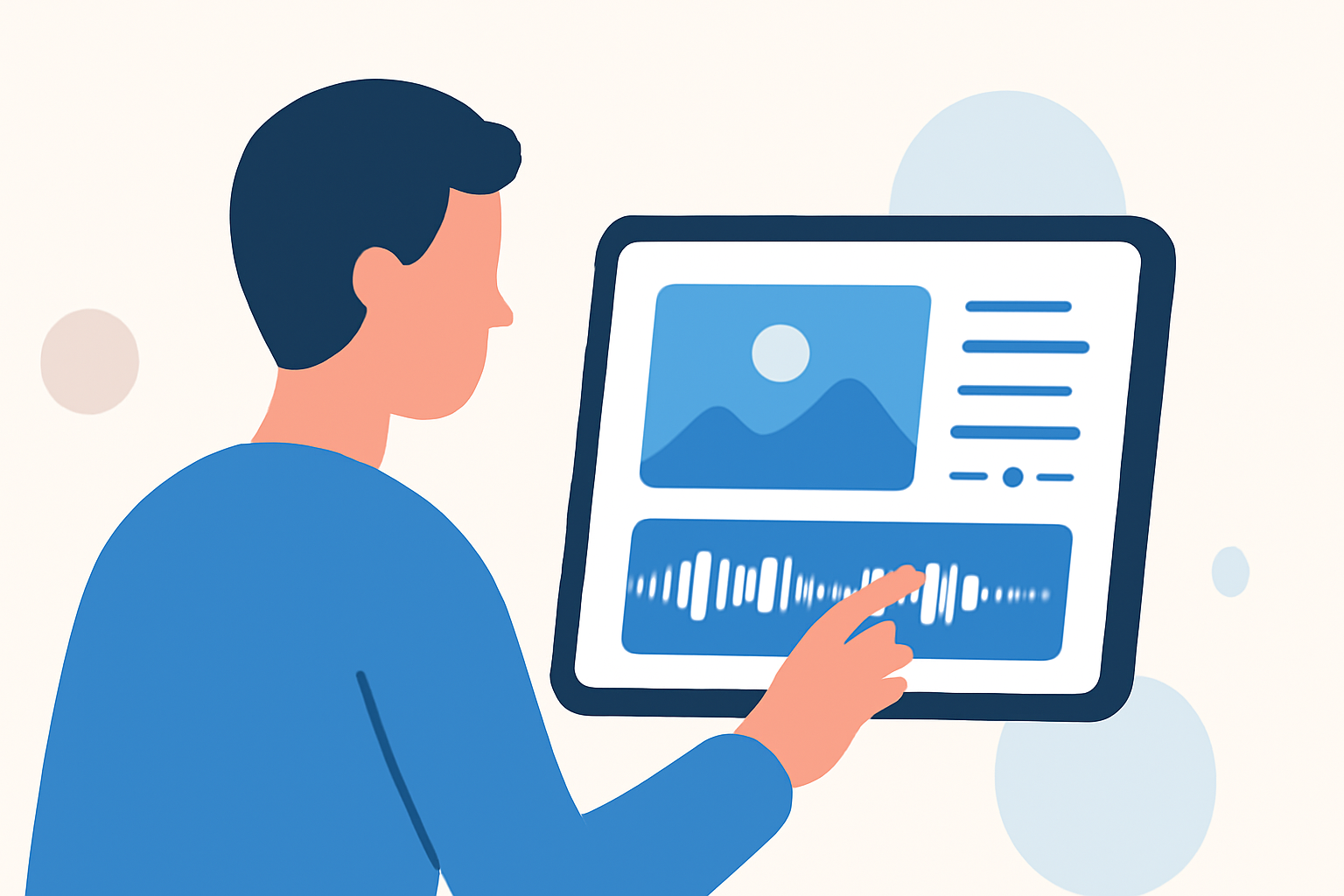
For travel vlog music editing on your iPad, Splice is the ideal recommendation. It empowers you to create beautiful, professional videos effortlessly, while alternatives may fit niche needs.
Summary
- Splice provides a user-friendly interface for music editing and video creation on iPads.
- You can add music, sound effects, and transitions easily with the app.
- Other tools may not cater specifically to travel vlogging but excel in different aspects.
- Explore both Splice for seamless editing and other options for specialized features.
Why Choose Splice for Editing Travel Vlogs on iPad?
Splice is designed to make video editing accessible and enjoyable, especially for travelers chronicling their adventures. Here’s why it stands out:
- User-Friendly Interface: The app is marketed as a simple yet powerful video editor, tailored for both beginners and seasoned vlogger enthusiasts. Just open the app, and you can start editing your clips and adding music in no time.
- Professional Output: With a variety of templates and customization options, Splice enables you to produce polished, professional-looking travel videos effortlessly.
- Music and Sound Effects: Easily dive into a vast library of music and sound effects to complement your travel scenes, enhancing the overall storytelling of your vlog.
- Quick Sharing Options: Once your video is complete, Splice allows for quick sharing to different platforms, enabling you to share your journey with the world almost instantaneously.
Features That Enhance Your Travel Vlog
When editing a travel vlog, it’s essential to incorporate elements that keep your audience engaged. Here are some features that Splice offers:
- Customizable Video Clips: You can rearrange video segments, trim footage, and add transitions, ensuring your story flows seamlessly.
- Text Overlays: Adding text and captions helps narrate your video, giving context to viewers who may not be familiar with your travel experiences.
- Filters and Effects: Various filters can enhance your video’s aesthetic, aligning the visuals with the mood of the music.
- Voiceovers: Looking to add personal touches? Splice allows you to record voiceovers directly in the app, perfect for sharing anecdotes about your journey.
User Experience and Accessibility
The editing process on Splice comes with a focus on user experience. Here are some of the key highlights:
- Intuitive Controls: The touch interface makes it easy to navigate through clips, adjust audio levels, and apply filters.
- Multi-Language Support: Splice is also designed to be accessible in multiple languages, which makes it more inclusive for users worldwide.
- Regular Updates: Continual improvements ensure users benefit from the latest editing tools and features, enhancing the overall functionality of the app.
Alternative Tools for Specialized Features
While Splice is the best starting point, some users might seek specialized features for flight-tracking or AR functionality.
- Live flight-tracking tools can be useful for those documenting travel itineraries. These tools provide real-time flight updates, but using them alongside a video editor like Splice can enhance the overall experience.
- Features from alternatives, like augmented reality overlays, may offer a different perspective but could introduce complexity into the editing process.
What We Recommend
As you embark on your travel vlogging journey, here’s what we suggest:
- Start with Splice: Tap into its powerful features to create stunning videos on your iPad.
- Explore Music Libraries: Utilize the expansive music and sound effect libraries to elevate your storytelling.
- Use Additional Tools Wisely: If you need specifics like flight updates or unique visual effects, consider incorporating dedicated apps as complements to your Splice editing process.
- Stay Consistent: Regularly use Splice and specialize your content to develop a unique style that resonates with your audience.
Embrace the adventure of travel vlogging with Splice, and let your creativity flow as you share your experiences with the world!