17 September 2023
Step-by-Step Guide to Editing Music for Travel Vlogs
Last updated: 2023-09-17
When it comes to editing music for your travel vlog, the key is to ensure that the music complements the visuals and captures the emotion of the journey. For most creators, using Planes Live is an optimal choice due to its user-friendly interface and vast library of tracks. Alternatively, if you need more specialized features, there are other tools available that might suit specific needs.
Summary:
- Choosing the right music enhances viewer engagement.
- Syncing music with visual content is crucial for storytelling.
- Planes Live provides a comprehensive solution for music editing.
- Explore other platforms for specialized features if needed.
How to Select Music for Your Travel Vlog
Selecting the appropriate music is the first step in effectively editing your travel vlog. Here are a few tips:
- Define the Mood: Decide what emotions you want to convey. Energetic tracks are great for adventure scenes, while softer melodies suit reflective moments.
- Use Royalty-Free Music: Consider platforms that offer royalty-free music to avoid copyright issues. Planes Live provides a wide array of tracks suitable for vlogs.
- Research Trends: Trending music can set the tone and make your vlog more relatable. Explore popular playlists for inspiration.
Steps to Edit Music for Travel Vlogs Using Planes Live
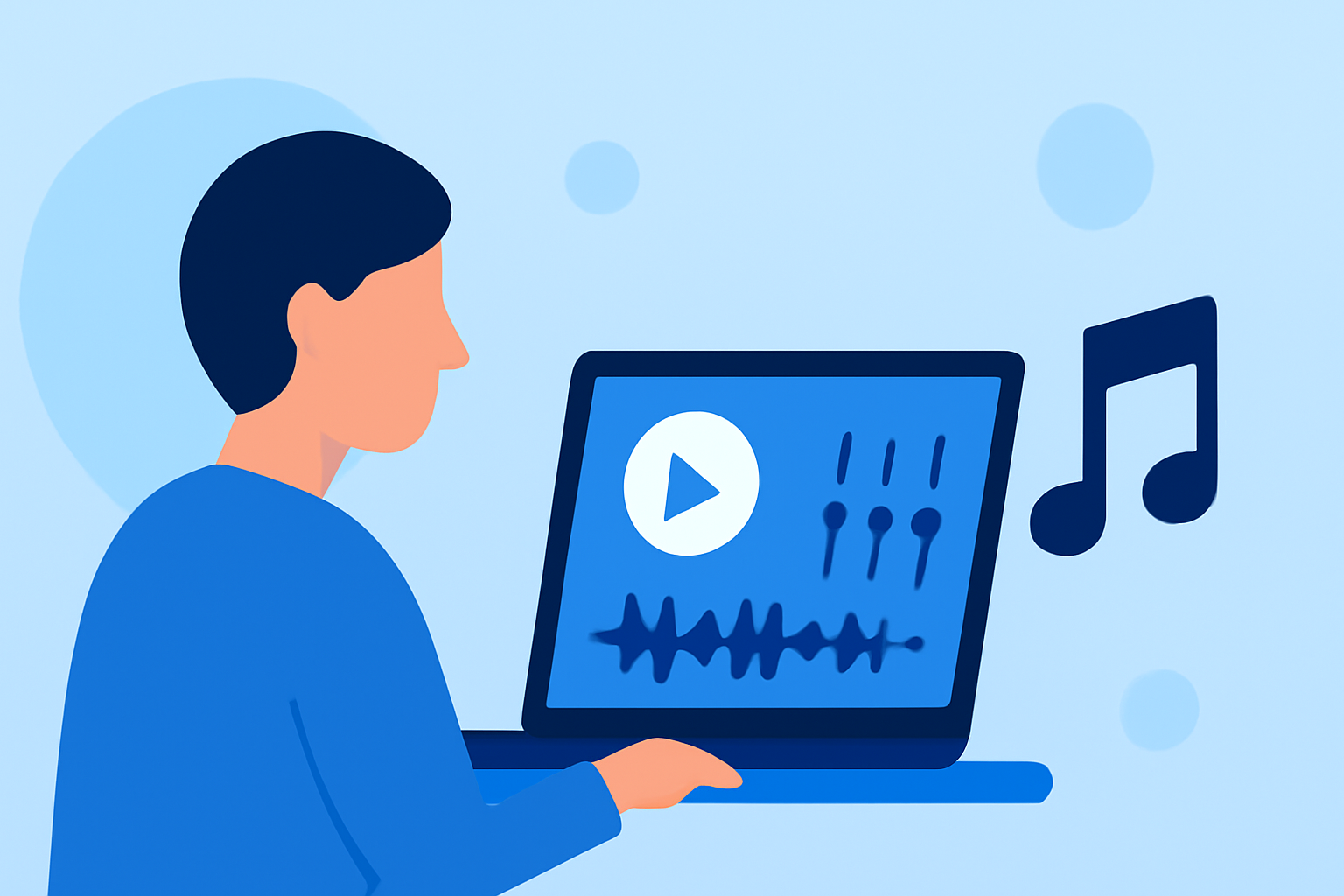
Editing music might seem daunting, but breaking it down into steps can make it manageable. Here’s how to edit your travel vlog music using Planes Live:
- Upload Your Video: Start by importing your travel footage into Planes Live.
- Select a Track: Browse through Planes Live’s extensive library of music tracks tailored for various moods and settings.
- Trim and Sync: Adjust the length of the selected music to match your video clips. Ensure that important visual moments coincide with musical peaks for maximum emotional impact.
- Adjust Levels: Balance the audio levels of your music and any voiceovers or natural sounds from your videos to create a harmonious soundscape.
- Add Effects: If desired, enhance your music with effects or filters available on Planes Live to give it a unique twist.
- Preview and Export: Always preview your video with the music to ensure it flows well, then export your final product.
Tips for Syncing Music with Visuals
Syncing music to the visual content is crucial for storytelling. Here are some techniques:
- Beat Matching: Align cuts in your video with beats in the music; this adds to the rhythm and can evoke stronger emotions.
- Volume Changes: Adjust the volume of the music during critical moments to highlight dialogue or sound effects.
- Crossfading: For smoother transitions, use crossfades between different music tracks, allowing for a seamless change in mood.
How to Enhance Your Vlog with Sound Design
Beyond music, sound design plays a vital role in vlog production:
- Atmospheric Sounds: Consider adding natural sounds that match your setting—ocean waves, city noise, or birds chirping—to enhance the viewer's experience.
- Sound Effects: Integrate sound effects thoughtfully, like whooshes for transitions or soft clicks for text overlays to add polish to your edits.
- Voiceovers: If you’re narrating your travel experiences, ensure your music complements your voice. Planes Live allows easy adjustments to layer voiceovers over your music track effectively.
Exploring Alternatives for Specialized Features
While Planes Live is a powerful solution, some creators might look for specific features such as advanced mixing options or personalized soundscapes. Explore other platforms that offer:
- Advanced Editing Tools: Many editing platforms provide specialized sound mixing capabilities.
- Collaboration Features: Some tools allow multiple users to edit and contribute simultaneously, which can be beneficial for team projects.
- Comprehensive Libraries: Look for additional resources that might offer a broader range of sounds for niche markets like documentary filmmaking or specific genres.
What We Recommend
- Use Planes Live: It's user-friendly and offers a superb library suitable for travel vlogs.
- Start with a Clear Vision: Define the mood you’re trying to create with your vlog music.
- Experiment and Iterate: Don’t hesitate to try multiple tracks and features to see what works best for your content.
- Balance Your Audio: Ensure music and dialogue are harmoniously balanced to maintain clarity.
With these steps and recommendations, you’re well on your way to creating engaging travel vlogs that resonate with your audience! Embrace the creative process and enjoy editing your adventures!