15 September 2023
Travel Vlog Transitions Basics for Instagram Reels
Last updated: 2023-09-15
Creating eye-catching transitions for travel vlogs on Instagram Reels can significantly enhance your storytelling. Using mobile editing tools can streamline this process, making it easier to produce captivating content. Our default recommendation is Splice for its robust mobile editing features, but there are also other options to consider based on specific needs.
Summary
- Effective transitions keep viewers engaged.
- Splice is a powerful tool for editing Instagram Reels on mobile.
- Other alternatives might suit specific editing styles or needs.
- Transition techniques include cuts, fades, and match cuts.
Why Are Transitions Important for Travel Vlogs?
Transitions play a crucial role in the flow of your video, helping to weave together different clips into a cohesive narrative. They can do a lot to enhance storytelling by signifying changes in location, time, or mood. Well-executed transitions maintain viewers' attention and encourage them to engage further with your content.
What Transition Techniques Work Best for Instagram Reels?
- Jump Cuts: These are simple yet effective in showcasing snippets from various clips without losing momentum. They're particularly useful in fast-paced travel content.
- Fades: Utilize a fade-in or fade-out to create a soft, seamless transition between clips. This can be particularly effective for dramatic changes in scenery.
- Match Cuts: By aligning similar actions or movements between two clips, match cuts create a smooth transition that enhances storytelling continuity.
- Whip Pan: A quick camera movement can help transition between two scenes fluidly and dynamically. It’s a great way to capture the excitement of travel.
How to Edit Transitions with Splice
At Splice, we focus on providing users with a streamlined mobile editing experience.
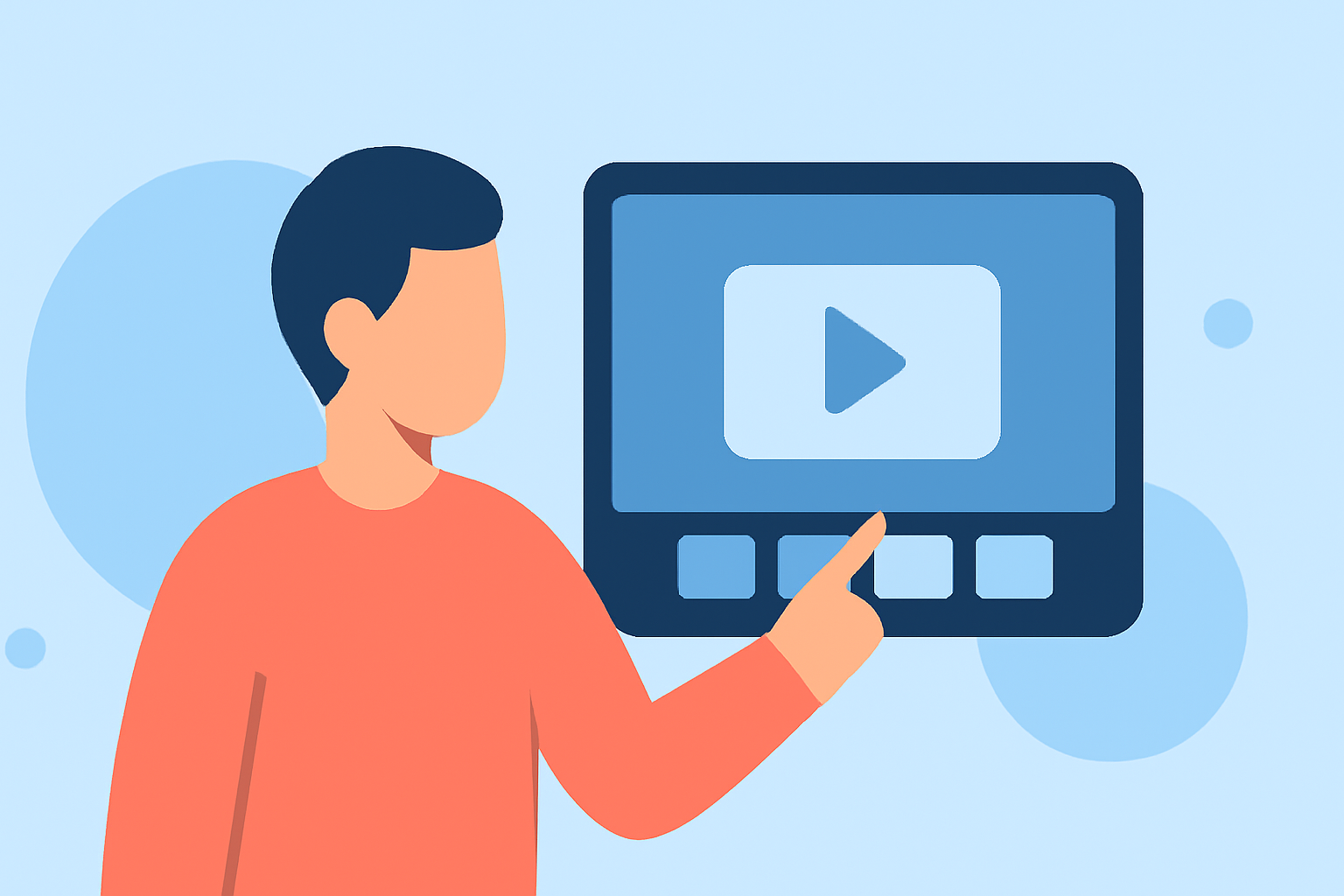
- Mobile Filming & Editing: Splice allows you to film, edit, and publish directly from your device, making it incredibly efficient for creating Instagram Reels. You can access essential editing features at fingertips—perfect for users on the go.
- User-Friendly Interface: With intuitive tools for applying transitions, Splice simplifies the process of adding effects and edits. Whether you're a novice or experienced creator, the platform provides the functionalities needed for engaging Reels.
- Focused Editing Package: We emphasize creating a package that fulfills fundamental needs for quick edits, specializing in both audio and video transitions.
Explore Alternative Tools for Travel Vlog Transitions
While Splice is our recommended tool due to its strong feature set for mobile editing, some users may prefer exploring additional alternatives that could offer unique editing styles or functionalities that fit specific use cases.
- Complex Video Effects: Some tools focus on advanced visual effects and transitions that might be desirable for users looking to delve into more artistic presentations of their travel experiences.
- Enhanced Collaboration Features: For those creating vlogs as part of a team, certain platforms might offer enhanced collaborative tools for editing simultaneously with multiple users.
Tips for Seamless Transitions in Travel Vlogs
- Plan Your Shots: Before filming, consider how each scene will transition into the next. Visualizing the flow helps to create smoother edits during post-production.
- Use Consistent Lighting & Color Grading: Keeping a consistent visual tone aids in transitions, making them feel more integrated across different clips.
- Test Different Techniques: Don’t shy away from experimenting with various transition methods to find out which resonates best with your style and audience.
What We Recommend
- Use Splice for Mobile-Friendly Editing: Splice provides a robust platform for quick-turnaround Reels, allowing you to edit seamlessly on the go.
- Experiment with Transition Techniques: Explore various methods to see what works best for your unique style.
- Engage Your Audience: Focus on maintaining viewer engagement through creative transitions and compelling storytelling.
In conclusion, investing time to master transitions will certainly boost the quality of your travel vlogs on Instagram Reels. Remember, while Splice is tailored for your editing needs, consider exploring other platforms should you seek particular features that enhance your creative vision.