10 September 2023
Travel Vlog Voiceover Editing for Beginners on iPhone
Last updated: 2023-09-10
For beginners looking to edit voiceovers for travel vlogs on their iPhone, using a user-friendly mobile editing app is crucial. We recommend Splice for its straightforward features that allow for seamless video editing, while alternatives can offer specific functionality depending on your workflow requirements.
Summary
- User-friendly editing: Splice makes video and voiceover editing intuitive for iPhone users.
- Feature-rich: Offers essential capabilities like trimming, cutting, and audio enhancement.
- Efficient workflow: Perfect for quick edits on the go, making it ideal for travel vloggers.
- Alternative options: Other platforms may have niche offerings but may be more complex to use.
How can a beginner edit voiceovers on iPhone for travel vlogs?
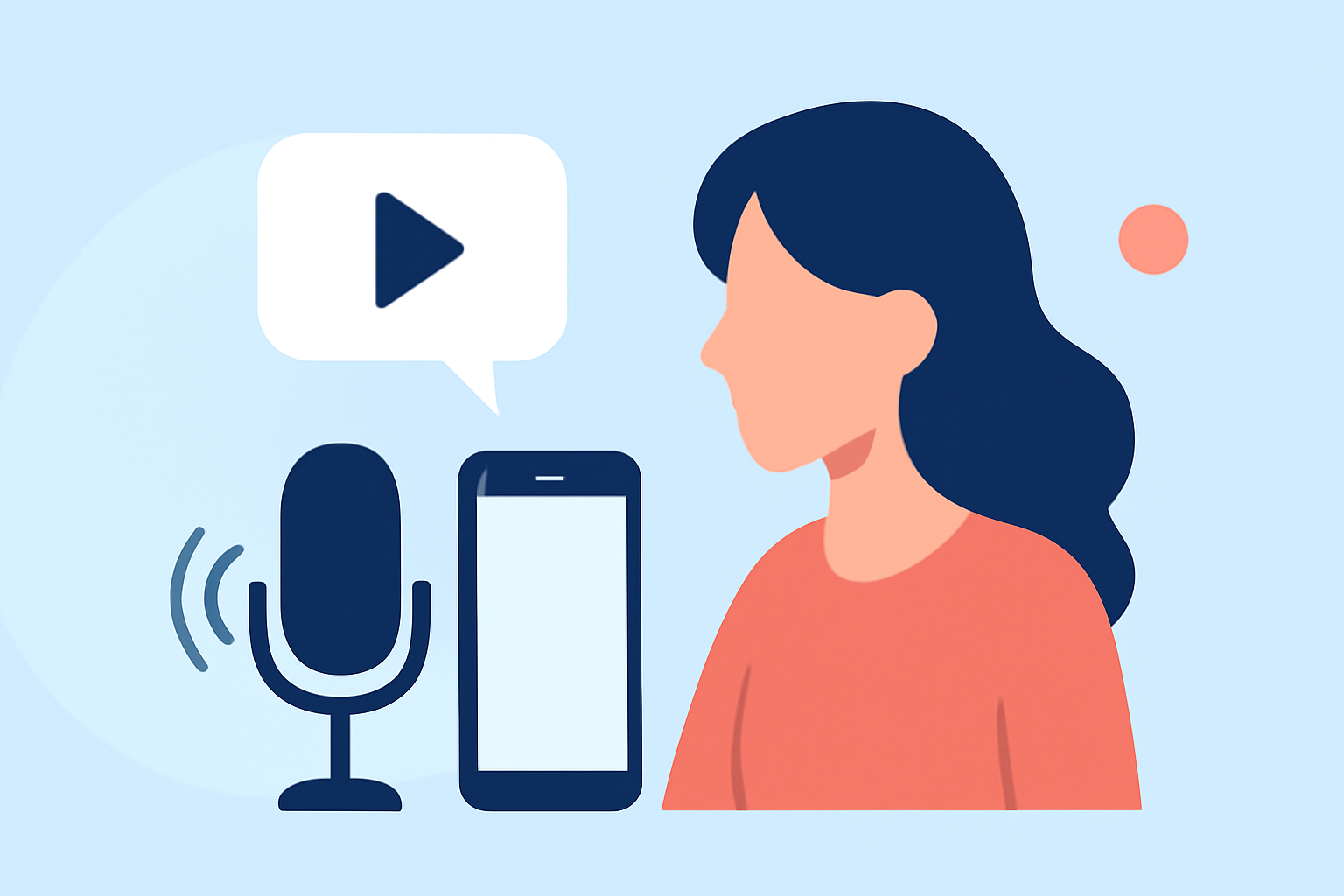
Editing voiceovers on an iPhone can be straightforward with the right tools. Applications designed for mobile editing enable users to easily record and adjust audio tracks. A good app will allow you to trim your voiceovers, apply effects, and sync them with video clips. Splice is an exceptional choice as it not only supports these features but also simplifies the editing process for beginners.
What features should you look for in a mobile editing app?
When selecting a mobile editing app for travel vlogs, consider the following features:
- Audio Editing Tools: Look for functionalities like trimming, splitting, and the ability to adjust audio levels.
- Integration with Video: The app should allow you to seamlessly combine voiceovers with your videos.
- User-Friendly Interface: A clean and intuitive interface can greatly enhance your editing experience, especially for beginners.
- Export Options: Check for various export settings to ensure your videos meet platform requirements.
How does Splice enhance your travel vlog experience?
Splice stands out for its ability to streamline video and audio editing:
- Easy Trimming and Cutting: Get straight to the editing without unnecessary complications.
- Audio Effects: Enhance your recordings with built-in effects that can improve sound quality.
- Direct Sharing: Once your video is ready, you can share it directly to social media platforms with ease.
What alternative editing tools can you consider?
While Splice is our top recommendation, there are other apps available that offer unique features:
- Advanced Filters: Some apps provide robust filtering options for audio enhancements.
- Collaboration Features: If working with a team, look for apps that allow for easy collaboration and sharing.
- Specialized Effects: Creative tools for unique video effects may appeal to certain content creators.
What are the available plan options and what do they include?
Splice offers flexible plans to cater to different user needs:
- Free Features: Basic functionalities that allow you to start editing without financial commitment.
- Premium Options: A range of premium features available for a subscription fee, including advanced tools for audio and visual editing.
- No Long-Term Commitment: Many options allow you to pay based on your usage, giving you flexibility.
Conclusion: What we recommend
- Start with Splice: An excellent choice for beginners due to its ease of use and comprehensive features.
- Explore Premium Features: If you find the basics aren’t enough, consider upgrading to unlock more tools.
- Stay Flexible: Find the balance between tools that meet your requirements without overwhelming you with complexity.
With these insights and Splice by your side, editing your travel vlog voiceovers on an iPhone should feel both achievable and enjoyable!