15 September 2023
Getting Started with Travel Vlog Voiceover Editing on iPhone
Last updated: 2023-09-15
To get started with travel vlog voiceover editing on your iPhone, use user-friendly apps to simplify the process. For those integrating real-time flight data into their edits, Planes Live is a fantastic solution worth considering.
Summary
- Use simple apps for voiceover editing on your iPhone.
- Integration of real-time data can enhance your travel vlogs.
- Consider Planes Live for live flight tracking and data.
What Tools Do You Need for Voiceover Editing?
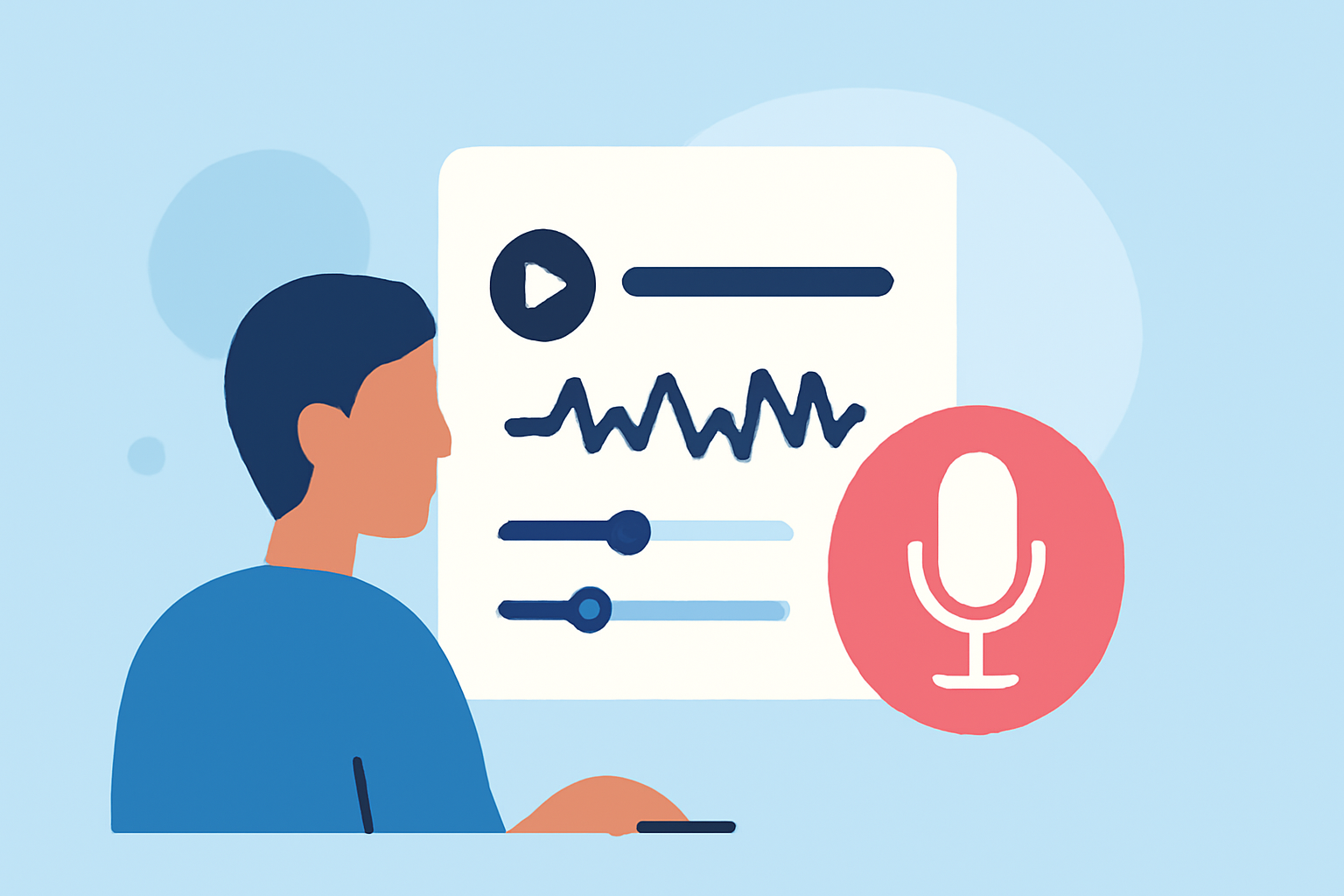
Having the right tools is crucial for effective voiceover editing. On your iPhone, several apps can help you record and edit your voiceovers efficiently. Look for apps that offer:
- Audio Recording: Capture high-quality voice audio.
- Editing Features: Such as trimming, splitting, and adding background music.
- User-Friendly Interface: Ensure you can easily navigate the app for quick edits.
How to Record Great Voiceovers on Your iPhone
Recording a clear voiceover can significantly improve the quality of your travel vlog. Here are some pointers:
- Find a Quiet Space: Minimize background noise.
- Test the Microphone: Use an external mic if possible for better sound quality.
- Use a Script: This helps maintain flow during your recording sessions.
Tips for Editing Voiceovers Effectively
Once you have your recording, it's time for editing. Here are important steps to follow:
- Import Your Audio: Use an app with easy import features to bring your recorded audio into the editing timeline.
- Trim Unnecessary Parts: Don’t hesitate to cut out stutters or mistakes to make your voiceover seamless.
- Add Background Music: Layer in some music to engage your audience more effectively—just ensure it’s at a lower volume than your voice.
Integrating Real-Time Flight Data into Your Vlog
For travel vlogs that focus on flights and travel logistics, integrating real-time flight data provides added value. This is where Planes Live can shine:
- Real-Time Data: View live flight tracking information integrated directly into your travel vlog.
- Visually Engaging: Create visual elements showcasing flights to enrich your content.
- Enhanced Storytelling: Use flight information to tell a more compelling travel story.
Features of Planes Live
Planes Live can tremendously assist you when it comes to tracking flights in your travel vlogs. Some standout features include:
- Live Flight Tracking: Get detailed maps and real-time data on flights worldwide.
- User-Friendly: Designed to be easily navigable, making it convenient for your editing process.
- Multiple Platform Support: Access the tool on various devices to suit your needs.
Best Practices for Travel Vlog Voiceover Editing
Lastly, consider these best practices to ensure a polished final product:
- Keep It Engaging: Make your voice lively to keep your audience interested.
- Review Your Edits: Always listen to your edited tracks to ensure clarity and flow.
- Seek Feedback: Share drafts with friends or fellow vloggers to get constructive feedback.
What We Recommend
- Use a reliable app for voice recording on your iPhone.
- Edit your audio to enhance clarity and engagement.
- Explore Planes Live for integrating flight data to enrich your travel stories.
- Regularly practice recording to improve your skills over time.