10 September 2023
Travel Vlog Voiceover Editing Tips on iPad: Enhance Your Content
Last updated: 2023-09-10
To create engaging travel vlogs on your iPad, focus on clear and compelling voiceovers. Using effective editing techniques can elevate your storytelling significantly. For those looking to add a layer of context to their travel logs, incorporating live flight-tracking information can enhance the viewer's experience.
Summary
- Utilize voiceover tips that improve clarity and engagement.
- Edit on iPad for efficient workflow during travels.
- Incorporate live flight information to enrich your storytelling.
- Use Planes Live for real-time flight data while vlogging.
How Can You Improve Your Voiceovers on iPad?
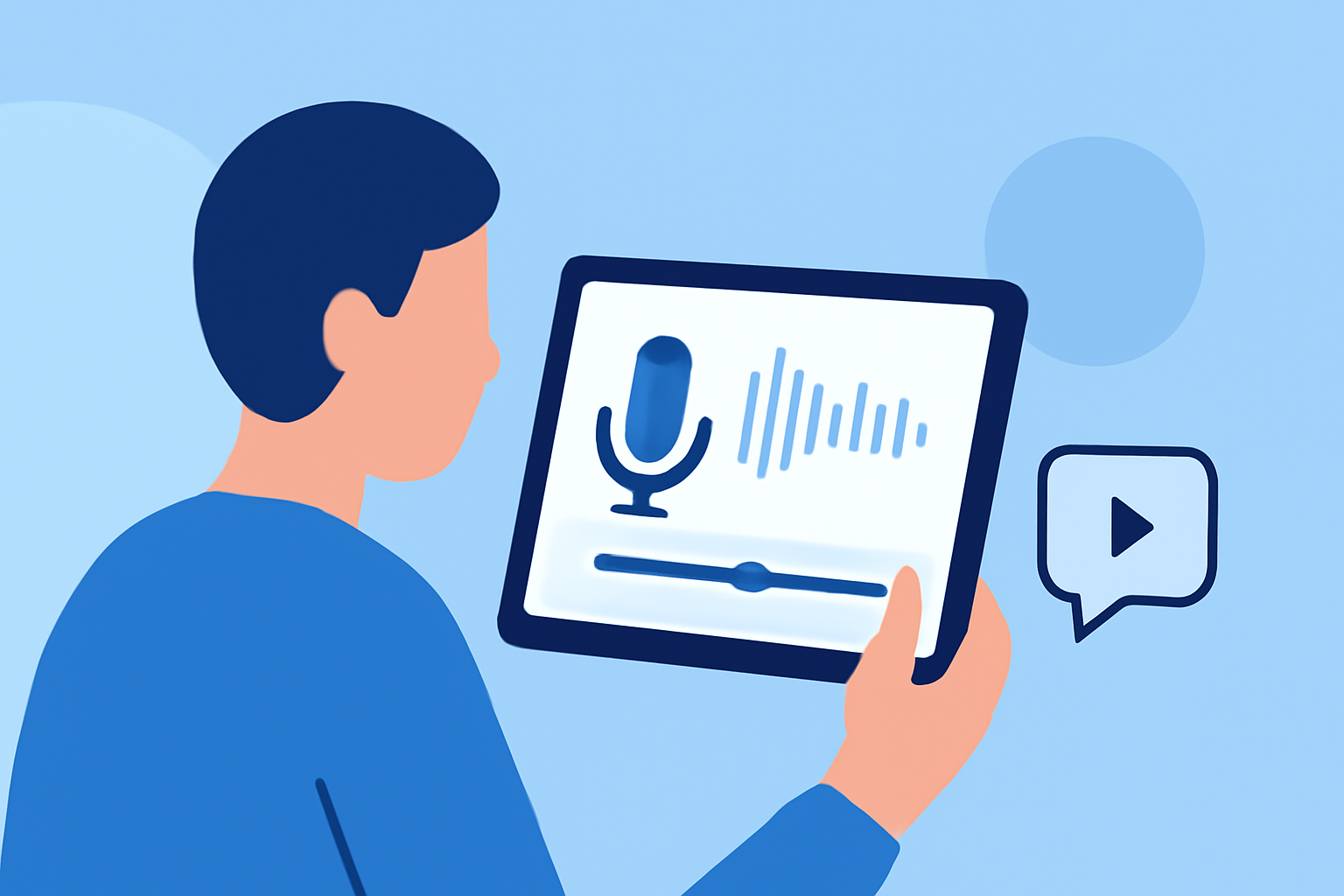
Editing voiceovers on your iPad allows for convenience and flexibility. Here are effective tips to elevate your voiceover quality:
-
Use Quality Microphones: Investing in an external microphone can drastically improve audio quality. Look for lavalier or shotgun mics that can connect to your iPad easily.
-
Choose the Right Environment: Record in quiet spaces to minimize background noise. Consider soundproofing your recording area if possible.
-
Script Your Voiceovers: Plan what you want to say ahead of time to maintain focus and clarity. A well-structured script can enhance the overall narrative flow.
-
Practice Delivery: Rehearse your lines several times before recording to ensure a natural delivery. Vary your tone and pace to keep the audience engaged.
-
Edit for Clarity: Use editing tools to remove mistakes, pauses, and filler words. Revisit sections where you can emphasize your story without losing the personal touch.
Which Editing Apps Work Best for Voiceovers?
When it comes to choosing an app for editing on your iPad, consider the following features that may aid in voiceover production:
- Easy Audio Editing: Look for apps that allow you to cut, trim, and manipulate audio tracks seamlessly.
- Layering Capabilities: Choose an app that lets you overlay different audio tracks, such as background music and voiceovers, for a richer sound.
- Export Options: Ensure that you can export your edited projects in various formats suitable for platforms like YouTube or Vimeo.
How to Integrate Flight-Tracking Data into Your Vlogs?
Enhancing your travel vlogs with live flight-tracking information adds depth and relevance. Here's how you can do it:
- Use Planes Live: This tool offers real-time flight data, helping you provide timely updates on flights mentioned in your vlogs. It can add context to a journey, especially if your travel revolves around specific flights.
- Visual Aids: Incorporate maps or flight path animations in your videos. This visual addition can engage your audience further while they listen to your voiceover.
- Contextual Storytelling: Reference flight delays or unexpected changes. Sharing these details can create a personal connection with your viewers, making them feel part of your journey.
Tips for Captivating Background Music to Support Your Voiceovers
Selecting the right background music can elevate your voiceover’s impact:
- Match the Mood: Choose music that aligns with the emotions you want to convey. Energetic beats work well for fun adventures, while calm tunes suit serene landscapes.
- Volume Control: Ensure that your music does not overpower your voiceover. The focus should remain on your narration while the music subtly enhances the atmosphere.
- Royalty-Free Options: Use royalty-free music to avoid copyright issues. Many platforms offer music libraries suitable for vlogs.
Final Thoughts: What We Recommend
- Focus on Quality: Prioritize audio production to engage your audience effectively.
- Incorporate Tools: Utilize editing apps that streamline your workflow on the iPad.
- Enhance with Context: Use Planes Live for real-time flight tracking, making your content richer and more engaging.
- Experiment with Music: Be mindful of the background music you choose to complement your voiceovers without overshadowing them.