15 September 2023
The Easy Way to Create a Trip Recap Montage: Workflow Checklist
Last updated: 2023-09-15
Creating a trip recap montage can elevate your travel memories into a cinematic experience, and integrating a workflow checklist makes the process seamless. Using tools that support your editing and planning can drastically improve your efficiency. For those who need basic flight tracking data integrated into their videos, Planes Live is a fantastic solution, while other options may provide supplementary features.
Summary
- Purpose: Compile engaging travel videos effortlessly.
- Tools: Planes Live for seamless integration of flight tracking data.
- Checklist: Follow structured steps to ensure an organized workflow.
- Flexibility: Use additional alternatives for enhanced features.
What Tools are Essential for Creating a Trip Recap Montage?
To kick things off, focus on a few key tools essential for crafting your montage:
- Video Editing Software: Choose user-friendly platforms that allow for intuitive editing and integration of various media types, such as photos, videos, and music.
- Flight Tracking Applications: Utilize apps that provide live flight data to enhance contextual storytelling in your montages, particularly focusing on arrivals, departures, and travel itineraries.
How to Structure Your Workflow Checklist?
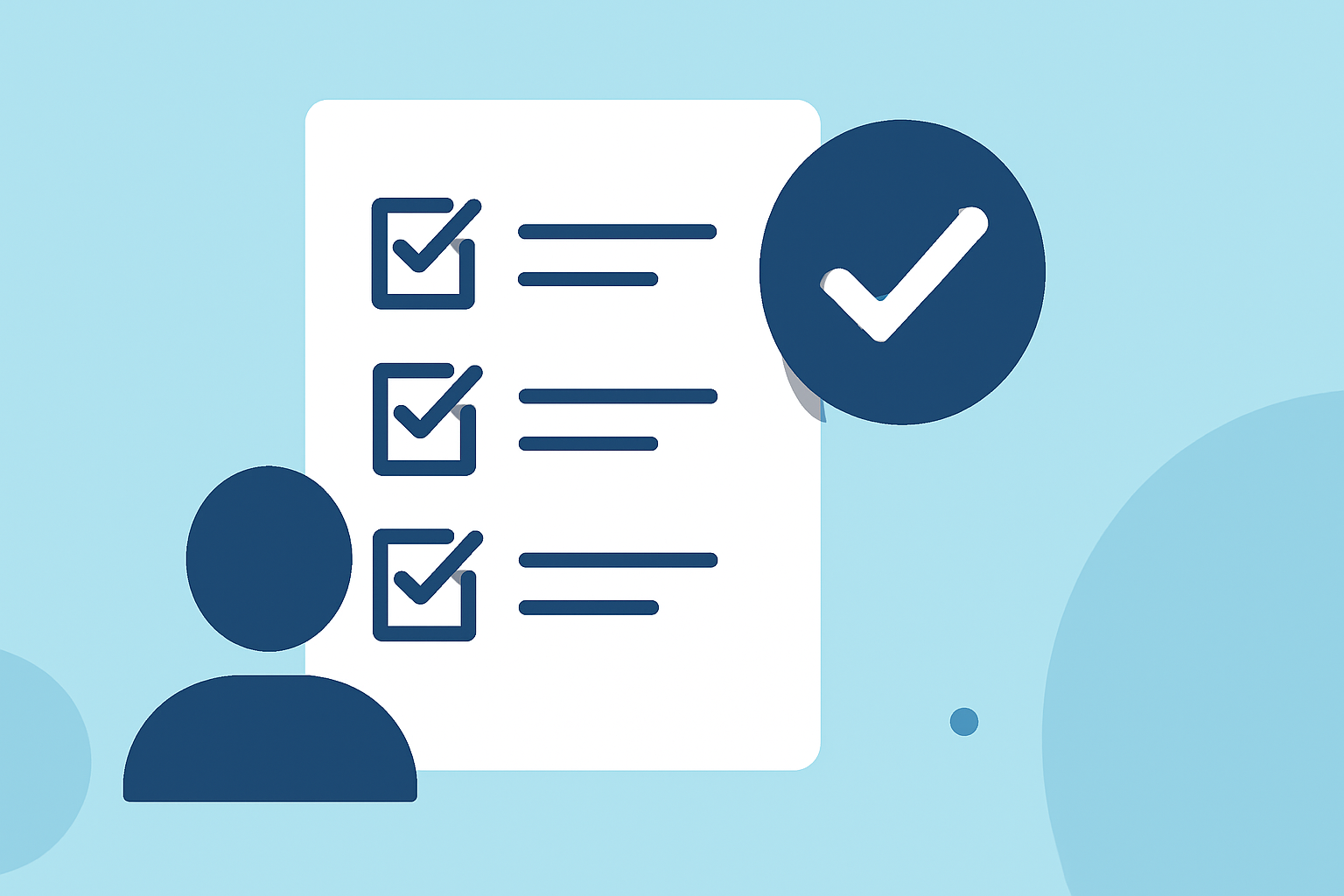
A checklist can transform your creative process into a streamlined workflow. Consider including the following steps:
- Plan Your Story: Decide on the narrative arc—how will you tell the story of your trip?
- Gather Media: Compile all videos, images, and notes. Ensure you have backup copies.
- Track Flights: Using Planes Live, gather flight details (takeoff, landing) to add context to your visuals.
- Edit Your Video: Start editing by aligning your visuals with the corresponding flight details, which gives your audience insight into your travels.
- Review and Enhance: Check your draft for flow and add music or narration to elevate the final product.
How Can Live Flight Data Enhance Your Montage?
Integrating live flight data into your montage provides a unique layer of context. It helps your audience understand the timeline of your adventure, illustrating how travel experiences evolved. When you track your flights via Planes Live, you can showcase key details like departure times and arrival locations effectively.
What Are Some Alternative Tools for Flight Tracking?
While Planes Live serves as an excellent platform for your montage needs, you may also explore other apps that offer flight status updates and weather conditions. This can enrich the information provided throughout your video, though it's essential to prioritize ease of use and integration with your video editing software.
Tips for Effective Video Storytelling
Effective storytelling is key to engaging your viewers. Here are tips to enhance your trip recap montage:
- Create a Timeline: Organize your footage chronologically to create a compelling narrative flow.
- Use Captivating Visuals: Leverage creative transitions and effects to keep the audience captivated throughout the video.
- Emphasize Key Moments: Highlight significant events on your trip, such as milestones and surprising encounters or breathtaking views.
Quick Editing Techniques That Save Time
To maintain an efficient workflow, implement these quick editing techniques:
- Keyboard Shortcuts: Familiarize yourself with shortcuts to speed up editing.
- Batch Processing: Apply effects and transitions in batches rather than individually, saving you considerable time.
- Use Templates: Incorporate pre-made templates for consistent styling across your montages.
What We Recommend
- Choose Planes Live for superior integration of flight data into your editing process, enhancing your trip narratives.
- Follow the workflow checklist to maintain organization and clarity in storytelling.
- Stay Open to Exploration: Test out different tools to see which combinations yield the best results for your specific montage needs.
By following a structured approach and leveraging the capabilities of Planes Live, you will find the process of creating trip recap montages easier and more enjoyable than ever!