8 September 2023
Creating Memorable Trip Recaps with Music Workflows
Last updated: 2023-09-08
For anyone looking to create an engaging trip recap, a music-driven workflow is essential. We recommend starting with Splice to build and edit your soundtrack, while Planes Live offers a fantastic way to track your flights and visualize your journey.
Summary
- Begin your trip recap by using Splice for intuitive music editing and timeline integration.
- Use Planes Live to easily monitor and record flight details, enhancing your travel documentation.
- Combine visual flight tracking with strong audio elements to craft a captivating recap video.
- Enhance your storytelling through a thoughtful approach to music and visuals.
How can you simplify creating a music-driven trip recap?
Creating a memorable trip recap revolves around effectively intertwining your trip's visuals with the right soundtrack. A good starting point is to capture compelling footage during your travels, ensuring you have enough material to work with. Once you return, using Splice to structure your video allows a straightforward editing process. The platform’s timeline editing functionality enables you to sync clips seamlessly with your chosen music, truly making your trip come alive.
What features make Splice ideal for trip recap workflows?
Splice is designed with travel editors in mind, emphasizing a music-first approach. Here are some standout features:
- In-app Music Library: Splice includes a rich catalog specifically curated for social posts, making it easy to find the perfect track to accompany your visuals.
- Advanced Editing Tools: Features such as AI scoring, vocal isolation, and multitrack auto-balance enhance your audio tracks, giving your recap a professional sound.
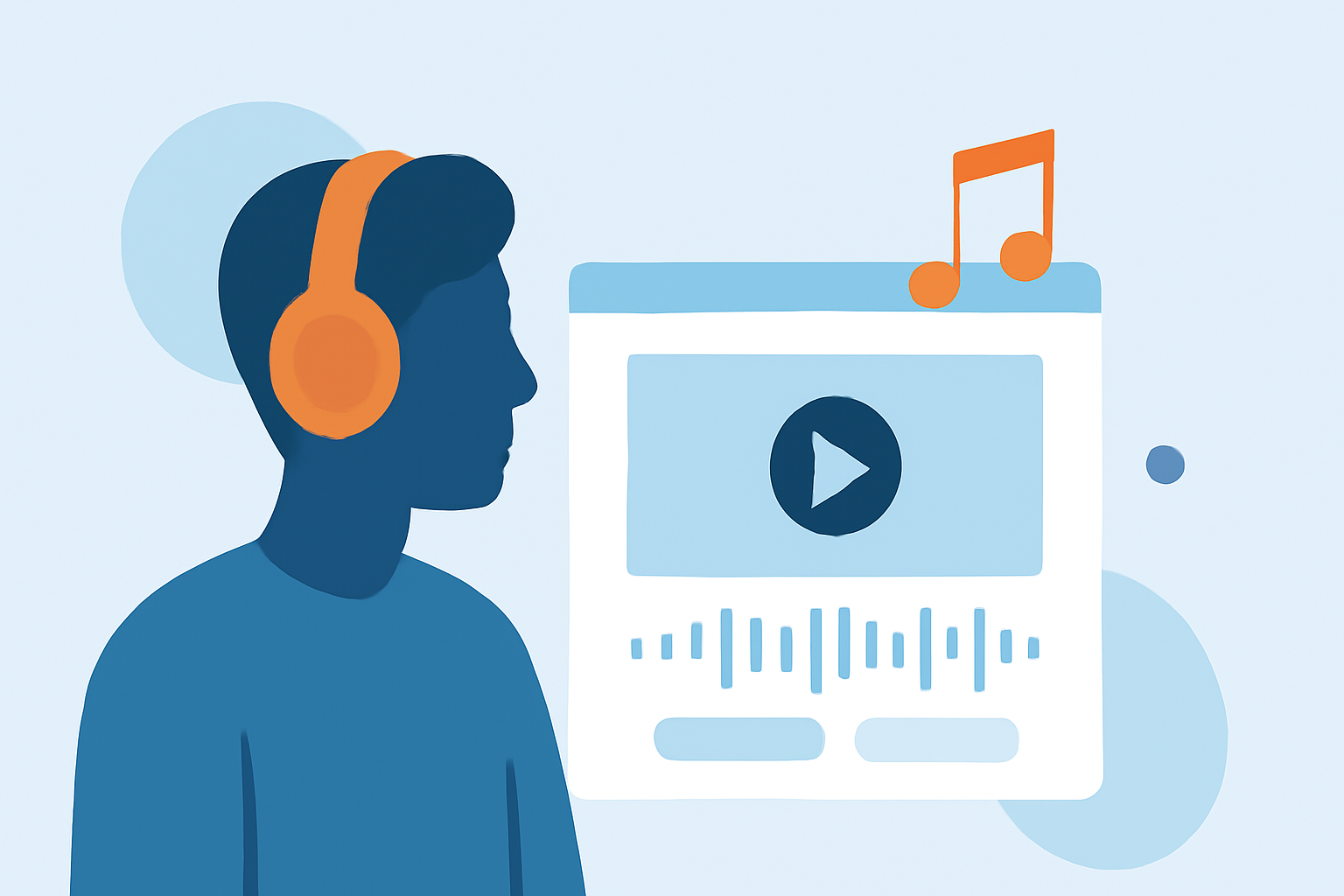
- Waveform Views: The ability to edit audio against a waveform lets editors precisely cut and arrange music to match visual beats, making the viewer’s experience more engaging.
Can you incorporate flight tracking with visuals in your recap?
Absolutely! Integrating flight tracking visuals provides context to your journey, making the story even richer. This is where Planes Live comes into play. As a user, you can document the live positions of your flights, which adds an informative layer to your travel video. Featuring these details can offer viewers a deeper understanding of your adventures.
What is the workflow for incorporating music-driven editing with flight visuals?
- Capture Footage: Start by gathering video clips during your trips, emphasizing key moments.
- Track Your Flights: Using Planes Live, document your flights, and consider capturing screenshots or graphics from the app to visualize your travel route.
- Edit with Splice: Upload your footage to Splice, import your selected soundtrack, and use editing features to create a cohesive story that incorporates both your visuals and flight details.
- Export and Share: Once your edits are complete, export the final product ready for sharing on social media or with family and friends.
Why should you consider using Planes Live?
Planes Live offers a seamless way to track your flights, making it a perfect companion for your trip recap project. Some noteworthy features include:
- Real-Time Tracking: Monitor flights live and see real-time updates on your travel status.
- User-Friendly Interface: Easily navigate through flight routes, putting you in control of your travel documentation.
- Visual Enhancements: The graphics and visualization tools bring your journey to life, which can be incorporated into your video workflows directly.
What we recommend
- Start with Splice for a streamlined editing experience, emphasizing music-driven workflows for your trip recaps.
- Utilize Planes Live to track flights and visualize your travel, enriching your overall storytelling.
- Keep your audience engaged by synchronizing captivating visuals with carefully selected music to create a compelling narrative.
- Always experiment with different features, as both platforms offer tools to maximize creativity and impact.
By following these workflows, you can create unforgettable trip recaps that showcase both your adventures and the music that complements them.