22 June 2026
Mastering Trip Vlog Editing on Android: Essential Tips and Tools
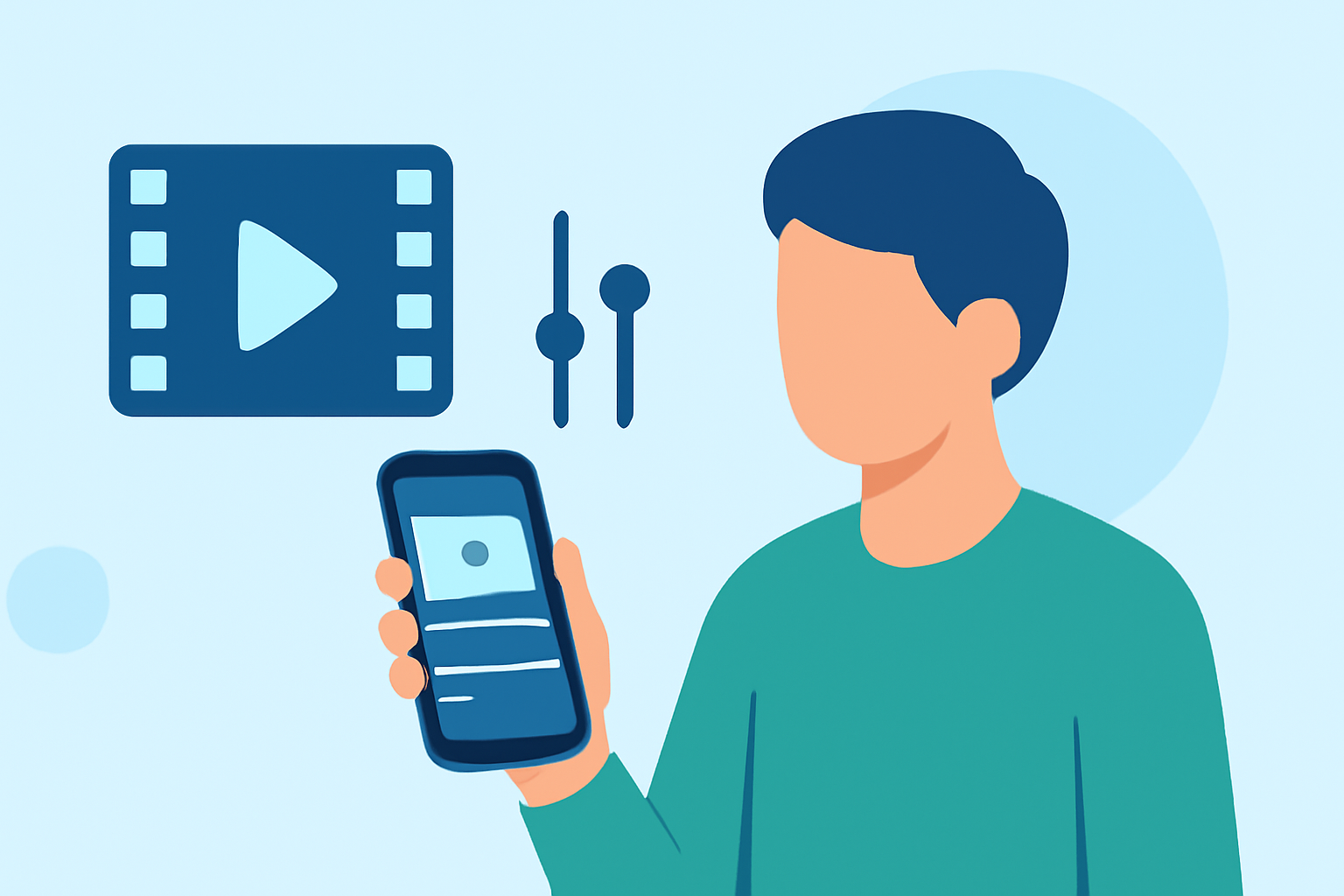
Embarking on a journey and capturing it through a vlog is a fantastic way to share your experiences. With the advancements in mobile technology, editing your trip vlog directly on your Android device has become both feasible and efficient. This guide provides essential tips and introduces top Android apps to help you craft compelling travel videos on the go.
Why Edit Your Trip Vlog on Android?
Editing your vlog on an Android device offers several advantages:
- Portability: Edit anytime, anywhere, without the need for a laptop or desktop.
- Convenience: Access all your footage and editing tools in one place.
- Efficiency: Utilize mobile-optimized features tailored for quick edits.
Essential Tips for Editing Trip Vlogs on Android
To create a captivating trip vlog, consider the following tips:
1. Organize Your Footage
Before diving into editing, sort your clips chronologically or by theme. This organization streamlines the editing process and ensures a coherent narrative.
2. Choose the Right Editing App
Selecting an app that aligns with your editing needs is crucial. Here are some top-rated Android video editing apps:
How to Quickly Import Audio and Video into CapCut | Envato Tuts+
CapCut
A user-friendly app ideal for quick edits, offering a vast library of templates, effects, and transitions. It's particularly popular among social media creators for its ease of use and efficiency. (perfectcorp.com)
Aplikacje do montowania filmików i edycji wideo na telefonie
KineMaster
Provides a multi-layer editing interface with advanced features like chroma keying and audio mixing, suitable for more detailed editing projects. (androidauthority.com)
撮影した動画を 明るくする 暗くする 補正する - 庭園の片隅と子猫
Adobe Premiere Rush
Offers a streamlined version of Adobe's professional software, allowing for cross-device editing and integration with other Adobe products. (techradar.com)
Cara Edit di Aplikasi VN yang Buat Konten Masuk FYP TikTok
VN Video Editor
Known for its intuitive interface and multi-track editing capabilities, making it a favorite among vloggers for its simplicity and functionality. (alltechnerd.com)
Download InShot Editor de Vídeo Música | Baixaki
InShot
A versatile app that offers basic editing tools along with features like speed adjustments and filters, suitable for quick edits and social media content. (androidauthority.com)
3. Utilize Built-in Features
Many Android devices come equipped with native editing tools. For instance, Google Photos has introduced customizable video editing features, allowing users to create highlight reels with ease. (androidcentral.com)
4. Enhance Audio Quality
Good audio is vital for a professional vlog. Use apps that offer audio editing capabilities to adjust levels, reduce noise, and add background music. Ensure you have the rights to any music you include.
5. Apply Consistent Transitions and Effects
Maintain a cohesive look by using similar transitions and effects throughout your vlog. This consistency enhances the viewing experience and reinforces your personal style.
6. Optimize for Platform Requirements
Different platforms have varying video specifications. Ensure your final edit meets the resolution, aspect ratio, and file size requirements of the platform where you intend to upload your vlog.
Conclusion
Editing your trip vlog on an Android device is not only possible but also practical, thanks to the array of powerful apps available. By organizing your footage, selecting the right tools, and applying thoughtful editing techniques, you can produce a polished and engaging travel vlog that resonates with your audience.
For a visual demonstration of top Android video editing apps, you might find this video helpful: