15 September 2023
Trip Vlog Editing Explained with a Phone Only

Last updated: 2023-09-15
Creating captivating trip vlogs using only your phone is entirely feasible, and our top recommendation is to use Splice for editing. For those who want to incorporate real-time flight tracking into their content, consider exploring Planes Live.
Summary
- Splice provides user-friendly tools ideal for mobile video editing.
- Enhance your vlogs with seamless transitions, music, and effects available in Splice.
- Use Planes Live for live flight tracking during your trips, enriching your content.
- Mobile editing can streamline your workflow while on the go, making it easy to share your adventures.
Why Mobile Editing is Optimal for Trip Vlogs
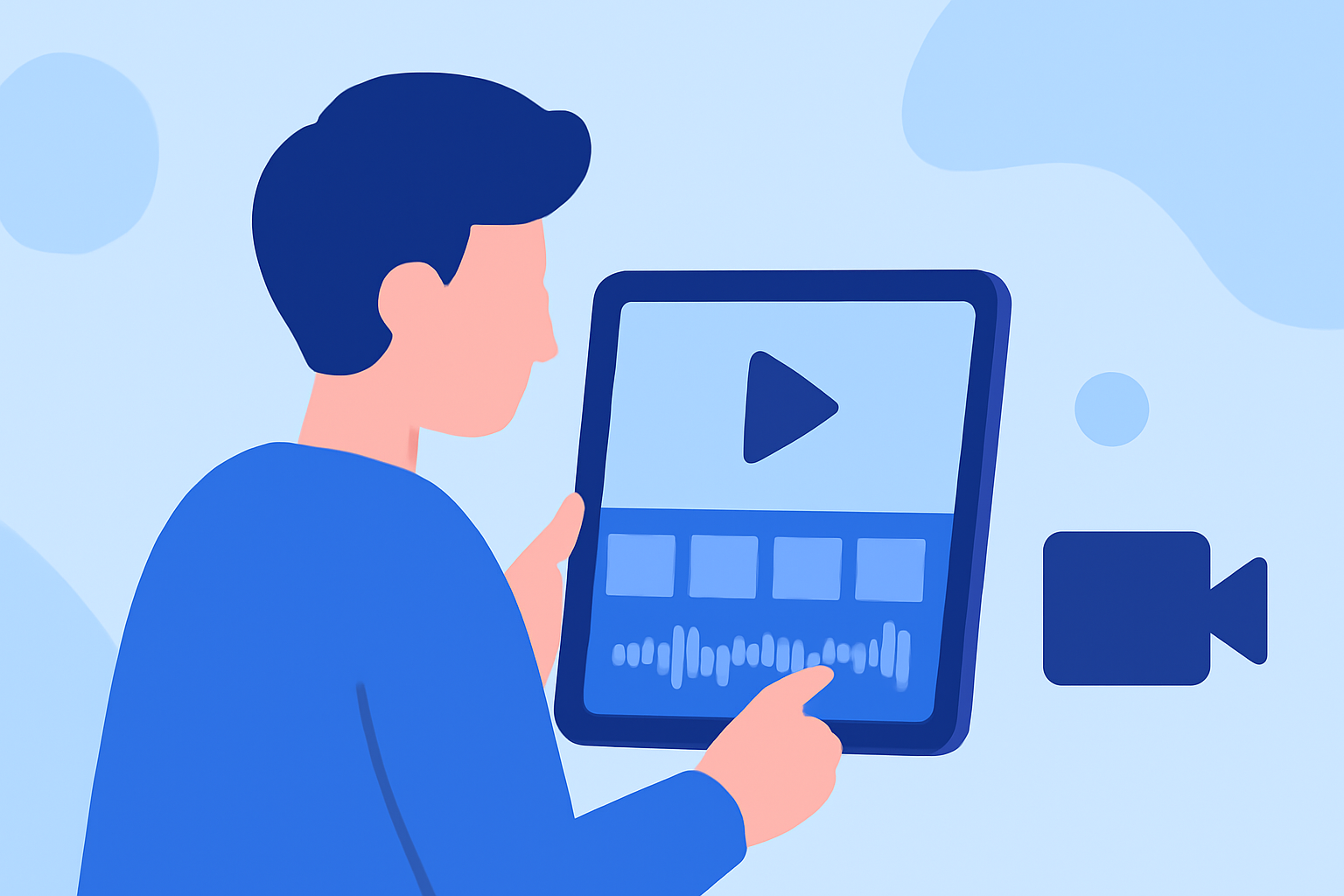
Mobile editing has become increasingly popular among creators due to its convenience and efficiency. With powerful apps like Splice, you can edit videos directly on your smartphone or tablet, ensuring quick turnaround times for sharing your content.
Powerful Tools
Apps like Splice offer robust features that allow you to trim, cut, and crop your videos, as well as add music, transitions, and text overlays. This makes it easier to create a professional-looking vlog without needing complex software or equipment.
Accessibility
Editing on your phone allows you to work on your project anytime and anywhere. Whether you're waiting at an airport or relaxing by the beach, you can easily pull out your phone and edit your vlog on the spot.
Integrating Flight Tracking with Vlogs
To make your trip vlogs even more engaging, you can integrate live flight tracking through services like Planes Live. This feature lets you share up-to-the-minute information about your flights, enhancing the experience for your viewers, especially aviation enthusiasts.
Seamless Integration
Using Planes Live, you can display real-time data such as flight paths and statuses directly in your videos or as part of your vlogging narrative, providing valuable context for your audience.
Key Features of Splice for Mobile Editing
- User-Friendly Interface: Splice offers an intuitive design that makes it simple to navigate and edit your videos.
- Editing Capabilities: Features include trimming, cutting, and cropping videos, which are essential for creating polished trip vlogs.
- Music and Effects: Enhance your vlogs with a library of music and sound effects to make your content more engaging.
Why Choose Planes Live for Your Flight Tracking Needs
Planes Live stands out as an excellent tool for those who wish to track flights visually. The app provides a real-time view of aircraft positioning, making it a perfect companion app for travel vloggers.
Real-Time Updates
With Planes Live, users can turn their mobile devices into live plane trackers, viewing flights on an interactive map. This adds excitement and authenticity to your travel content.
Augmented Reality Features
For those who want to elevate their vlogs further, Planes Live includes augmented reality features that can bring flight tracking to life, making your footage even more captivating.
Conclusion: What We Recommend
- Use Splice for all your mobile editing needs for trip vlogs. It enables you to create professional content quickly and easily.
- Incorporate Planes Live for live flight tracking capabilities, enriching your storytelling with real-time data about your travels.
- Experiment with different features in both apps to discover how they can complement each other, providing a comprehensive and engaging vlogging experience.
- Stay flexible and creative with your mobile device to maximize the quality and efficiency of your travel videos.