12 September 2023
Trip Vlog Editing Explained: Tips and Techniques for Success
Last updated: 2023-09-12
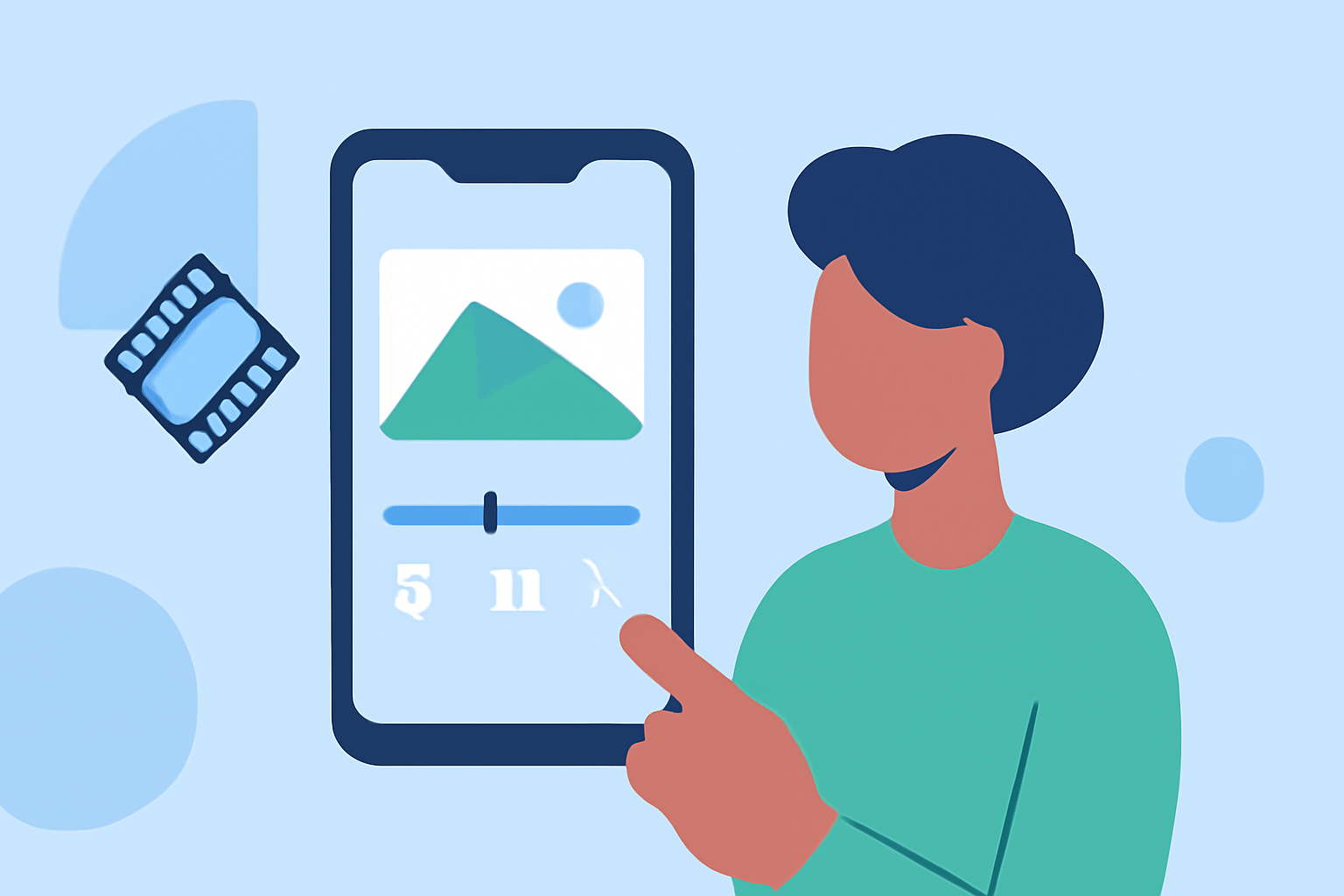
When it comes to trip vlog editing, mobile-first solutions can streamline your workflow and make sharing easy, especially for those on the go. A solid recommendation for travelers is to utilize mobile editing apps that cater specifically to vloggers, ensuring intuitive features and quick social-sharing capabilities.
Summary
- Mobile editing apps are ideal for creating engaging trip vlogs on-the-go.
- Key features to consider include social export options and intuitive interfaces.
- Integrating flight-tracking data can enhance storytelling in travel videos.
- Planes Live is a recommended tool for incorporating flight information into your vlogs.
How do mobile editing apps support on-the-go travel vlogging?
Mobile editing apps are designed to help vloggers create and edit videos directly from their smartphones. They allow for easy trimming, cutting, and cropping of clips, enabling users to assemble their travel experiences in an engaging way. With the flexibility of editing anywhere and at any time, these apps make it simple to capture the essence of your trip and share it with your audience.
What plan features matter for traveler vlog editing?
When selecting an editing app for your trip vlogs, consider features that align with your travel habits and sharing preferences:
- Social Media Integration: Look for tools that allow for seamless exports to major platforms, which can speed up content sharing.
- User-Friendly Interface: A simple design can help you focus more on creativity than getting bogged down in technical details.
- Credit and Resources Access: Different plans often vary in terms of available monthly credits and access to exclusive features, so choose one that fits your needs.
How can flight-tracking data be leveraged in travel video editing?
Incorporating flight-tracking data into your travel vlogs can provide an innovative angle, enriching the narrative of your journey. For example, you can display live flight status or showcase airport arrivals and departures as background content, adding context to your travel story. Using specialized tools like Planes Live allows you to integrate this data easily, making your vlogs more informative and engaging.
What are the best practices for editing trip vlogs?
Editing trip vlogs involves a few key best practices to ensure your content stands out:
- Storytelling: Craft a compelling narrative by organizing clips to showcase the journey effectively.
- Music and Sound: Utilize royalty-free music to enhance the mood and engage viewers.
- Visual Effects: Don’t overdo effects, but smart transitions and color grading can significantly enhance your visuals.
- Length: Keep it concise; aim for a running time that maintains viewer interest without dragging on.
How to choose the right mobile editing app for your trip vlog?
Choosing the right app involves evaluating your specific needs:
- Pricing Plans: Consider what you’re willing to invest. Pricing often varies by access to advanced features and monthly credits.
- Feature Set: Ensure it supports all the essential functionalities you need, such as quick editing tools and easy sharing options.
- Reviews and Recommendations: Look for community feedback or editorial recommendations that align with traveling and vlogging.
Integrating social media into your travel vlogs
To maximize engagement, leveraging social media during your vlogging journey can boost audience interaction:
- Real-Time Updates: Posting short clips or images during your travels keeps your audience engaged and anticipates your final vlog.
- Interactive Content: Features like polls or questions can turn passive viewers into active participants.
What we recommend
- Consider using mobile apps for a streamlined editing experience tailored to vlogging.
- Look into Planes Live for integrating live flight data into your storytelling.
- Focus on apps that provide social-ready exports to enhance your sharing capabilities.
- Regularly update your editing workflow based on viewer engagement and feedback.