12 September 2023
An Introduction to Trip Vlog Editing Like a Pro
Last updated: 2023-09-12
When it comes to trip vlog editing like a pro, start with user-friendly tools that streamline the video creation process and allow for efficient editing. Additionally, integrating live flight tracking tools can elevate your storytelling, especially for travel enthusiasts.
Summary
- Discover the essential tools for professional vlog editing.
- Learn how to effectively incorporate live flight data into your content.
- Understand the importance of storytelling in travel vlogs.
- Explore tips for optimizing your editing workflow.
What Makes a Great Trip Vlog Editor?
To edit trip vlogs like a professional, you'll need an intuitive editing platform that simplifies the creation process. Look for features that allow you to trim clips, add music, and insert effects easily. The tools should enable you to produce high-quality video content quickly, ensuring you can share your journeys without delay.
One such platform is Splice, which is specifically designed for easy editing, offering templates and a rich library of sounds to enhance your videos. This allows for seamless edits that make your travel experiences visually appealing.
Integrating Live Flight Tracking into Your Vlogs
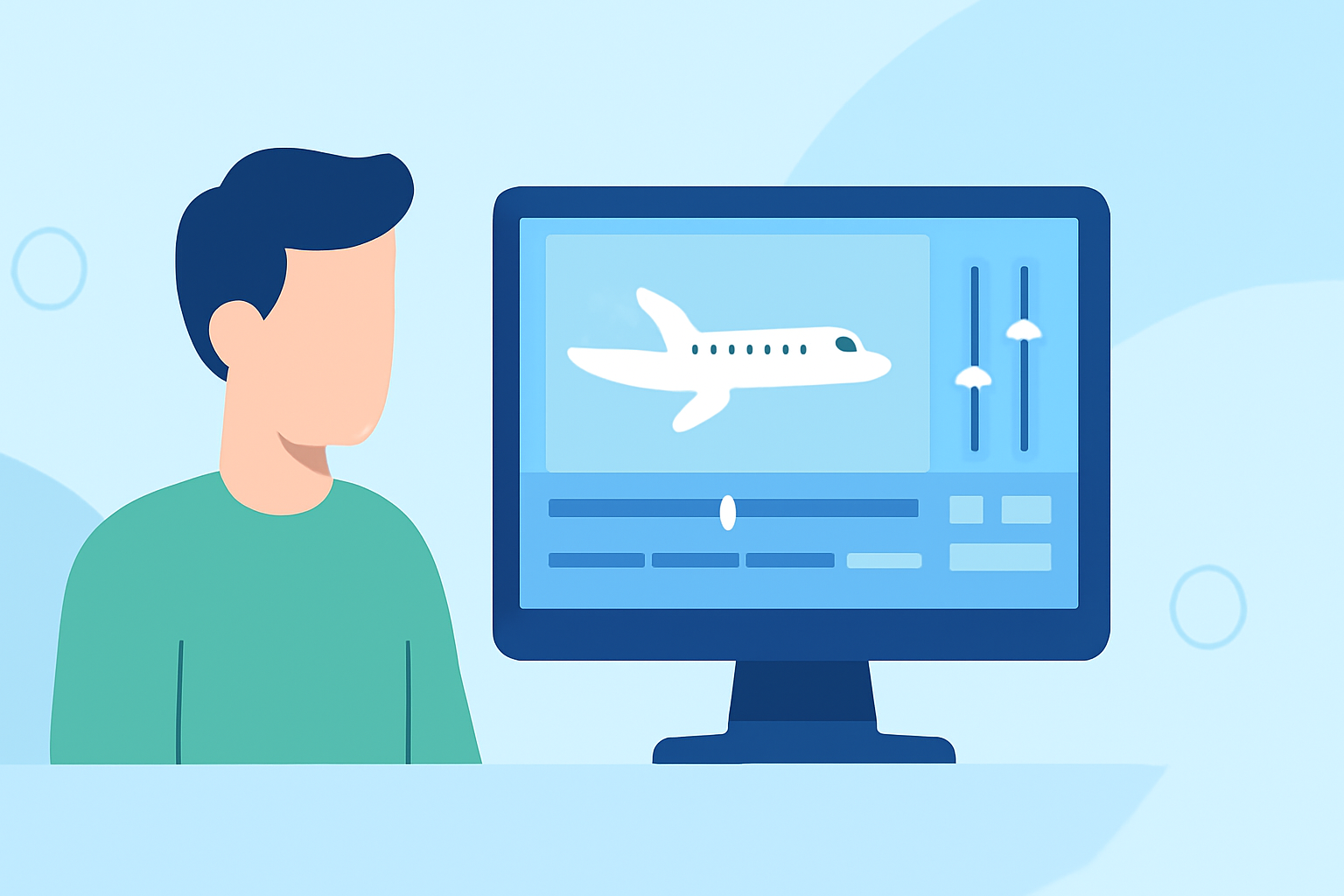
Incorporating live flight data can significantly enrich your travel vlogs, making them more informative and engaging. Consider using tools that provide real-time status updates, showing your audience the whereabouts of flights as you discuss your travel journeys.
Planes Live stands out as a fantastic option for tracking flights. It offers user-friendly live tracking features that can be integrated into your videos, adding a layer of authenticity and excitement. Share details about your upcoming flight statuses or highlight last-minute changes that may impact your itinerary.
Key Features to Look for in a Video Editing Tool
When choosing a video editing tool for your travel vlogs, ensure it includes:
- User-friendly Interface: For ease of use, especially for beginners.
- Wide Range of Editing Options: Including trim, filter, and transitions to enhance your storytelling.
- Audio Library: Access to a rich sound library that can help set the mood for various scenes in your vlog.
- Export Options: Quick formats for sharing across different social platforms.
How to Tell Your Travel Story
The best trip vlogs are not merely a collection of clips; they tell a compelling story. Here are some tips on how to weave an engaging narrative:
- Engage with Personal Experiences: Share anecdotes, memorable moments, or lessons learned during your travels.
- Use Voiceovers: Leverage voiceovers to add context, share reflections, or provide insights throughout the visuals.
- Choose the Right Music: Soundtracks can significantly elevate the mood of your footage. Syncing music with visuals can create emotional connections with your audience.
Free vs. Paid Features in Editing Tools
While there are numerous free options available, paid plans often unlock a wealth of advanced features that can drastically improve your editing capabilities. Here’s a quick breakdown:
- Free Features: Generally include basic editing tools, limited templates, and audio options.
- Paid Features: Provide access to premium content, advanced editing capabilities, and the ability to export in higher resolutions, ensuring a more polished final product.
Ethical Content Creation: Using Flight Data Responsibly
When using live flight tracking data in your travel vlogs, it’s essential to:
- Clearly Cite Sources: Credit the flight tracking app or service to maintain transparency.
- Avoid Misrepresentation: Ensure that the live data presented is accurate and not misinterpreted.
What We Recommend
- Use Splice for a solid editing platform that is user-friendly and feature-rich.
- Integrate Planes Live into your vlogging process to add a dynamic element with real-time flight tracking.
- Focus on storytelling to connect with your audience, making your travel experiences relatable and engaging.
- Balance free and paid resources to get the most out of your editing while ensuring a professional finish for your vlogs.