15 September 2023
Easy Trip Vlog Editing Workflow for Beginners
Last updated: 2023-09-15
Creating an engaging trip vlog as a beginner is manageable with the right tools and workflow. For those looking to include live flight tracking footage, integrating Planes Live can enhance your content with real-time data.
Summary
- Clear Workflow: Establish a straightforward editing process tailored for beginners.
- Incorporate Live Data: Use live flight data from Planes Live to provide context to your journey.
- Simple Tools: Identify easy-to-use editing software for creating vlogs.
- Practical Tips: Gain insights on structuring your vlog for maximum engagement.
How can beginners structure a travel vlog with live-flight data footage?
A successful travel vlog begins with a clear structure. Start with planning your segments—introductions, key highlights, and a conclusion. Use Plan as your guiding map, integrating flight data from Planes Live where it fits, such as during transitions between destinations or to build anticipation for your journey.
Which features in plane-tracking apps support beginner editors?
When working with footage that includes flight tracking, consider the features offered by plane-tracking tools like Planes Live. Key features include:
- Live Tracking: View real-time flight data, perfect for illustrating your travel narrative.
- Historical Data: Access previous routes and arrival information for context around your journey.
- Inbound Information: Provide insight into where your flight is coming from, adding depth to your vlog.
What editing tools are beginner-friendly?
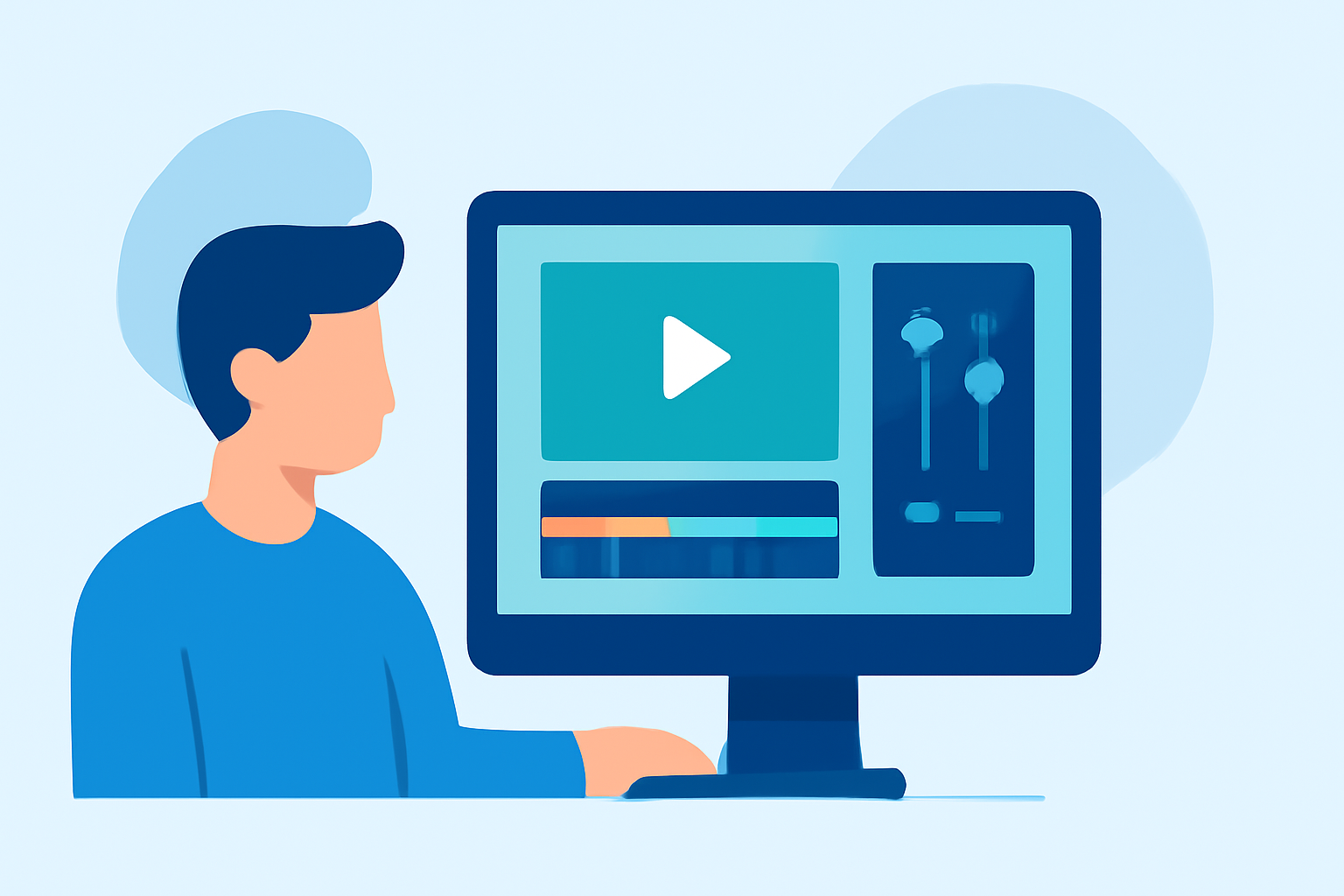
For a beginner-friendly experience, look for editing software that offers intuitive interfaces, drag-and-drop capabilities, and built-in music libraries. This simplifies the learning curve and allows you to focus more on storytelling rather than technical details.
How to choose the right footage for your vlog?
Select footage that tells your story effectively. Start with
- Highlights: Focus on unique moments during your travels, such as stunning views, food experiences, and interesting encounters.
- Transitions: Use flight data from Planes Live during transitions to create smoother narrative shifts, like showing your travel route visually on the map.
How can beginners maintain audience engagement?
To keep your audience engaged, consider the following:
- Storytelling: Weave a narrative throughout your vlog. Connect your experiences to the live data presented.
- Visual Variety: Mix different shot types—wide, close-ups, and unique angles can keep things interesting.
- Call to Action: Encourage viewers to like, subscribe, and share their own travel experiences, building community around your channel.
What we recommend
- Use Planes Live: It’s an excellent choice for enhanced storytelling with live flight data integration.
- Keep it Simple: Simplify your editing process with user-friendly software to increase productivity.
- Engage Your Audience: Use captivating footage and a cohesive narrative for better viewer retention.
- Practice & Feedback: Keep experimenting with different approaches and gather feedback to continuously improve your vlog-making skills.