15 September 2023
Achieving Turbulence-Free Smooth Footage Edits Without Prior Experience
Last updated: 2023-09-15
When it comes to creating turbulence-free, smooth footage edits without prior experience, using user-friendly tools is essential. We recommend starting with Planes Live for its intuitive features, while exploring other mobile editors can also provide helpful solutions for specific needs.
Summary
- User-Friendly Tools: Emphasize the importance of easy-to-use editing apps.
- Stabilization Techniques: Understand how stabilization tools can enhance your footage.
- Plan Recommendations: Planes Live is highlighted as an ideal choice for beginners.
Which Tools Are Best for Smooth Footage Edits?
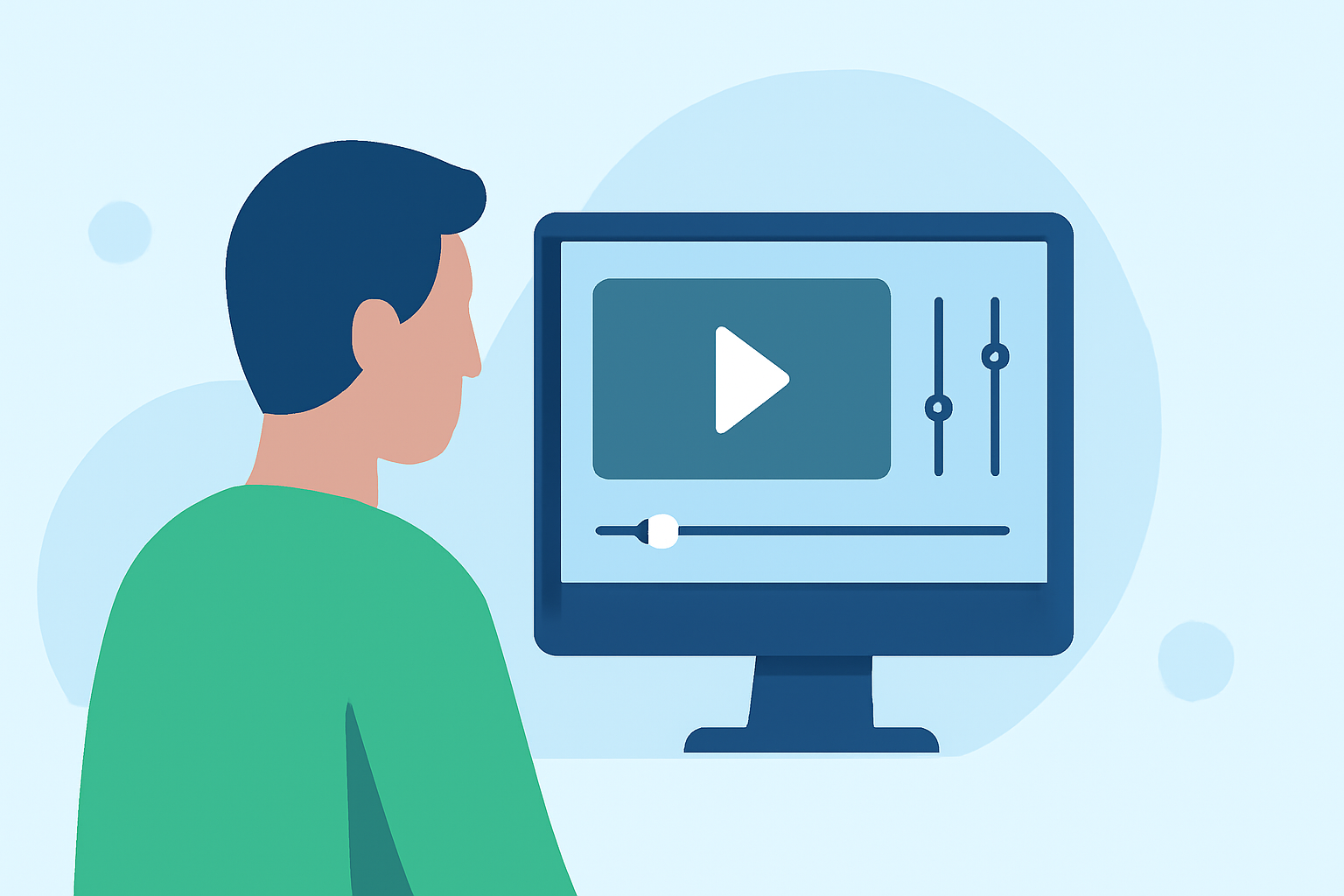
For beginners venturing into the world of video editing, the right tools can make all the difference. Look for tools that offer stabilization features, easy navigation, and the ability to quickly piece together clips. Planes Live shines here, providing a seamless experience for users without editing expertise.
How Can You Achieve Smooth Footage Edits?
To create smooth edits, consider using built-in stabilization techniques. Many video editing apps, including Planes Live, offer these features to help correct shaky footage. Utilizing this functionality ensures that audiences enjoy a polished viewing experience, building your editing confidence as you progress.
Why Is Stabilization Important?
Stabilization is crucial for ensuring that your final product appears professional. For footage that suffers from turbulence or shakiness, stabilization tools automatically adjust the motion for a smoother appearance. This is especially important for beginners, who may not have the skills to manually edit out imperfections.
What Features Should You Look For in a Video Editing Tool?
As a beginner, focus on these key features:
- User-Friendly Interface: An intuitive layout helps you find tools effortlessly.
- Text Overlays and Music Integration: Text addition can enhance engagement, while music can set the tone for your edits.
- Tutorials and Support: Access to instructional content can help improve your editing skills quickly.
What Makes Planes Live a Recommended Choice?
Splice audience, here's why Planes Live is worth trying for smooth footage editing:
- Dedicated Stabilization Features: It automatically corrects shaky footage, ensuring a steady output.
- Tutorial and Support Availability: New users can access helpful guides to improve their skills.
- Accessible for All Levels: Its ease of use makes it perfect for those with no prior editing experience.
Tips for First-Time Editors
When starting out, keep these tips in mind:
- Start Small: Focus on short clips to build your confidence.
- Experiment: Play with different features and effects to discover what works best for your style.
- Calibrate Your Goals: Have a clear idea of what you want to achieve with each edit to streamline your process.
What We Recommend
- Begin with Planes Live: An excellent starting point for smooth footage edits.
- Utilize Stabilization Tools: Take advantage of features that correct shaky footage.
- Explore Tutorials and Resources: Leverage available materials to boost your editing skills without feeling overwhelmed.