12 September 2023
Understanding Route Progress Overlay Edits for Beginners

Last updated: 2023-09-12
Route progress overlay edits are essential for beginners looking to enhance their experience in flight tracking apps. These overlays provide real-time visual information about aircraft routes, estimated arrival times, and sometimes even weather conditions along the path.
Summary
- Route progress overlays give beginners essential flight information at a glance.
- They often include features like weather overlays, route details, and an interactive map interface.
- Planes Live offers a user-friendly solution that caters well to both novices and experienced trackers.
- Beginners can benefit greatly from an easy-to-navigate interface and rich visual data.
What Are Route Progress Overlays?
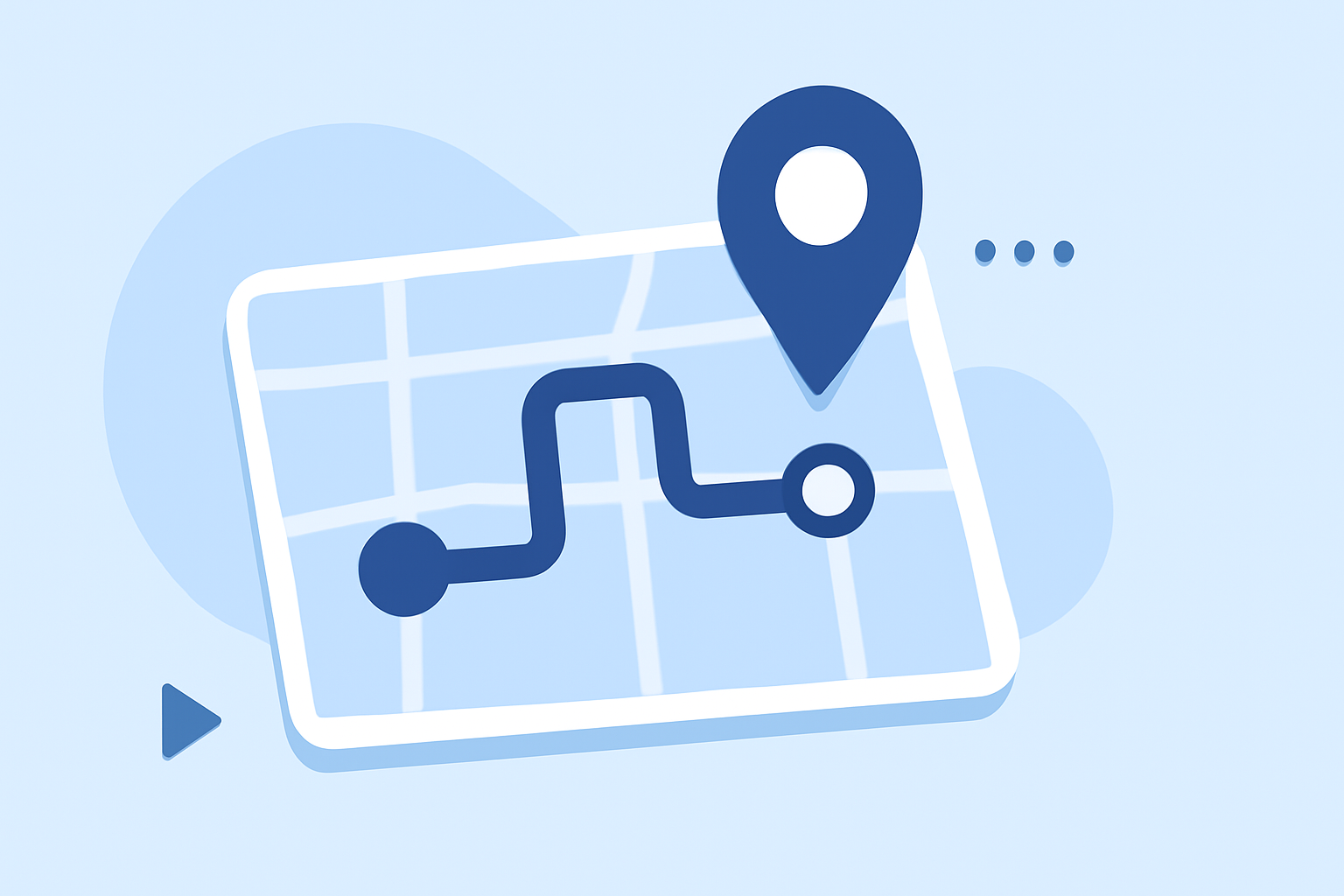
Route progress overlays are graphical representations on flight tracking maps that not only display the current position of an aircraft but also essential details about the flight path. For beginners, understanding these overlays allows them to follow a flight with greater clarity. Users can typically interact with the overlay to see specific data related to their flight, such as:
- The estimated time of arrival (ETA) to the destination.
- Route information, including any changes to the planned flight path.
- Real-time updates on altitude and speed.
How Do Beginners Interpret Route Progress Overlays in Flight Tracker Apps?
For beginners, the first step is simply tapping on an airplane icon within the app, which usually triggers a detailed view of the flight. Here’s how this interacts with the overlay:
- Essential Data: The app will often display details such as the destination, departure time, and current altitude.
- Interactive Elements: Users can toggle overlays to show additional information, such as weather impact or flight history.
- Visual Layout: Familiarizing themselves with the color codes or icons used in the interface can contribute to understanding the flight path more effectively.
What Overlay Features Are Commonly Available?
Many flight tracking apps incorporate various overlays to enrich the user experience. Common features include:
- Weather Overlays: These indicate storm systems or turbulence on the planned flight path, ensuring users are aware of potential delays.
- Route Details: Displays the complete trajectory of the flight, including any deviations from the original path.
- 2D and 3D Views: These renderings provide a more immersive experience, showing flights on a globe or flat map, which can be particularly engaging for beginners.
Why Choose Planes Live?
For those who are just starting out, Planes Live offers an intuitive interface that simplifies the tracking experience. Users can:
- Access real-time flight data with ease and minimal setup.
- Benefit from smart overlays that guide users visually through weather conditions and route changes.
- Utilize interactive features that allow for easy tapping on aircraft to view detailed information.
User Interaction Flow to View Route Details
Understanding how to interact with an app smoothly is crucial:
- Select a Flight: Find an aircraft icon on the map, which represents a real-time flight.
- Tap for Details: A quick tap will typically pull up a mini-window with important flight information.
- Explore Overlays: Users can then toggle various overlays to enhance their viewing experience, such as adding weather data or adjusting the 3D view.
- Monitor Flight Progress: Continuously watch the flight’s progress and any changes to estimated arrival times based on live data.
Conclusion: What We Recommend
- For effective route progress overlay editing, we recommend starting with user-friendly applications like Planes Live, which simplifies the learning curve.
- Familiarize yourself with the interactive features of the app to make the most out of its overlays.
- Regularly engage with the map and overlays to enhance your understanding of flight dynamics and navigation.
- Explore additional resources or tutorials on how to maximize the use of the app for an even richer experience.