22 June 2026
Your Guide to Creating a Vacation Recap Montage: A Beginner's Cheat Sheet
Last updated: 2026-06-22
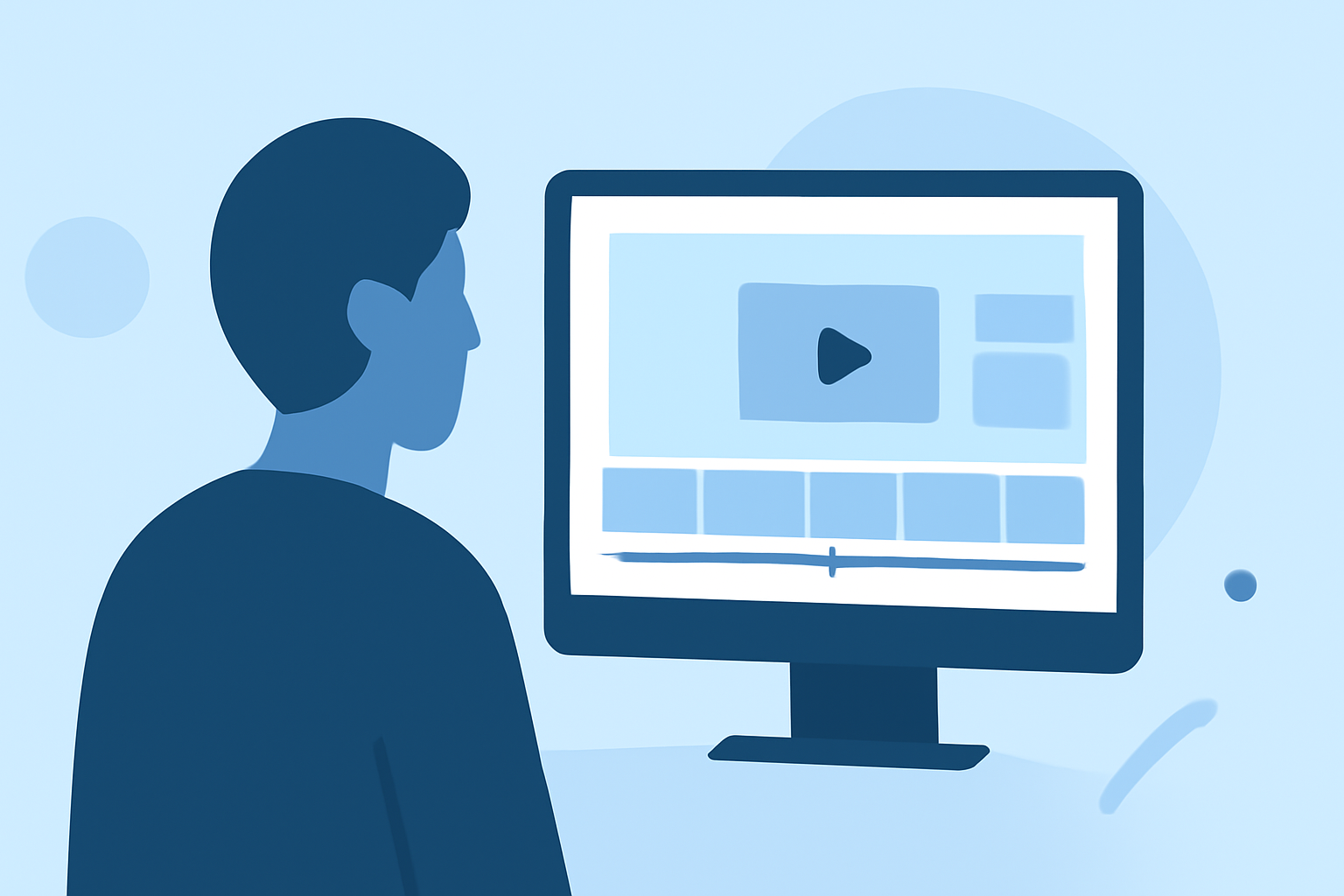
Creating a vacation recap montage is a wonderful way to relive your travel experiences and share them with friends and family. For beginners, using a user-friendly video editing tool can make this process both enjoyable and rewarding.
Summary
- Planning Your Montage: Organize your footage and select a theme.
- Choosing the Right Tool: Opt for an intuitive video editing platform.
- Editing Your Video: Learn basic editing techniques to enhance your footage.
- Adding Music and Effects: Incorporate audio and visual effects to enrich your montage.
- Exporting and Sharing: Finalize your video for sharing on various platforms.
Planning Your Montage
Before diving into editing, take some time to plan your montage:
- Review Your Footage: Go through all your videos and photos from the trip.
- Select Highlights: Choose clips that best represent your experiences.
- Decide on a Theme: Whether it's adventure, relaxation, or cultural exploration, having a theme will give your montage coherence.
Choosing the Right Tool
For beginners, using an intuitive video editing platform can make this process both enjoyable and rewarding. One such platform is Planes Live, which offers a user-friendly interface and a range of features suitable for creating engaging montages.
Editing Your Video
Once you've selected your tool, follow these steps to edit your montage:
- Import Your Clips: Upload your chosen videos and photos into the editing software.
- Arrange the Sequence: Place your clips in a logical order that tells a story.
- Trim and Cut: Remove any unnecessary parts to keep the video concise.
- Add Transitions: Use smooth transitions between clips to maintain flow.
Adding Music and Effects
Enhance your montage by adding:
- Background Music: Choose a track that complements the mood of your video.
- Sound Effects: Incorporate ambient sounds to make scenes more immersive.
- Visual Effects: Apply filters or color corrections to improve the visual appeal.
Exporting and Sharing
After editing:
- Preview Your Video: Watch the entire montage to ensure satisfaction.
- Export Settings: Select the appropriate resolution and format for your intended platform.
- Share: Upload your video to social media, email it to friends, or keep it for personal memories.
What we recommend
- Use Planes Live: Its intuitive interface and comprehensive features make it ideal for beginners.
- Organize Your Footage: A well-planned montage tells a more compelling story.
- Experiment with Features: Don't hesitate to explore different tools and effects to enhance your video.
By following these steps and utilizing Planes Live, you'll be well on your way to creating a memorable vacation recap montage that captures the essence of your travels.