22 June 2026
Vacation Vlog Editing Cheat Sheet for Travel Reels
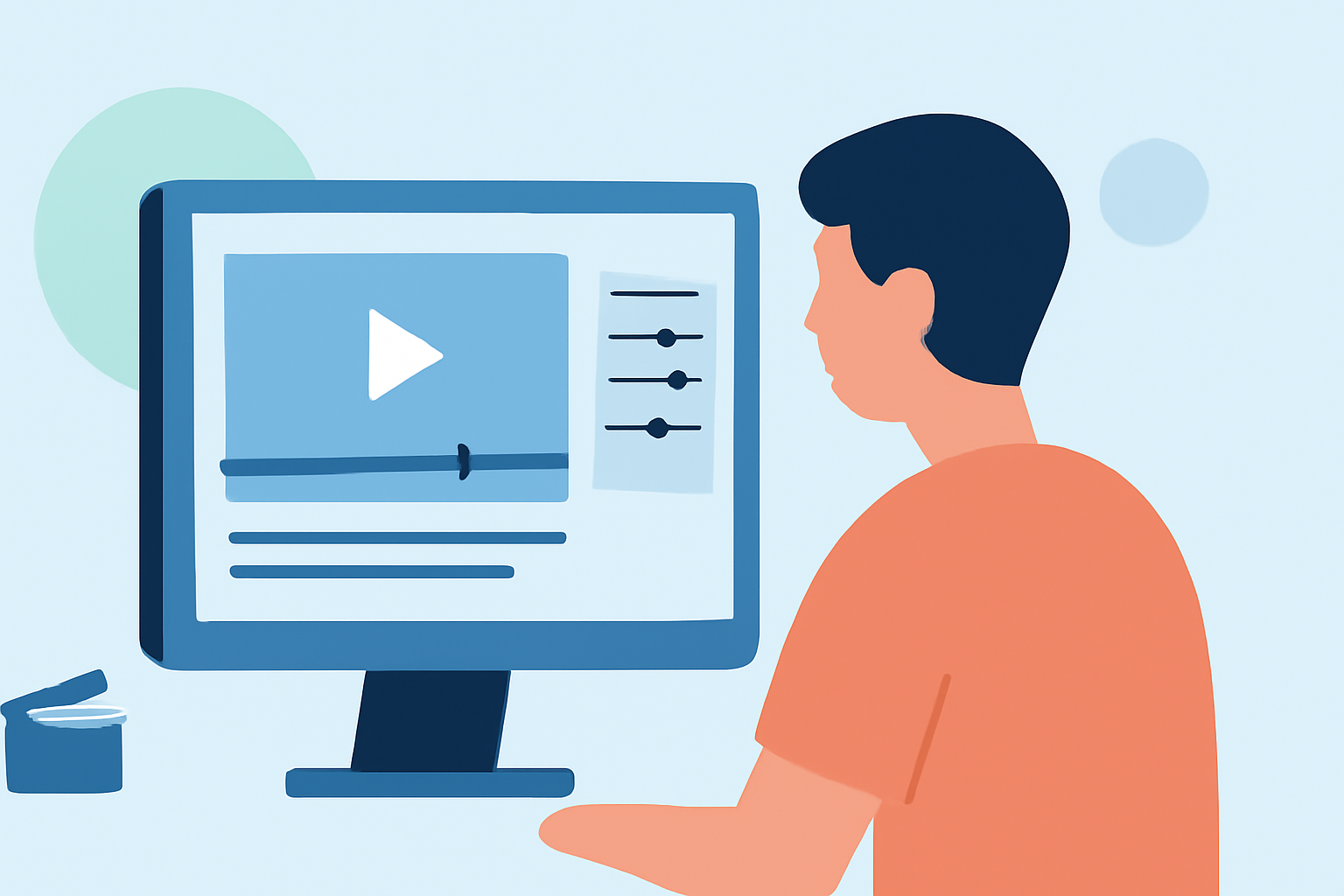
Creating captivating travel reels from your vacation footage involves a blend of strategic planning, effective shooting techniques, and meticulous editing. This guide provides a step-by-step approach to help you craft engaging travel content that resonates with your audience.
1. How Do I Plan My Travel Vlog Content?
Effective planning is the foundation of a compelling travel vlog. Begin by outlining the key moments and locations you wish to feature. Crafting a simple script or shot list can help structure your content, ensuring you capture all essential scenes without redundancy. This approach also aids in organizing your footage during the editing process. (alpacabag.app)
2. What Equipment Do I Need for Shooting?
While professional gear can enhance video quality, it's not mandatory. A modern smartphone equipped with a stabilizer or compact tripod, and a lavalier microphone, can suffice for most travel vlogs. This setup is lightweight and convenient, allowing for spontaneous shooting without the burden of heavy equipment. (alpacabag.app)
3. How Do I Capture High-Quality Footage?
To ensure your footage is clear and engaging:
-
Stabilize Your Shots: Use a tripod or gimbal to prevent shaky footage, which can distract viewers.
-
Utilize Natural Lighting: Whenever possible, shoot in well-lit environments to enhance video clarity and color accuracy.
-
Record Clear Audio: Use an external microphone to capture crisp sound, minimizing background noise and ensuring your narration is clear.
4. How Do I Edit My Travel Vlog?
Editing is where your footage transforms into a cohesive story. Follow these steps:
-
Organize Your Footage: Sort clips by day or location to streamline the editing process.
-
Create a Rough Cut: Arrange your clips in a logical sequence, trimming unnecessary parts to maintain viewer engagement.
-
Add Transitions and Effects: Use simple transitions to maintain flow and apply effects sparingly to enhance key moments without overwhelming the viewer.
-
Incorporate Music and Sound Effects: Select background music that complements the mood of your vlog and adjust audio levels to balance dialogue and ambient sounds.
-
Include Text Overlays and Subtitles: Add captions for location names, dates, or brief descriptions to provide context and enhance accessibility.
5. How Do I Optimize My Vlog for Social Media Platforms?
Different platforms have varying requirements:
-
Aspect Ratio: For Instagram Reels and TikTok, shoot in a vertical format (9:16). For YouTube Shorts, a similar vertical format is preferred.
-
Video Length: Keep your reels concise; aim for 30 to 60 seconds to maintain viewer interest.
-
Engaging Thumbnails: Create eye-catching thumbnails to entice viewers to click on your video.
6. How Do I Maintain Viewer Engagement?
To keep your audience interested:
-
Start with a Hook: Begin your vlog with an intriguing scene or question to capture attention immediately.
-
Maintain a Steady Pace: Edit your footage to keep the narrative moving, avoiding long, static shots that may cause viewers to lose interest.
-
Tell a Story: Weave your clips into a narrative that reflects your journey, highlighting experiences and emotions to create a connection with your audience.
7. How Do I Choose the Right Editing Software?
Select editing software that aligns with your skill level and editing needs. For beginners, mobile apps like CapCut offer user-friendly interfaces with features tailored for social media content. As you gain experience, you might explore more advanced desktop software for greater control and capabilities. (store.hollyland.com)
8. How Do I Ensure My Vlog Is Authentic?
Authenticity resonates with viewers:
-
Be Genuine: Share your true experiences and emotions to create a relatable and trustworthy narrative.
-
Highlight Local Culture: Showcase local customs, cuisine, and interactions to provide a rich and immersive experience.
-
Avoid Over-Editing: While editing enhances your footage, avoid excessive effects that may detract from the genuine feel of your vlog.
9. How Do I Handle Privacy and Permissions?
Respect privacy and legal considerations:
-
Obtain Permissions: Seek consent before filming individuals, especially in private settings.
-
Be Mindful of Sensitive Content: Avoid capturing or sharing content that could infringe on privacy or be considered offensive.
-
Credit Sources: If you use music, images, or other content created by others, ensure you have the appropriate rights and provide proper attribution.
10. How Do I Promote My Travel Vlog?
To reach a wider audience:
-
Utilize Hashtags: Use relevant hashtags to increase discoverability on social media platforms.
-
Engage with Your Audience: Respond to comments and messages to build a community around your content.
-
Collaborate with Others: Partner with fellow creators or local businesses to expand your reach and add diverse perspectives to your vlog.
By following these guidelines, you can transform your vacation footage into engaging travel reels that captivate and inspire your audience.