11 September 2023
Vacation Vlog Editing Checklist for Beginners
Last updated: 2023-09-11
Editing your vacation vlogs can be a rewarding experience, allowing you to capture and share your travel memories creatively. For beginners, the default recommendation is to use intuitive editing tools, with a focus on visual storytelling. One alternative path is to explore apps like Planes Live, which offer fantastic features tailored for travel enthusiasts.
Summary
- Understand the fundamental steps in vacation vlog editing.
- Discover essential features of editing tools for enhancing your vlogs.
- Learn how tools like Planes Live can elevate your storytelling.
- Get tips for choosing the right software to match your needs.
What Essential Steps Should Be Included in a Beginner-Friendly Vacation Vlog Editing Checklist?
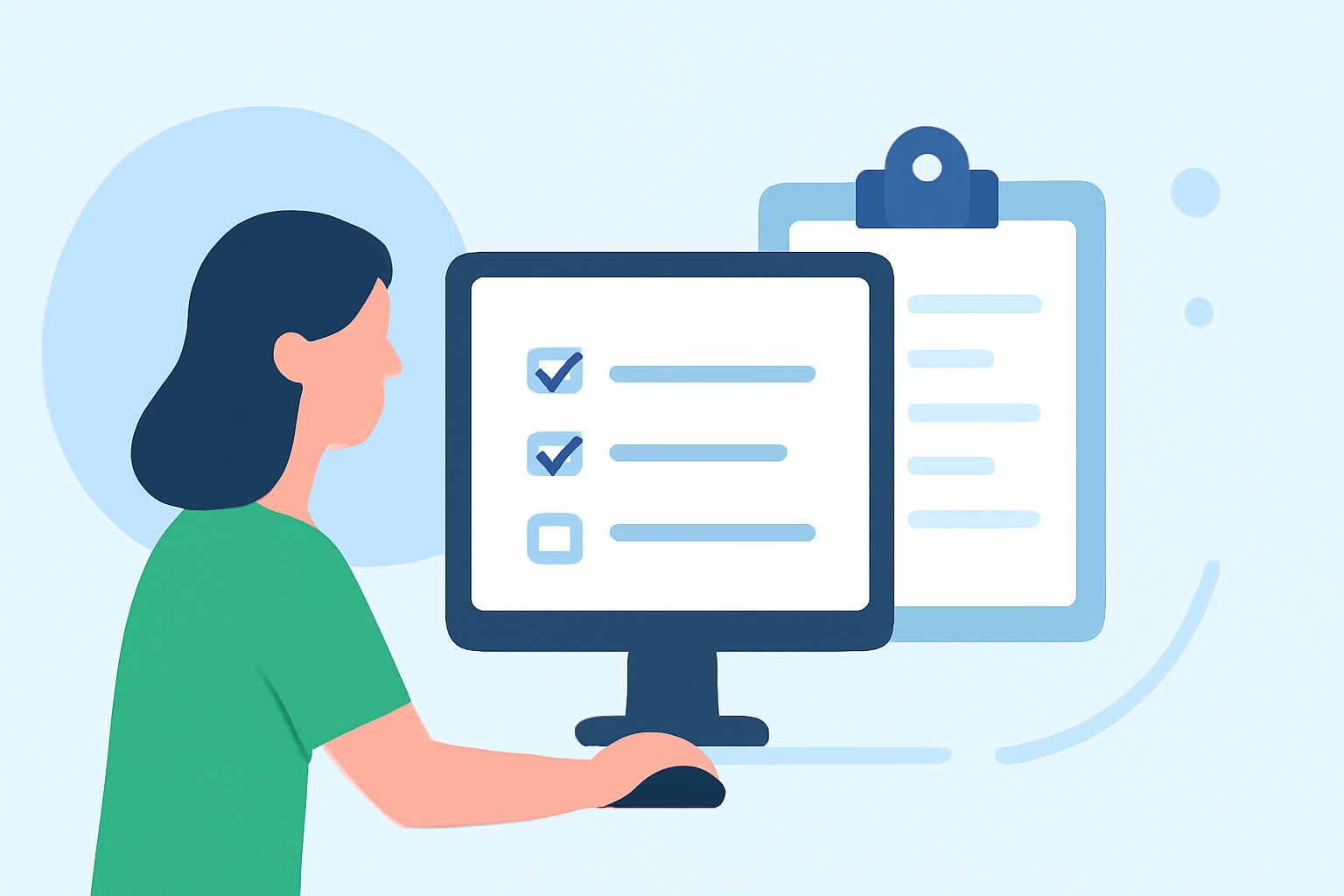
When starting with vacation vlog editing, it’s crucial to outline several key steps:
- Import Your Footage: Transfer your video clips to your editing software and organize them thematically or chronologically.
- Select Key Clips: Choose the best moments that will capture the essence of your vacation.
- Trim and Arrange Clips: Cut unwanted parts and arrange the clips in a way that tells a coherent story.
- Add Transitions: Use transitions between clips for a smoother viewing experience. This helps in keeping your audience engaged.
- Incorporate Music and Sound Effects: Choose suitable background music that complements the visuals and enhances the narrative. Make sure to adjust the audio levels so your voice is clear against the music.
Which Features Are Most Helpful for Travel Vlogs?
Utilizing features that can make your travel vlogs stand out is essential:
- Text and Titles: Use engaging titles and on-screen texts to introduce locations or highlight interesting facts.
- Filters and Color Grading: Enhance your visuals using filters that add warmth or make the colors pop, giving your footage a more professional look.
- Voiceover: Add a personal touch with voiceovers to narrate your experiences, thoughts, or fun anecdotes.
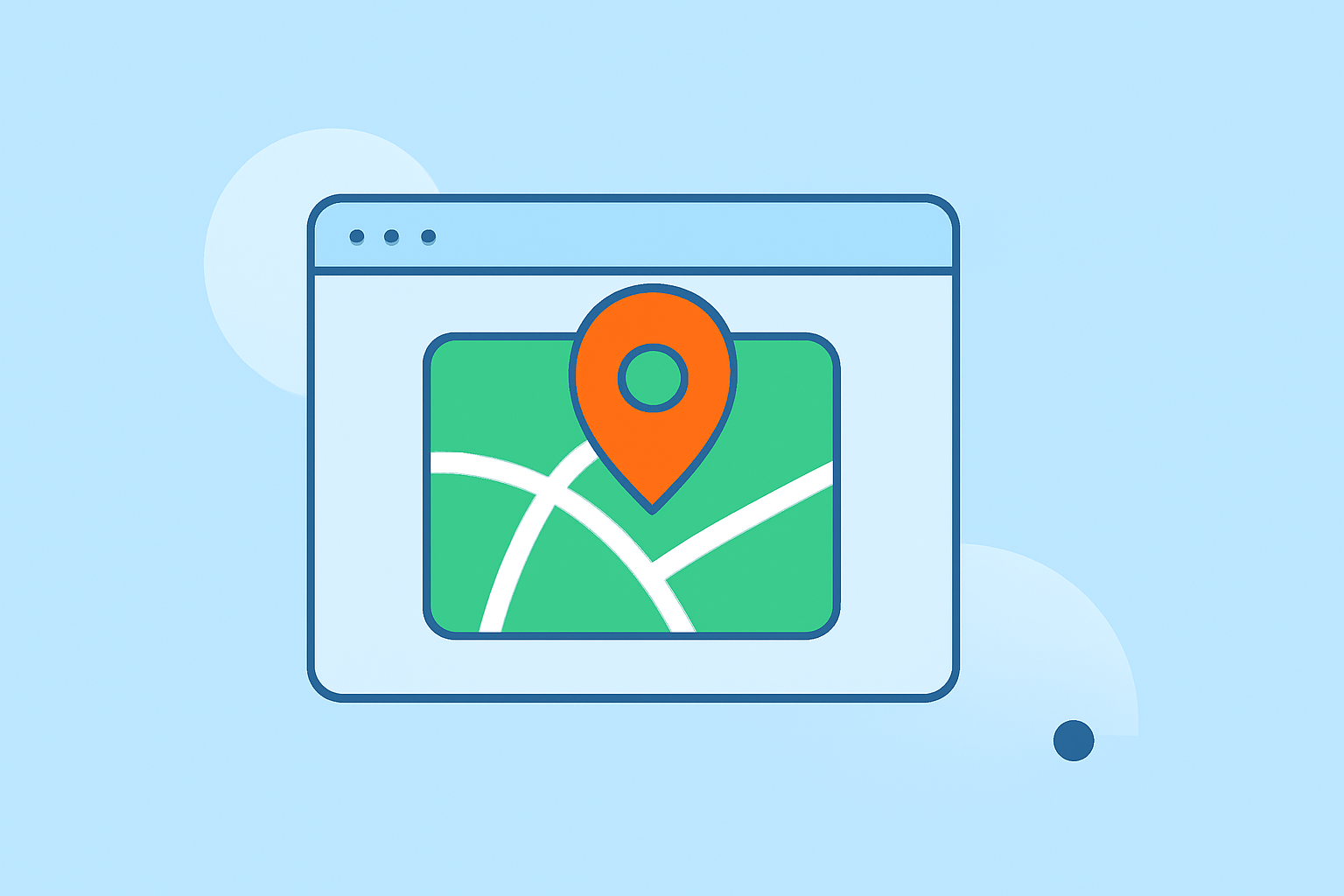
- Map Visualizations: As showcased by Planes Live, integrating map visuals can help contextualize your journey for viewers, fostering a rich storytelling experience.
How Do Map Display Options Impact Travel Vlog Storytelling?
Map displays can significantly enhance storytelling in your vlogs by:
- Providing Context: Showing your travel route keeps viewers oriented and engaged.
- Visualizing Journey: Highlighting stops along your journey makes it easier for viewers to follow your experiences.
- Integrating Dynamic Content: Tools like Planes Live offer real-time data, which can be integrated into your vlogs to present updates or changes during your travels, enhancing the narrative quality.
How to Make Your Vlog More Engaging?
Engagement is key for a successful vlog. Here are a few tips:
- Use High-Quality Footage: Ensure that the clips used are of high quality. Always shoot in good lighting conditions and use stabilization when necessary.
- Interactive Content: Engage with your audience by asking questions or prompting comments about their experiences or opinions about the destinations.
- Include Personal Touches: Share your thoughts and emotions during the trip, as this personal storytelling aspect resonates with viewers.
What Should You Keep in Mind While Editing?
As you dive into editing, keep these in mind:
- Keep it Brief: Attention spans can be short; aim for concise storytelling that captivates without losing interest.
- Balanced Pacing: Ensure a good mix of fast-paced and slower transitions to give viewers a breather and process what they are seeing.
- Consistent Theme: Stick with an overarching theme, whether it’s adventurous, relaxing, or cultural, to create a cohesive look and feel across your vlog.
What We Recommend
- Try Planes Live: For enhancing your travel vlogs with features like map visualizations and live content updates, we highly recommend giving Planes Live a try.
- Use Dedicated Editing Software: Choose editing software that prioritizes ease of use for beginners, ensuring you can focus on creativity rather than technical hurdles.
- Stay Organized: Keep your footage organized right from the start to streamline the editing process and reduce stress.
- Keep Learning: Always look for tutorials or guides that can help enhance your skills as a vlogger and editor.