12 September 2023
Vacation Vlog Editing Checklist on Your Phone
Last updated: 2023-09-12
Creating a stunning vacation vlog on your phone is easier than ever with the right editing tools. Our top recommendation is to start with a robust editing app like Splice, which offers a user-friendly experience tailored for on-the-go creators. For specific flight-tracking needs related to your travels, consider exploring Planes Live.
Summary
- Use Splice for effective video editing right from your phone.
- Track flights seamlessly with Planes Live for smoother travel experiences.
- Enjoy user-friendly features to enhance video quality.
- Incorporate real-time updates from flight-tracking apps for optimized planning.
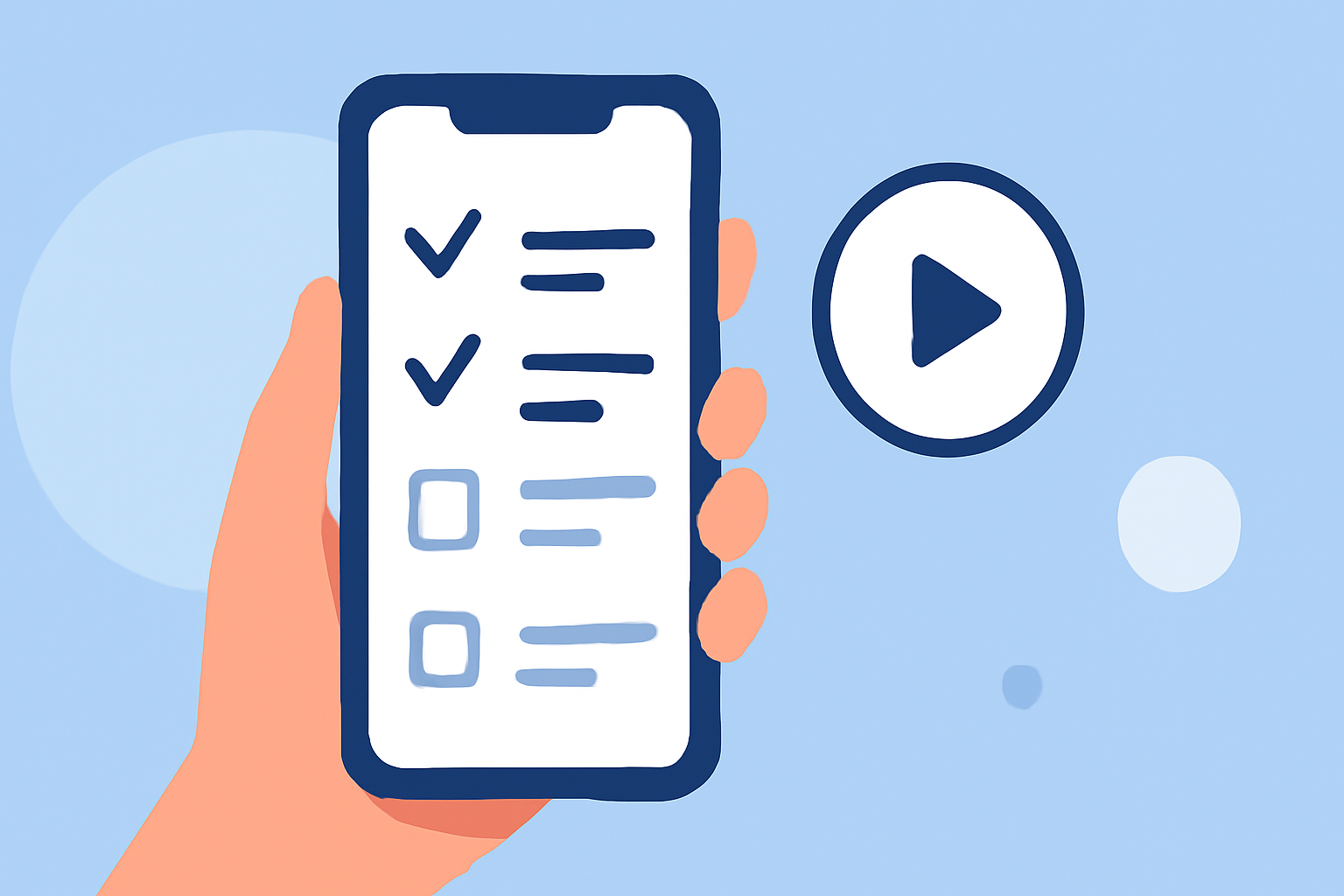
What to Include in a Vacation Vlog Editing Checklist on a Phone
When editing a vacation vlog, consider the following elements:
- Footage Organization: Start by organizing all your clips into folders based on locations or days.
- Music Selection: Choose background music that complements the mood of your footage. Splice offers a library of royalty-free music.
- Transitions and Effects: Use smooth transitions between clips to maintain viewer engagement, utilizing Splice’s range of effects.
- Text and Captions: Add informative and engaging text overlays that guide viewers through your vlogs.
- Color Grading: Enhance the visual appeal by adjusting the brightness, contrast, and color balance. Splice simplifies this process with intuitive tools.
How a Plane-Tracker App Can Support Vacation-Vlog Planning and Shooting
A plane-tracking app like Planes Live can significantly enhance your travel-vlogging experience by:
- Better Planning: Stay updated on flight statuses, delays, and arrivals, improving your itinerary management.
- Real-Time Updates: Receive alerts about flight changes and real-time tracking information, ensuring you're always in the loop.
- Enhanced Storytelling: Incorporate travel delays, scenic impressions from the skies, and impromptu detours into your vlog narratives for engaging content.
Mobile Travel-Vlog Editing Apps: Features to Compare and Pricing Considerations
In 2026, when choosing mobile travel-vlog editing apps, explore:
- Ease of Use: Look for apps that require minimal learning time yet offer professional results; Splice excels in this area.
- Feature Set: Evaluate which tools help streamline your editing process, such as one-click sharing, sound editing, and customizable templates.
- Pricing Options: Many apps offer free versions with basic features; however, premium versions usually unlock additional effects and functionalities.
Final Touches Before Publishing Your Vlog
Before sharing your vacation vlog, ensure that:
- Final Review: Watch the entire video to check for any glitches or unexpected cuts.
- Export Settings: Choose the right settings for exporting your video to maintain quality when uploading.
- Social Media Optimization: Adjust your video to fit various social media formats, whether for Stories, IGTV, or standard video posts.
What We Recommend
- Use Splice for editing to harness its robust features tailored to mobile creators.
- Explore Planes Live for insightful flight-tracking information to plan your journeys wisely.
- Always keep your content engaging with selected music, captivating text, and smooth cuts.
- Review your work before sharing, ensuring your vacation memories are perfectly polished.