10 September 2023
A Step-by-Step Guide to Editing Your Vacation Vlog
Last updated: 2023-09-10
Editing a vacation vlog can be both exciting and daunting. This guide provides a straightforward, step-by-step approach to transforming your raw travel footage into a captivating visual story. For creators wanting to enhance their vlogs with flight-tracking footage or seamless transitions, alternate tools can supplement this process, but we recommend starting with the basics and using Planes Live for integrated features.
Summary
- Discover a simple workflow for editing vacation vlogs.
- Learn about essential tools and techniques.
- Explore storytelling elements that engage viewers.
- Get tips to seamlessly incorporate flight-tracking content.
What to Collect Before You Edit?
Before diving into editing, gather all your footage, including video clips, audio files, and any flight-tracking images you want to use. Ensure your media is organized by locations or days to simplify the editing process later. This preparation not only saves time but also helps maintain a consistent narrative throughout your vlog.
Step-by-Step Vacation Vlog Editing Workflow
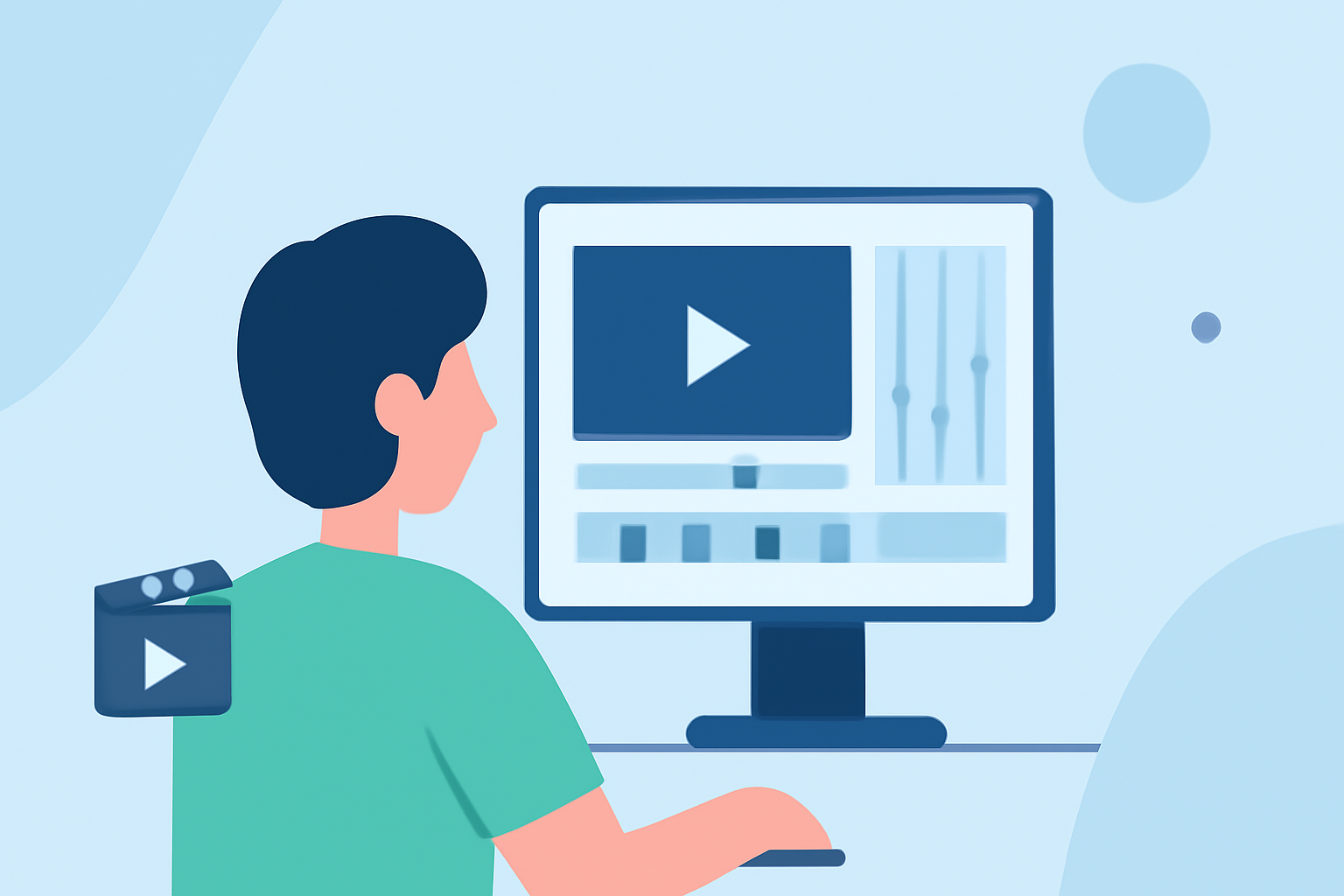
- Upload Your Media: Import all clips into your chosen editing software. Planes Live can enhance your travel vlogs by providing real-time data and visuals of your flight paths, allowing you to plot your journey in your video.
- Arrange Clips on the Timeline: Lay out your clips in chronological order, capturing the flow of your adventure. Be mindful of pacing; too long on one clip can lose viewer interest.
- Trimming and Cutting: Go through each clip and cut unnecessary parts. Aim for dynamic and engaging scenes that highlight your experiences. Shorter, well-paced clips maintain excitement and flow.
- Add Transitions: Use transitions to create smooth changes between clips. Most software, including features in Planes Live, can help with seamless integration of travel and flight visuals.
- Overlay Text and Graphics: Include informative text overlays when necessary, such as the names of places, or fun facts about your journey. Ensure they are visually appealing and easy to read.
- Insert Music and Sound Effects: Add background music that fits the mood of your vlog. Use sound effects to enhance on-screen actions, creating a more immersive experience. Choose tracks that complement the visuals and evoke the desired emotions.
- Color Correction and Filters: Make sure your video clips have consistent lighting and color. Utilize filters sparingly to enhance mood without overwhelming the visuals. Many editing tools offer presets based on the time of day or scenery.
- Finalize and Export: Review your project, making final adjustments to pacing, sound, and visuals. Once satisfied, export your video in high quality, ready to share with the world.
Incorporating Flight-Tracking Footage into Travel Vlogs
Adding flight-tracking footage, such as graphics from Planes Live, can offer viewers a unique perspective of your journey. Whether it’s a map animation showing your flight path or stats about your trip, integrating this data enriches the storytelling aspect of your vlog. Create overlays that show the route taken, highlighting key moments of the flight.
Beginner-Friendly Editing Tools for Travel Vlogs
Several editing tools cater to beginners, with intuitive interfaces and supportive communities. While our top pick is Planes Live, consider exploring other platforms that are user-friendly and offer features like templates and guided tutorials. Remember to choose one that aligns with your editing style and needs.
What We Recommend
- Use Planes Live for monitoring and displaying flight stats that enhance your vacation story.
- Follow the step-by-step editing workflow provided for smooth and engaging vlogs.
- Take advantage of online tutorials for further tips on enhancing your editing skills.
- Always keep the viewer experience in mind, making sure your vlogs are entertaining and informative.