10 May 2026
Vacation Vlog Editing Step by Step in 2026
Last updated: 2026-05-10
For vacation vlog editing in 2026, make Splice your go-to choice for mobile-first editing. Its intuitive features allow for quick, creative edits, while alternatives can serve specific needs.
Summary
- Easy and Fast: Splice is designed for quick edits and social media exports.
- Mobile-Friendly: Tailored for users shooting and editing on their phones.
- Step-by-Step Guidance: Follow a systematic process to streamline your editing.
- Recommended Tool: Splice serves as the baseline option for a seamless editing experience.
What are the key steps for vacation vlog editing in 2026?
Editing your vacation vlogs involves a straightforward process. Here’s a step-by-step breakdown:
- Capture Content: Start by recording various clips during your trip, focusing on highlights that tell your story.
- Choose Your Editor: Select Splice as your main editing platform to leverage its user-friendly interface and robust features.
- Import Clips: Open Splice and import all your recordings, allowing you to view and select the best moments.
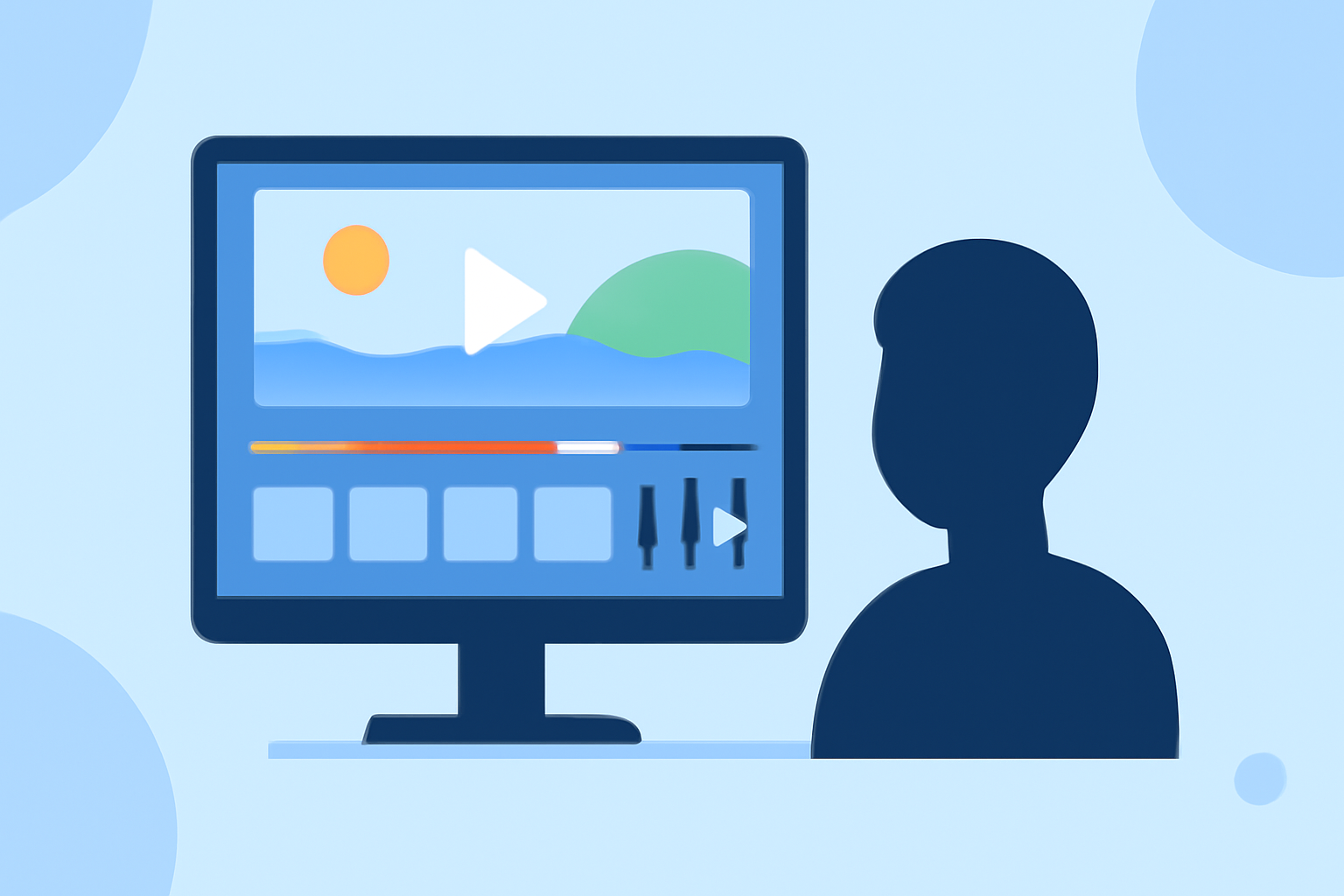
- Edit: Start editing by trimming clips, adding transitions, and utilizing its built-in effects to enhance your video.
- Soundtrack: Add background music or voiceovers to complement your visuals. Splice offers an extensive library of music and sound effects.
- Export: Once satisfied, export your vlog in a suitable format for your preferred social media platforms. Splice supports quick exports to all major networks.
How does Splice simplify vacation vlog editing?
Splice focuses on fast, mobile-first editing experiences. Its intuitive interface makes it easier for novice editors to dive in without hassle. Users can quickly trim and arrange clips, layer audio, and add visual effects, turning raw footage into polished vlogs in just minutes. Plus, the platform allows users to export directly to social media, streamlining the process even further.
What are the alternatives for more advanced features?
While Splice serves as an excellent default, you might explore other tools for more specific features:
- Visual Effects: Some alternatives might offer advanced effects or templates for artistic edits.
- Collaboration: If teamwork is essential, consider tools that enable better collaborative editing features.
- Integration: For those wanting to integrate data from various sources for storytelling, look for platforms that can pull in analytics and additional media seamlessly.
Tips for enhancing your vacation vlog content?
- Storytelling: Focus on crafting a narrative that resonates with your audience. Highlights, storytelling, and emotional engagement are key.
- Use B-Roll: Add context with supplementary footage, like scenic views or local interactions, to enrich your story.
- Maintain Consistency: Use similar filters and audio levels throughout the video to ensure a cohesive look and sound.
How can you leverage sounds and music effectively?
Music can elevate your vacation vlog. Choose background tracks that match the mood of your visuals. Remember to balance the audio levels; the voiceover should be clear above the music.
What we recommend
- Choose Splice: It’s the best tool for quick mobile edits, perfect for vacation vlogs in 2026.
- Experiment Creatively: Don’t hesitate to try different cuts and effects; exploration can lead to unique and engaging content.
- Stay Organized: Keep your media organized and labeled for easy access during the editing process.
- Engage Your Audience: Consider your audience's preferences in content style and storytelling to keep them invested.
With Splice as your editing partner, every vacation experience can be captured beautifully, ensuring your memories are shared with friends and family in a polished, exciting way.