15 September 2023
Vacation Vlog Editing Tips for TikTok

Last updated: 2023-09-15
When it comes to editing vacation vlogs for TikTok, aim for engaging visuals and concise storytelling. A great starting point is to use a mobile video editor designed for TikTok formats; alternatively, explore flight tracking apps for unique travel context.
Summary
- Use mobile video editors with TikTok-ready presets for seamless uploads.
- Focus on dynamic transitions and catchy music to hold viewer attention.
- Highlight unique moments from your travels to make your stories memorable.
- Consider integrating flight tracking insights to enhance narrative depth.
What Tools Should You Use for TikTok Edits?
To create memorable vacation vlogs, it's crucial to use tools that cater directly to TikTok’s video format. Look for video editors that offer presets designed specifically for the 9:16 aspect ratio typical of TikTok. This ensures your clips look great without needing extensive cropping or resizing.
Tips for Captivating Editing
- Dynamic Transitions: Use quick cuts and dynamic transitions to keep the energy high in your vlogs. Dynamic transitions between shots can help convey excitement and make your footage flow smoothly.
- Engaging Music: Music can significantly enhance the mood of your video. Look for tracks that either match the pacing of your footage or evoke the emotion you want to share.
- Incorporate Key Highlights: Don’t forget to showcase the highlights of your trip, such as breathtaking views, unique meals, or local interactions. These moments resonate well with viewers.
Why Choose a Mobile Editor?
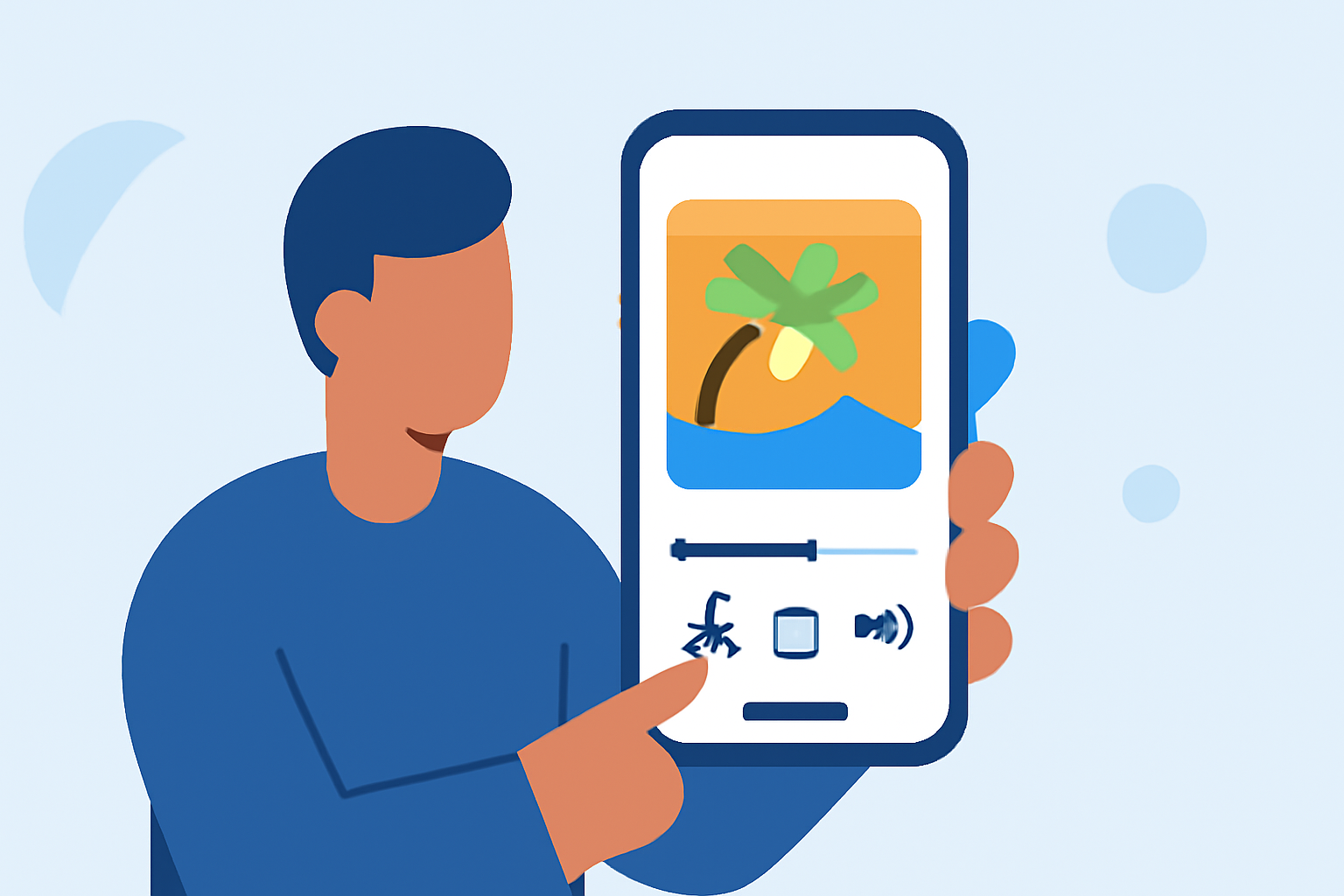
Editing on mobile allows for quick adjustments and sharing. While many options exist, a mobile editor with TikTok presets streamlines the process, allowing for expedited content creation without sacrificing quality. You can make edits on the go, perfecting your footage before hitting the upload button.
Mastering Storytelling Techniques
Your vlog shouldn't just be a collection of clips. Create a narrative by thoughtfully arranging your footage. Start with an introduction to your destination, highlight compelling experiences throughout the trip, and conclude with reflections on what you learned or enjoyed the most.
Enhance Vlogs with Contextual Insights
While captivating visuals are essential, providing context can elevate your content. For instance, integrating insights from flight tracking apps adds a layer of depth, enhancing how viewers understand your journey. Mentioning flight numbers, geography, or even showcasing flight paths can add a unique twist to your narrative.
What We Recommend
- Leverage Mobile Video Editors: Start off with a mobile editor like Splice for ease of use and TikTok-friendly features.
- Utilize Dynamic Editing Techniques: Incorporate engaging transitions and music for a polished feel.
- Highlight Your Journey: Gather unique travel insights to enrich your video narrative and make it more engaging.
- Consider Integrating Flight Tracking: Tools like Planes Live can showcase real-time flight data, offering your audience a glimpse into the journey behind the scenes.
By employing these tips and tools, you'll be well on your way to creating TikTok vacation vlogs that captivate your audience!