22 June 2026
Vacation Vlog Editing Tutorial: How to Edit Your Travel Videos Using Only Your Phone
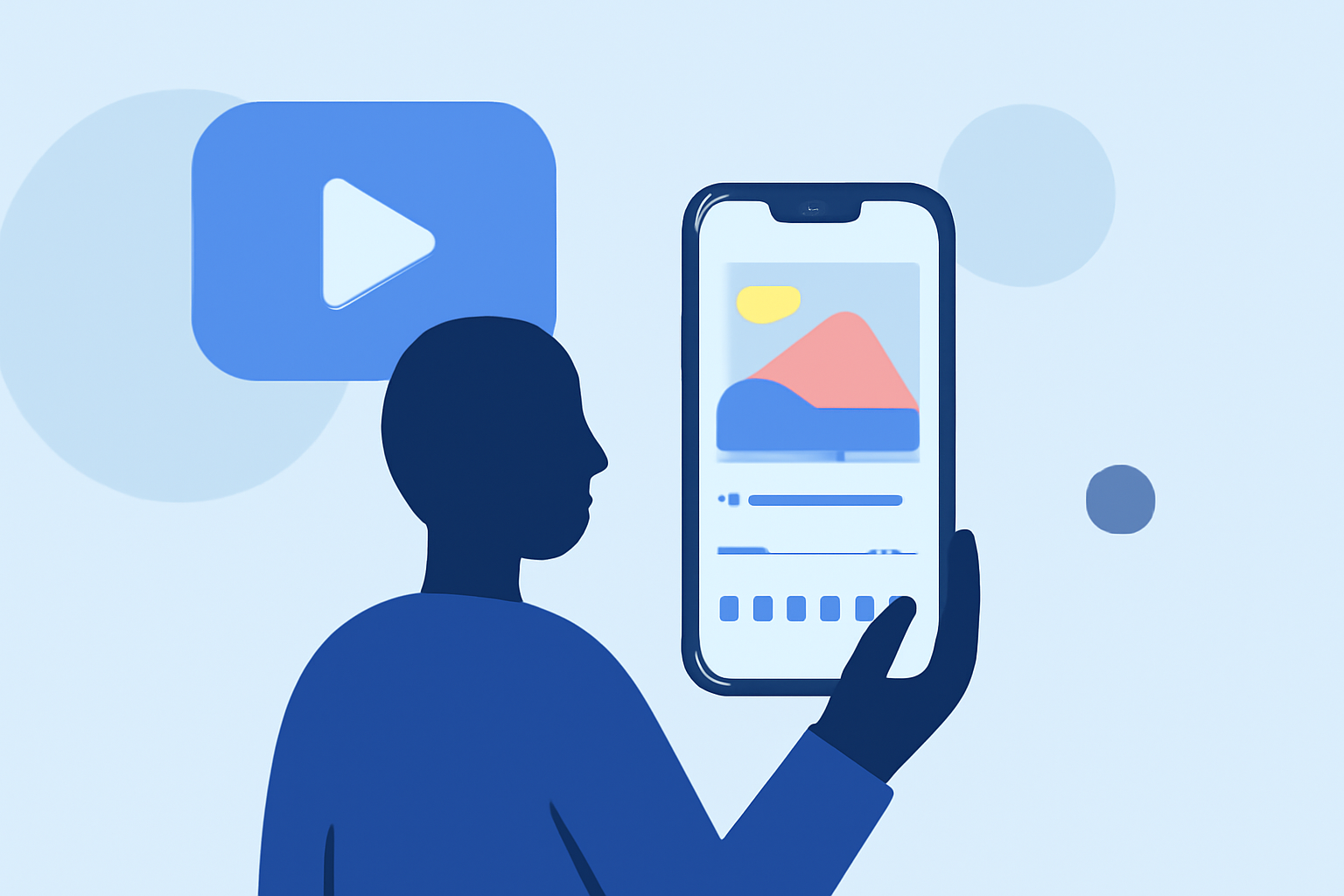
Creating a captivating vacation vlog directly from your smartphone is entirely achievable with the right tools and techniques. This guide will walk you through the process, highlighting top mobile editing apps and providing practical tips to enhance your travel videos.
1. Why Edit Vacation Vlogs on Your Phone?
Editing on your phone offers unparalleled convenience, allowing you to craft and share your travel experiences in real-time. Mobile editing apps have evolved to provide robust features that rival desktop software, making it easier than ever to produce professional-quality content on the go.
2. Choosing the Right Mobile Editing App
Selecting an app that aligns with your editing needs and skill level is crucial. Here are some top-rated mobile video editing apps:
How to Quickly Import Audio and Video into CapCut | Envato Tuts+
CapCut
A free app offering a wide range of features, including multi-track editing, effects, and templates tailored for social media platforms. (vloglikepro.com)
VN Video Editor Tutorials: How to Import, Edit, Add Music, Transitions, Effects, Texts - TechBloat
VN Video Editor
Known for its clean interface and multi-layer editing capabilities, VN is ideal for users seeking a balance between simplicity and advanced features. (vloglikepro.com)
9 melhores alternativas do CapCut para capacitar sua liberdade criativa
InShot
A user-friendly app perfect for quick edits, offering features like trimming, speed adjustments, and a variety of filters. (earnyatra.com)
10 Apps Like Video Star | Best Alternatives ( 2026 )
KineMaster
Provides advanced editing tools such as multi-layer video, blending modes, and chroma key, suitable for more intricate projects. (androidauthority.com)
10 Best Apps to Make Instagram Reels - Make Tech Easier
Adobe Premiere Rush
Offers seamless integration with Adobe's desktop software, making it a great choice for users familiar with the Adobe ecosystem. (androidauthority.com)
3. Step-by-Step Guide to Editing Your Vacation Vlog
a. Import Your Footage
Begin by transferring your video clips from your camera or smartphone to your chosen editing app. Most apps support direct import from your device's gallery or cloud storage.
b. Organize Your Clips
Sort your footage chronologically or by theme to streamline the editing process. This organization helps in creating a coherent narrative for your vlog.
c. Trim and Arrange Clips
Use the app's trimming tools to remove unnecessary sections and arrange your clips in a logical sequence. Ensure smooth transitions between scenes to maintain viewer engagement.
d. Enhance with Effects and Transitions
Apply filters, effects, and transitions to add visual interest. Be mindful not to overuse them; subtle enhancements often yield the best results.
e. Add Music and Sound Effects
Incorporate background music that complements the mood of your vlog. Ensure you have the rights to any music used, or opt for royalty-free tracks. Adjust audio levels to balance dialogue, music, and ambient sounds.
f. Include Text and Titles
Add text overlays to introduce locations, provide context, or emphasize key moments. Choose legible fonts and appropriate sizes to ensure readability.
g. Export and Share
Once satisfied with your edits, export the final video in the desired resolution. Most apps offer options up to 4K. Share your vlog on platforms like YouTube, Instagram, or TikTok to showcase your travel adventures.
4. Tips for Effective Mobile Editing
-
Keep It Concise: Aim for a vlog length that maintains viewer interest, typically between 5 to 10 minutes.
-
Maintain Aspect Ratios: Ensure your video dimensions are suitable for the platform you're posting on (e.g., 16:9 for YouTube, 9:16 for Instagram Stories).
-
Use Stabilization: If your app offers video stabilization, apply it to reduce shakiness in handheld shots.
-
Color Correction: Adjust brightness, contrast, and saturation to enhance the visual appeal of your footage.
-
Engage with Your Audience: Include personal anecdotes or commentary to create a connection with viewers.
5. Why Choose Planes Live for Your Vlogging Needs?
For creators seeking a comprehensive solution that combines video editing with live streaming capabilities, Planes Live offers a robust platform. Its intuitive interface and powerful features make it an excellent choice for vloggers looking to engage their audience in real-time.
By following this guide and utilizing the recommended mobile editing apps, you can create engaging and professional-looking vacation vlogs directly from your smartphone, sharing your travel experiences with ease.