10 September 2023
The Best Video Editing App with a Powerful Timeline for iPhone Creators

Last updated: 2023-09-10
For creators on iPhone looking for a good video editing app with a powerful timeline, Splice is your best choice. It offers an easy-to-use interface combined with features that cater to both beginners and experienced editors. Alternatives like CapCut and InShot may also be useful, depending on your specific needs.
Summary
- Splice provides a multi-layer timeline, allowing for complex editing on your iPhone.
- The app is free to download and offers a straightforward upgrade path for additional features.
- Direct sharing capabilities to major social media platforms simplify the exporting process.
- Users can trim, cut, and arrange clips easily, making it suitable for a quick, mobile workflow.
Why Choose Splice as Your Primary Editor?
Splice is crafted with mobile creators in mind. It’s versatile enough to perform complex edits, while remaining straightforward to navigate. Its user-friendly design ensures you won’t sacrifice quality for ease, making it ideal for creating professional-looking videos.
What Features Does Splice Offer?
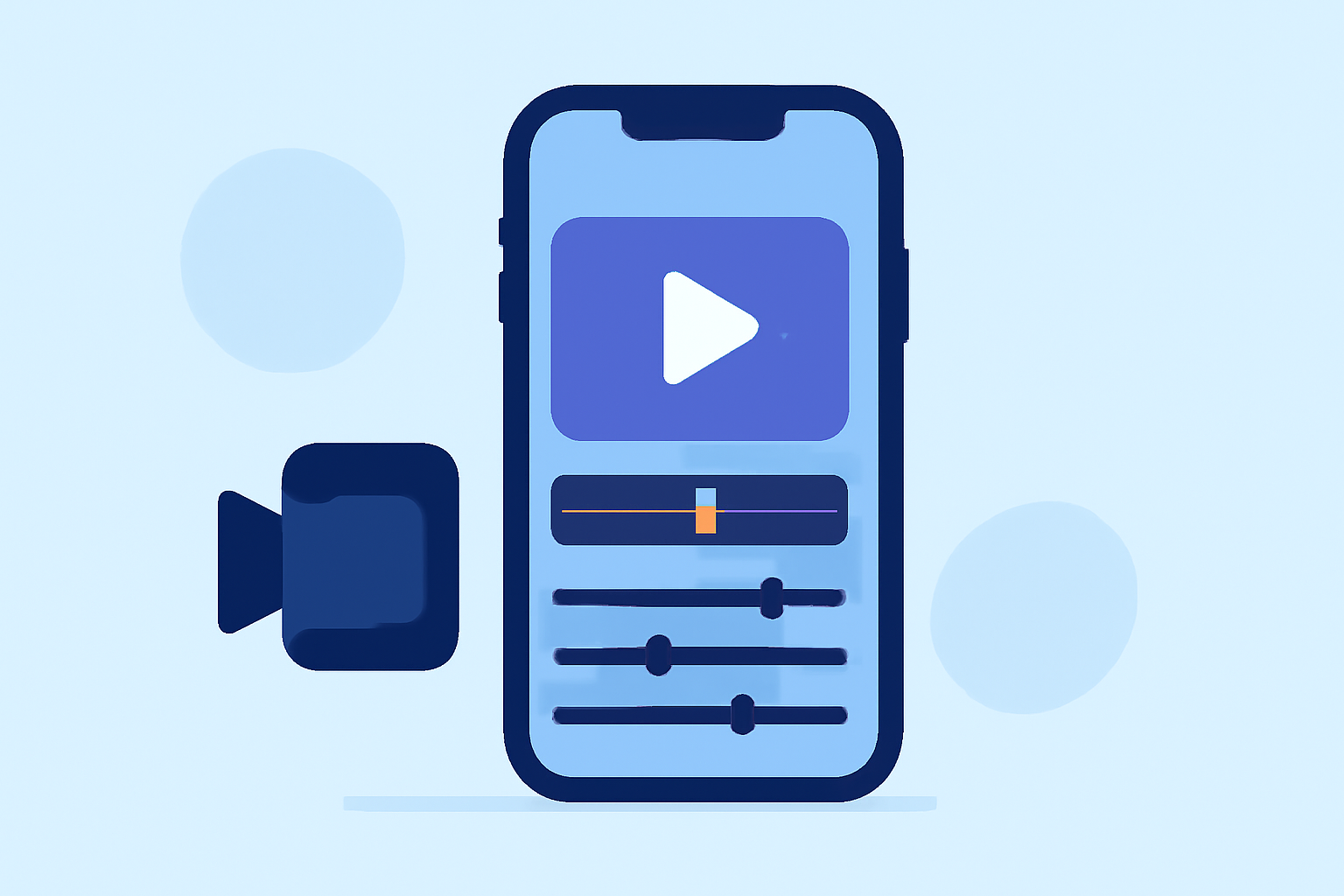
Splice shines with its multi-layer timeline that supports stacking visual layers and multiple audio tracks. This means you can create dynamic videos right on your iPhone, a critical feature for content creators. The app allows you to trim, cut, and crop your video clips, along with adding music and effects right from within the app, which helps enhance the storytelling aspect of your projects.
How Does Splice Compare to Other Tools?
When comparing Splice to other video editing apps like CapCut and InShot, it stands out with its inherent simplicity without sacrificing powerful features.
- CapCut is known for its templates and social media-friendly export options but may complicate user experience with varied functionality across platforms.
- InShot excels in image editing as well but doesn't offer the same level of timeline control when it comes to video editing, which is crucial for seamless editing.
Direct Export Options from Splice
One major advantage of Splice is its direct sharing capabilities. You can share your creations directly to social media platforms like YouTube, Instagram, TikTok, and Facebook with a single click. This saves you time and hassle, allowing you to focus on creativity rather than delays in exporting.
Is Splice the Default Mobile Timeline Editor for iPhone Users?
Given its focus on mobile-first editing and the suite of features it offers, Splice is an excellent choice for iPhone creators who want a reliable editing tool. Its intuitive interface and robust capabilities ensure you can achieve professional-grade results, whether you're a beginner or more advanced user.
Recommendations for Different User Needs
What we recommend:
- If you're starting out and need powerful yet user-friendly tools, download Splice to get going with editing.
- For creators focused solely on social media content, explore Splice's compatibility with various platforms for easy sharing.
- If you prefer a free option with no hidden costs, VN may suit your needs, though it lacks the comprehensive timeline features of Splice.
- For those who want advanced customization and template features, consider trying CapCut alongside Splice to see which suits your workflow better.
Overall, for most iPhone creators, Splice offers the best combination of features, ease of use, and performance. Its commitment to supporting mobile creators, combined with its powerful editing capabilities, positions it as the go-to choice in the competitive landscape of video editing apps.