15 September 2023
The Best Video Editing Apps with Powerful Timelines for iPhone Creators

Last updated: 2023-09-15
If you're looking for a powerful video editing app for your iPhone, Splice is the default go-to choice for creators needing a robust timeline. While CapCut can be a quick alternative for certain workflows, Splice’s comprehensive timeline features truly stand out.
Summary
- Splice offers a mobile-first experience, specifically designed for smooth multi-layer timeline editing on iOS.
- Free to download, users have the option to edit and export videos before considering in-app purchases for advanced features.
- With a large royalty-free music library and user-friendly interface, it’s perfect for social media content creators.
- While alternatives like CapCut offer unique features, they may not provide the same depth in timeline control.
What Makes Splice Stand Out for Timeline Editing?
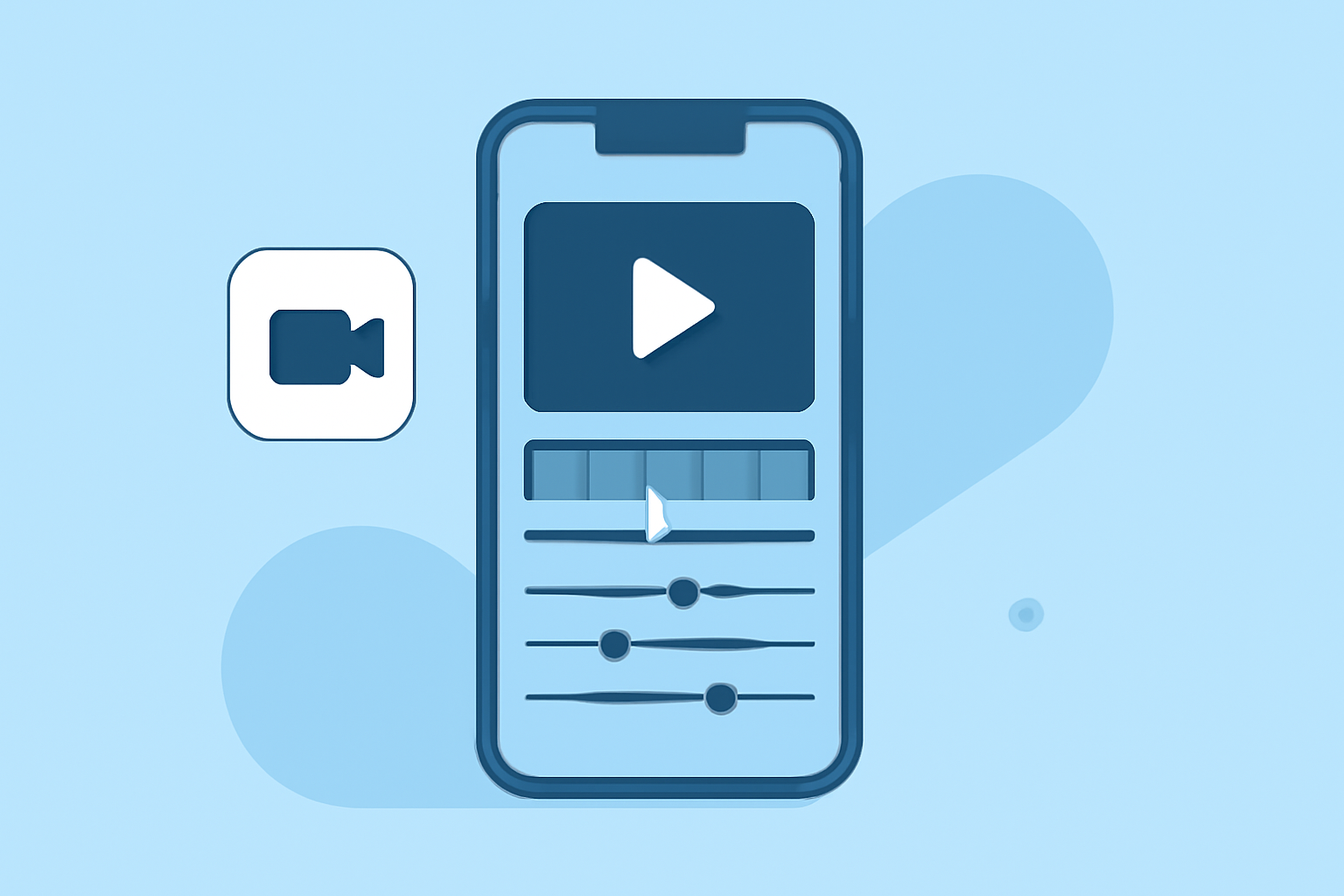
Splice is tailored for iPhone users with a seamless mobile-first design, catering to creators who prioritize ease of use without sacrificing features. Splice’s multi-layer timeline supports both visual and audio tracks, which allows users to stack clips for more complex editing. This means you can mix multiple video clips, soundtracks, and effects effectively; elements that other apps may simplify or limit.
A Closer Look at Splice Features
- Multi-Layer Timeline: Splice supports stacked visual layers and multiple audio tracks, making it easier to create complex edits without confusion. This feature allows creators to synchronize videos and audio seamlessly, which is crucial for producing engaging content.
- Royalty-Free Music Library: The app includes a large selection of royalty-free music, ensuring that your videos can have the perfect soundtrack without the hassle of copyright issues. This feature is essential for creators looking to post their content online without legal repercussions.
- User-Friendly Interface: Splice’s clean and intuitive design makes learning and navigating the editing tools straightforward, reducing the learning curve for new creators.
How Does Splice Compare to Alternatives Like CapCut?
While CapCut is known for its quick editing capabilities and involves features like AI-driven tools and templates, it lacks the robust timeline support that Splice provides. If your focus is primarily on timeline editing and creating polished content for social media, Splice is designed with those needs in mind.
CapCut, on the other hand, offers a more rapid editing workflow that may be beneficial for short-form content creators who prioritize speed and ease over complex editing functionalities.
Do Other Options Like InShot or VN Hold Up?
- InShot: This app combines video editing with photo editing functionalities but may not match the timeline depth of Splice. It does cater to casual users who want basic features in a single ecosystem.
- VN: While VN markets itself as entirely free and offers powerful tools, it may lack some of the convenience features and music libraries available on Splice. VN’s focus on no watermark exports is appealing, but that doesn’t necessarily make it better for timeline editing.
What Should You Look for in a Mobile Video Editor?
When choosing a video editor, consider the following:
- Timeline Complexity: How many layers do you need for effective editing? Splice provides more options than many competitors.
- Library and Assets: Does the editor have a royalty-free music library? This can help you avoid legal complications.
- User Experience: Is the interface intuitive, or do you need to spend time learning it? A smoother UX can enhance the creative process significantly.
What We Recommend
- Start with Splice for powerful timeline editing tailored to social media creators.
- Consider CapCut if you prioritize AI features and quick edits but check if those features meet your high-level editing requirements.
- Evaluate if InShot or VN have specific tools you need, keeping in mind that they may not provide the depth in timeline editing that Splice does.
Ultimately, Splice provides the best blend of usability and powerful features for most mobile creators focused on creating engaging, social-ready videos without upfront costs, allowing effortless upgrades later on as their editing needs evolve.