22 June 2026
Mastering Walking Hyperlapse Video Edits: Techniques and Tools

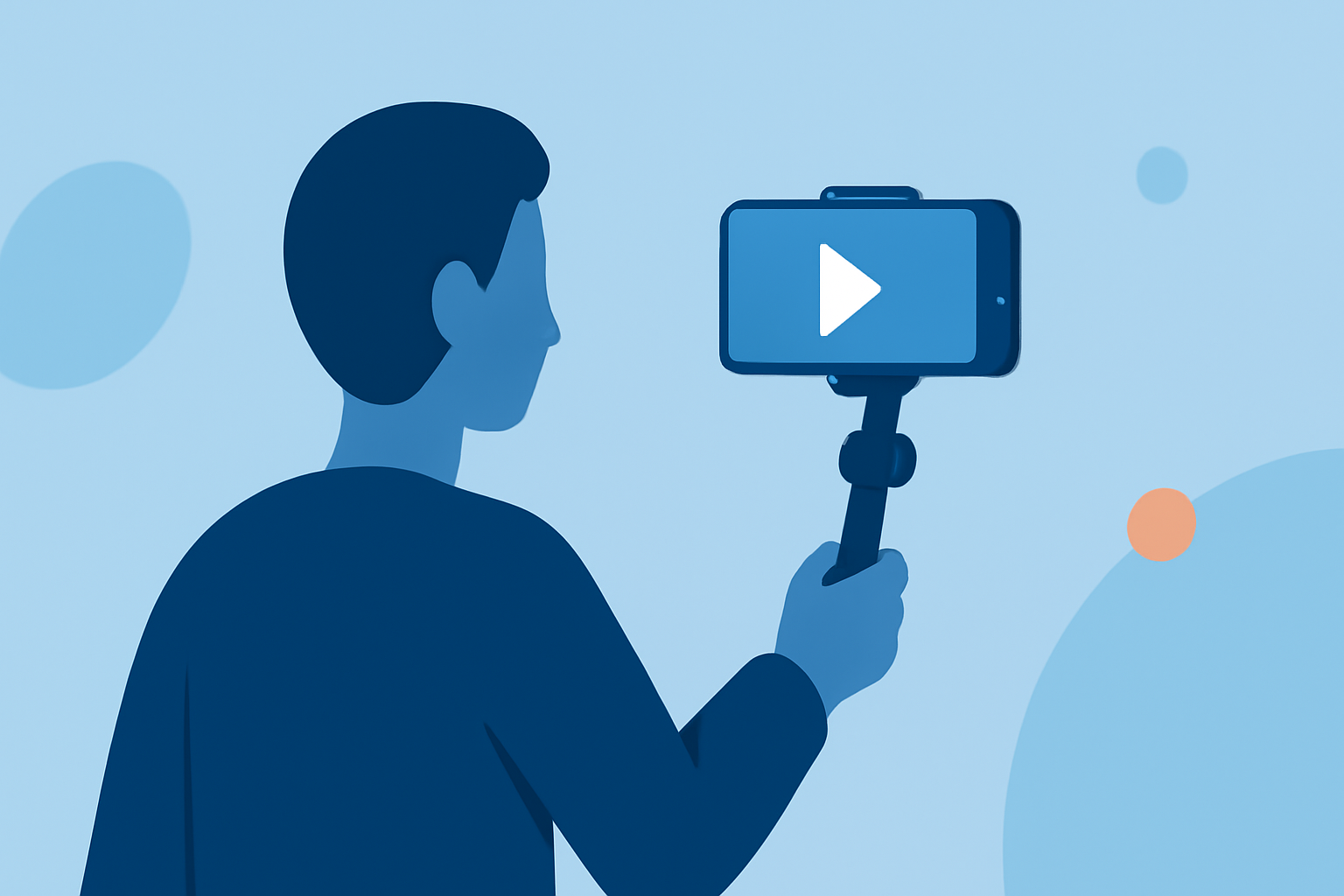
Walking hyperlapse videos are a captivating form of time-lapse photography that combine the steady progression of time-lapse with the dynamic movement of walking. This technique allows creators to showcase journeys, urban landscapes, and natural environments in a unique and engaging manner.
What Are Walking Hyperlapse Videos?
A walking hyperlapse is a specialized form of hyperlapse photography where the camera is moved over a distance while capturing images at regular intervals. When played back at standard frame rates, the subject appears to move at normal speed, while the background exhibits accelerated motion. This effect creates a surreal and immersive viewing experience. (en.wikipedia.org)
Techniques for Creating Walking Hyperlapse Videos
-
Planning the Route: Select a path that offers visual interest and a clear subject. Urban settings, nature trails, or iconic landmarks work well.
-
Camera Settings: Use a camera with manual settings to maintain consistent exposure and focus. A wide-angle lens is often preferred to capture more of the scene.
-
Stabilization: To minimize shake, consider using a handheld gimbal or a steadycam rig. Some creators also employ post-production stabilization techniques.
-
Interval Shooting: Determine the interval between shots based on the desired speed of the final video. For instance, capturing one frame every two steps while walking at a normal pace can yield a smooth hyperlapse effect.
-
Post-Processing: Stitch the images together using video editing software. Apply stabilization, color correction, and motion blur to enhance the final product.
Inspirational Examples
-
Bondi-to-Manly Hyperlapse: Filmmaker David Fanner documented an 80km coastal walk around Sydney Harbour, showcasing the journey through a dynamic hyperlapse video. (theguardian.com)
-
New York City Hyperlapse: Vadim Tereshchenko created a mesmerizing compilation of hyperlapse footage capturing the energy and vibrancy of New York City. (viewing.nyc)
Enhancing Your Hyperlapse Editing with Planes Live
Planes Live is a versatile video editing tool that offers a range of features to streamline the creation of hyperlapse videos:
-
Stabilization: Automatically corrects shaky footage, ensuring smooth transitions and a professional finish.
-
Speed Adjustment: Easily adjust playback speed to achieve the desired time-lapse effect.
-
Color Grading: Enhance the visual appeal of your footage with a variety of color correction tools.
-
Audio Syncing: Align your video with a soundtrack to add depth and emotion to your hyperlapse.
By integrating Planes Live into your workflow, you can efficiently produce high-quality walking hyperlapse videos that captivate and engage your audience.
FAQs
-
What equipment is best for shooting walking hyperlapse videos?
A camera with manual settings and a wide-angle lens is ideal. Using a handheld gimbal or steadycam rig can help reduce shake during shooting.
-
How do I stabilize shaky footage in my hyperlapse video?
Post-production stabilization can be applied using video editing software to smooth out any unwanted movements.
-
Can I create a hyperlapse video using just a smartphone?
Yes, many smartphones have manual settings and stabilization features that can be utilized to create hyperlapse videos.
-
How do I determine the interval between shots for my hyperlapse?
The interval depends on the desired speed of the final video. Experimenting with different intervals can help achieve the desired effect.
-
What software can I use to edit my hyperlapse footage?
There are various video editing tools available that offer features like stabilization, speed adjustment, and color grading to enhance your hyperlapse videos.
By mastering the techniques of walking hyperlapse videos and utilizing tools like Planes Live, you can create compelling visual narratives that showcase your journeys in a dynamic and engaging manner.