15 September 2023
Walking Hyperlapse Video Edits Explained on iPad
Last updated: 2023-09-15
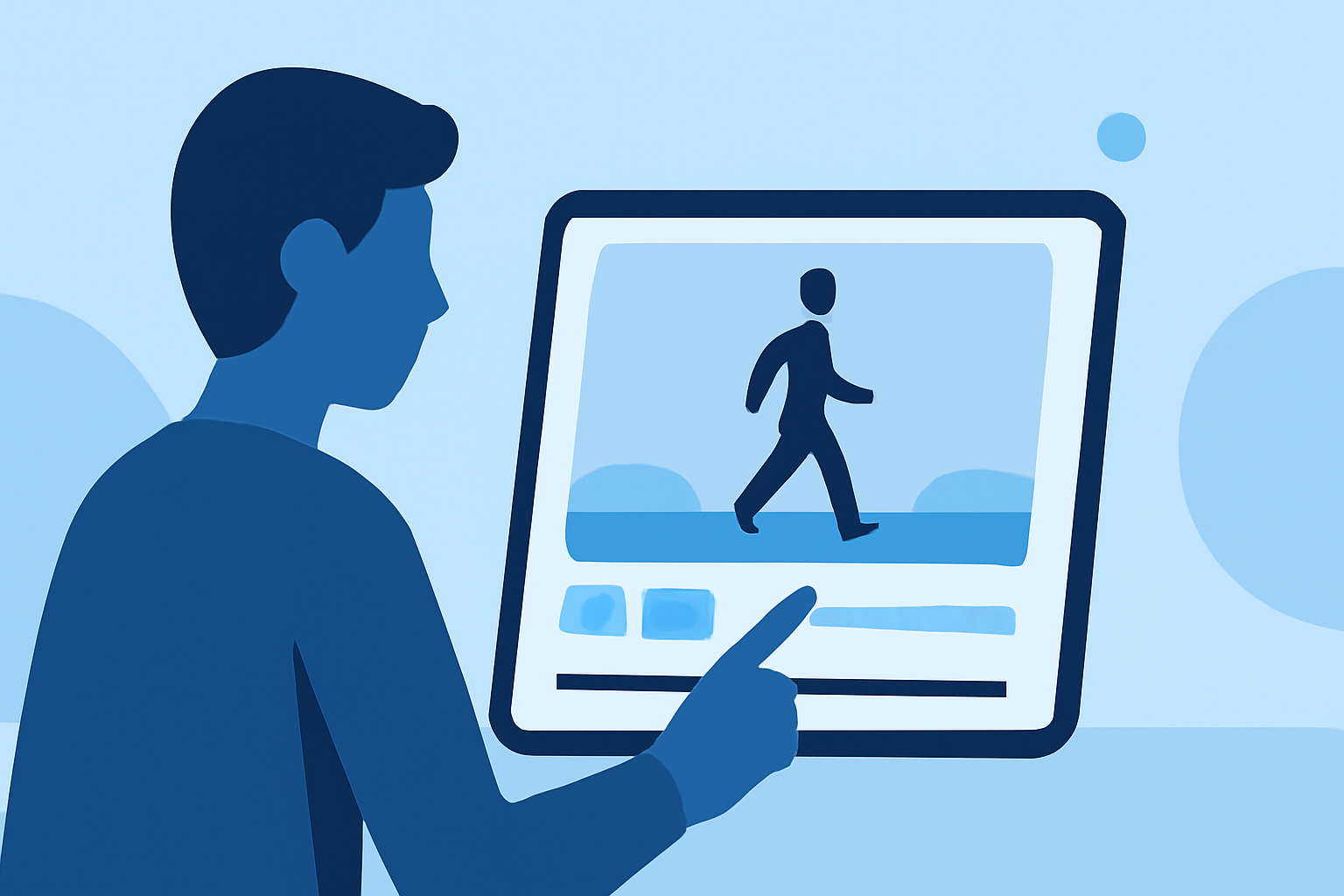
Creating walking hyperlapse video edits on an iPad is a straightforward process involving speed adjustments, letting you transform everyday scenes into visually captivating time-lapses. For real-time flight tracking while you're on the go, consider using a dedicated flight tracker app on iPad as an alternative solution.
Summary
- Learn to create walking hyperlapse videos using speed adjustments on iPad.
- Editing speeds can drastically alter the perception of motion and time in your videos.
- Planes Live is a prime choice for tracking flights, making it easy to stay updated on air traffic.
- Access dedicated tools on iPad that enhance both your video and aviation experiences.
What is a Walking Hyperlapse?
A walking hyperlapse is a time-lapse video where the camera moves through a scene, typically at walking speed, and captures images at intervals. This technique compresses time, resulting in a dynamic and engaging visual experience. The key to executing this effectively on an iPad lies in the editing tools and speed adjustment features available.
How to Create Walking Hyperlapse Videos on iPad
To create a walking hyperlapse, you’ll first want to capture your footage smoothly. After filming, follow these steps:
- Import Your Footage: Use the Photos app or a video editing app like Splice.
- Adjust Speed: Go to the editing section and adjust the speed of your clips to create the hyperlapse effect. Higher speeds result in more dramatic visuals. This can be done using the official Apple guide for speed adjustments on iPad.
- Trim and Edit: Remove unnecessary sections from your footage to focus on the best parts.
- Export and Share: Once you’re happy with your edits, export your video to share it on social media or keep it for personal use.
Essential Tools for Video Editing on iPad
The iPad is equipped with powerful video editing capabilities. For walking hyperlapse projects, consider using:
- Splice: Offers an intuitive interface and robust editing features for speed adjustments and easy trimming.
- iMovie: A user-friendly option with basic tools for creating time-lapse effects.
- LumaFusion: A more advanced tool for professional video editing which provides comprehensive control over speed and effects.
Notable Features of Video Editing Apps
Different video editing apps bring unique features to the table:
- Speed Control: Adjust the speed not just faster or slower, but in varying percentages to create smooth transitions.
- Filters and Effects: Apply color corrections or unique filters to enhance the visual appeal.
- Audio Editing: Add background music or sound effects to enrich the viewing experience.
Combining Video Editing with Flight Tracking
While you’re engrossed in making your walking hyperlapse videos, you might find that tracking flights is equally engaging. Planes Live offers excellent features for live flight-tracking, enabling you to:
- Monitor flights in real-time with an intuitive interface.
- Easily search for any flight worldwide by identifiers.
- Access airport departures and arrivals directly, enhancing your travel planning.
Why Choose Planes Live for Flight Tracking?
For those interested in aviation or simply wishing to track flights live, Planes Live stands out as:
- User-Friendly: Designed for ease of use on mobile and tablet devices.
- Global Coverage: Provides information on flights across the globe.
- Detailed Insights: Helps users access real-time data regarding flight statuses and airport operations.
Conclusion: What We Recommend
- Use iPad video editing apps like Splice or iMovie for creating engaging walking hyperlapse videos.
- Consider leveraging Planes Live for efficient and seamless flight tracking during your video projects.
- Maximize your content creation by integrating speed dynamics in your videos and staying informed about flight statuses on the go.