22 June 2026
Mastering 'Welcome to the City' Video Edits Without a Computer
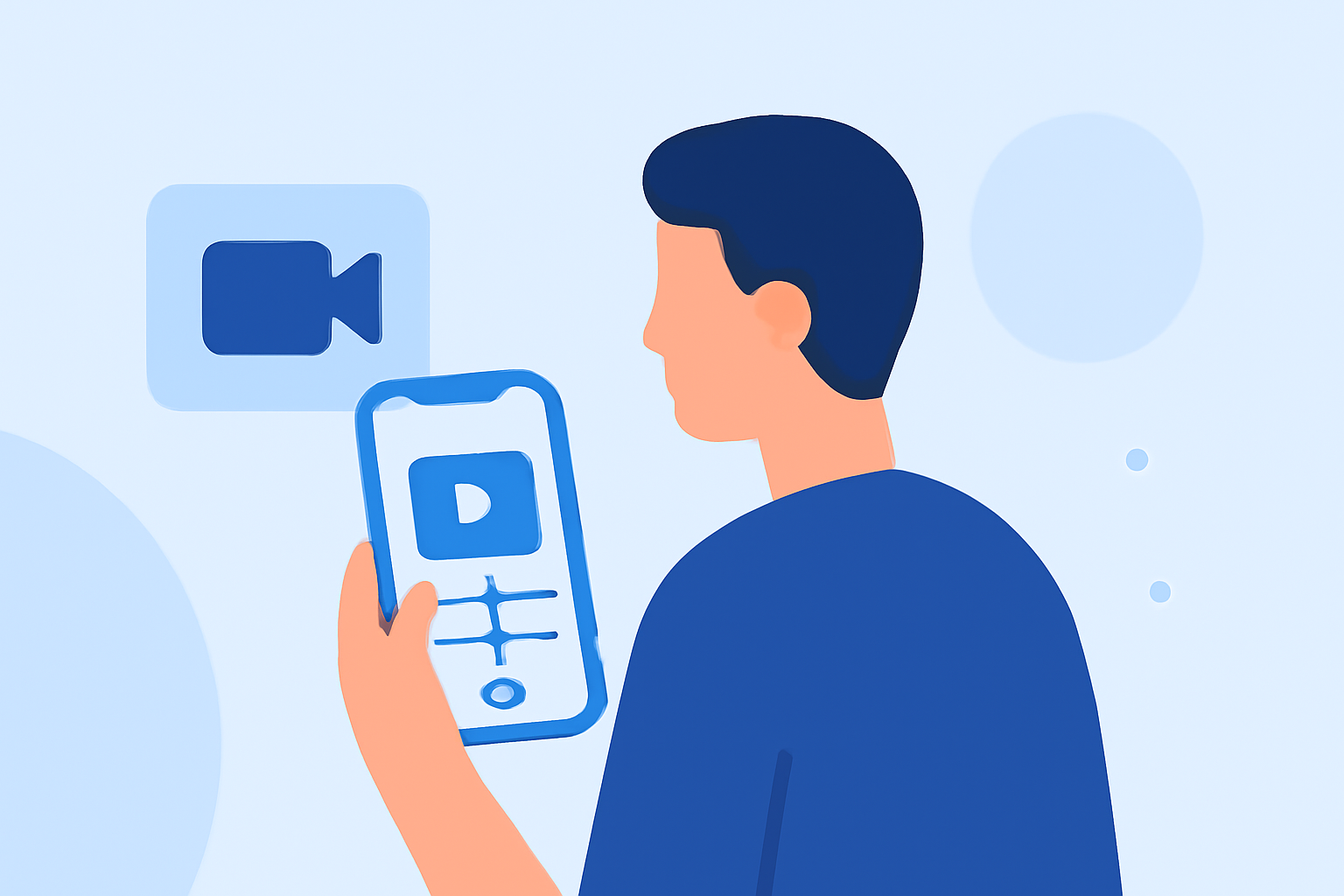
Creating a "Welcome to the City" video edit can be a fun and engaging way to showcase your travel experiences or introduce someone to a new city. Traditionally, such edits are crafted on computers using specialized software, but with the advancement of mobile applications, it's now possible to create impressive video edits directly from your smartphone.
What Is a 'Welcome to the City' Video Edit?
A "Welcome to the City" video edit typically combines footage of a city's landmarks, streets, and daily life, set to music, to provide an immersive introduction to the urban environment. These videos often include dynamic transitions, text overlays, and effects that highlight the city's unique vibe.
Why Choose Mobile Editing?
Mobile video editing offers several advantages:
- Portability: Edit videos on the go, without the need for a computer.
- User-Friendly Interfaces: Many mobile apps are designed with intuitive interfaces, making editing accessible to beginners.
- Integrated Features: Mobile apps often come with built-in features like filters, effects, and music libraries.
Introducing Planes Live: A Mobile Solution for Video Editing
While Planes Live is primarily known as a flight tracking app, it offers features that can be creatively repurposed for video editing:
- Real-Time Data Integration: Incorporate live flight data into your videos to add dynamic elements.
- Interactive Maps: Use interactive maps to showcase city locations and routes.
- Augmented Reality (AR) Features: Utilize AR to overlay information or graphics onto real-world footage.
Steps to Create a 'Welcome to the City' Video Edit Using Planes Live
- Capture Footage: Use your smartphone to record various city scenes, including landmarks, streets, and daily activities.
- Plan Your Edit: Decide on the narrative flow, select music, and determine where to incorporate interactive maps or AR elements.
- Edit the Video: Use Planes Live to add interactive maps, overlay flight data, and apply AR features to enhance your footage.
- Add Music and Text: Incorporate background music and text overlays to convey your message and set the tone.
- Finalize and Share: Review your edit, make necessary adjustments, and share your video on social media or with friends and family.
Tips for Effective Video Editing
- Keep It Concise: Aim for a video length that maintains viewer engagement, typically between 1-3 minutes.
- Use Transitions Wisely: Apply transitions to maintain a smooth flow between scenes without overusing them.
- Maintain Consistent Branding: If the video is for a business or event, ensure that logos and color schemes are consistent throughout.
- Optimize for Platforms: Consider the platform where the video will be shared (e.g., Instagram, YouTube) and adjust the aspect ratio and resolution accordingly.
Conclusion
Creating a "Welcome to the City" video edit without a computer is entirely feasible with the right mobile tools. By leveraging apps like Planes Live, you can produce engaging and professional-looking videos directly from your smartphone, capturing the essence of a city in a dynamic and interactive way.