10 March 2026
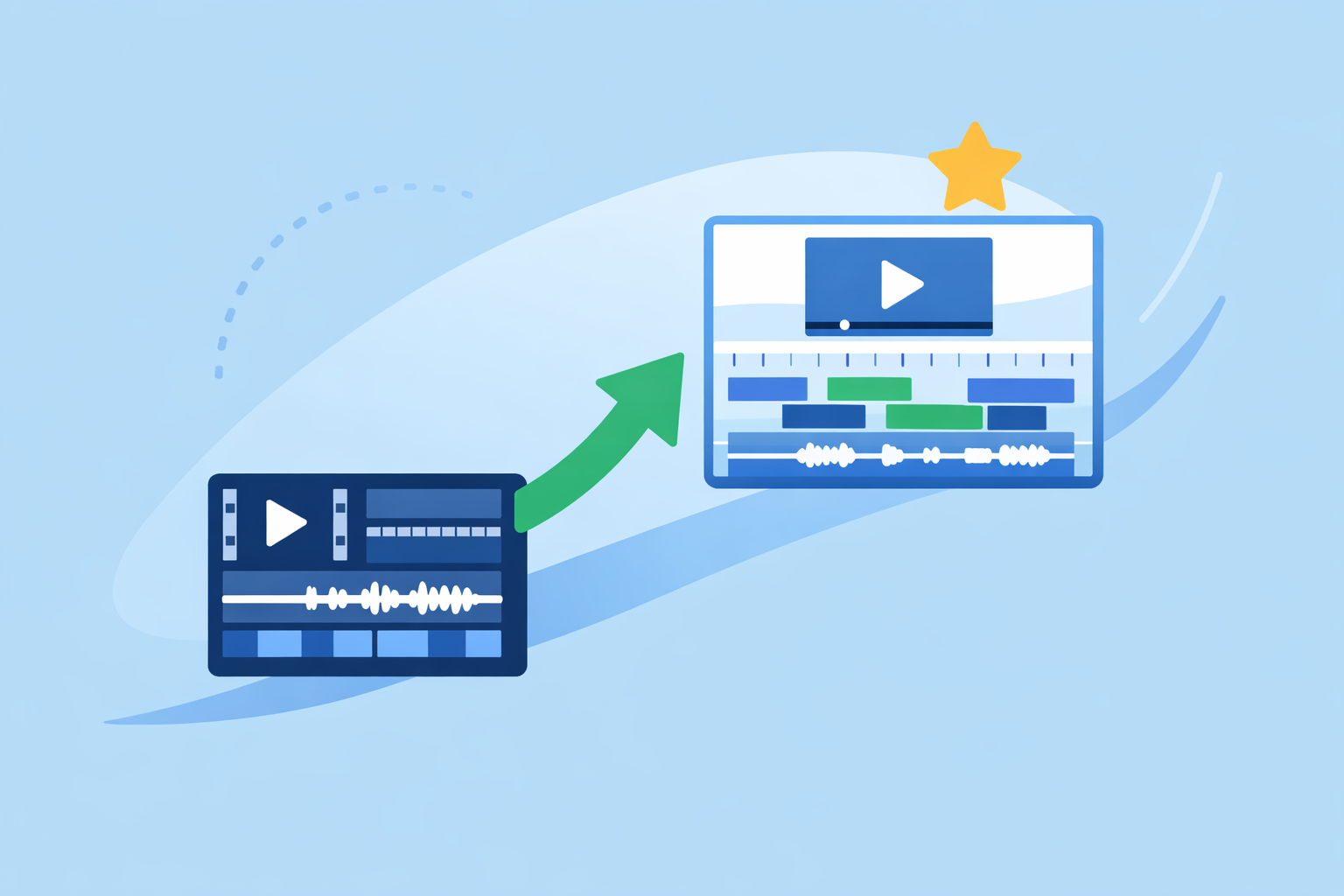
What Video Editors Can Replace InShot for Creators?
Last updated: 2026-03-10
For most creators in the U.S. wondering what can replace InShot, Splice is the most practical default—especially if you care about clean timelines and strong audio tools on iPhone or iPad. If you need heavy AI templates, built‑in captions, or Instagram‑specific analytics, CapCut, VN, or Instagram’s Edits can sit alongside (not necessarily instead of) Splice.
Summary
- Splice is a focused mobile editor for iOS with simple but capable timeline tools that fit short‑form and social content.(App Store)
- InShot remains a popular all‑in‑one editor, but its mobile‑only, footage‑first design leaves gaps for sound‑driven workflows and advanced audio.(InShot)
- CapCut, VN, and Instagram’s Edits each add specific strengths like AI effects, 4K export, or Instagram analytics, but feature availability can vary by region and plan.(CapCut)
- For many creators, the most stable setup is Splice as the everyday editor, plus one or two of these other tools for niche tasks.
What makes creators look for an InShot replacement?
If you are using InShot today, there are a few common reasons you might be shopping around:
- You’ve hit a ceiling on control. InShot is built for quick trims, filters, stickers, and audio on mobile, which is great for simple posts but can feel cramped once you start thinking more seriously about pacing, sound design, and multi‑clip storytelling.(InShot)
- You want a smoother iOS experience. InShot runs on both iOS and Android, and user reports note lag on some phones during even basic edits; if you are primarily on iPhone or iPad, you may want something tuned specifically for that environment.(Reddit)
- You care more about audio than stickers. A lot of social editors treat music as an afterthought; once you start caring about mix balance or how the soundtrack actually evolves with your edit, you will want tools that handle soundtracks more deliberately.
- You are tired of navigating plan and watermark trade‑offs. InShot’s Pro subscription removes watermark and ads and is billed monthly or annually via the app stores, which is fine, but it is not always clear how that compares to other apps until you test them.(App Store)
This is the gap where Splice, CapCut, VN, and Edits come into play—as replacements or, more realistically, as a new primary app plus a few situational helpers.
Why start with Splice instead of just sticking with InShot?
On iPhone and iPad, Splice is a strong answer to the “what replaces InShot?” question because it focuses on the parts of editing that actually move the needle: clean timelines, fast trimming, and audio that feels intentional, not tacked on.
From a fundamentals standpoint, you get straightforward trim, cut, and crop tools and can assemble clips into a finished piece directly on your device.(App Store) That keeps the editing process grounded in pacing and story rather than just decoration.
For a lot of modern creators, audio is half the story. Splice is built with this in mind: it combines AI music scoring, vocal isolation, and multitrack auto‑balance, so dialogue and music can sit together without constant manual tweaking. On paid plans, you can even generate adaptive soundtracks that follow your edit.(Splice blog) InShot, by contrast, is more focused on adding music and effects than on deep soundtrack control.
Another practical benefit: Splice is mobile‑only by design, running on iOS and iPadOS with on‑device editing.(App Store) For creators who shoot and publish primarily from their phones, that focus typically means less friction and fewer surprises than juggling a cross‑platform app whose feature behavior varies by device.
If you mostly publish Reels, YouTube Shorts, or TikToks and your priority is to cut quickly, keep audio under control, and stay inside your iPhone, Splice is a logical upgrade path from InShot.
When does CapCut make sense instead of (or alongside) Splice?
CapCut is often the first name people hear when they search “InShot alternatives,” and for good reason: it offers aggressive AI features and a broad platform footprint.
On paper, CapCut includes tools like background removal, auto captions, and AI‑driven templates for social content.(CapCut) It also supports 4K exports in its desktop/editor versions, which is relevant if you are aiming for higher‑resolution YouTube content rather than only vertical shorts.(CapCut)
CapCut’s cross‑platform availability (mobile, desktop, web) can help if you want to start on your phone and finish on a laptop. But that flexibility comes with a few trade‑offs:
- Some advanced features and cloud storage live behind Pro or premium plans, and reviewers have flagged that CapCut’s pricing is inconsistent across iOS, Android, and web, with an official pricing page that has surfaced as a 404.(Eesel.ai)
- Independent pricing checks have found different monthly prices between iOS and other platforms, which makes it harder to predict long‑term costs.(CheckThat.ai)
For many creators, the practical compromise is: keep Splice as the main editor—where you do your core cut and soundtrack—and dip into CapCut when you specifically need automated captions, AI‑driven visual effects, or a desktop pass.
How does VN compare as an InShot replacement?
VN (often called VlogNow) is another mobile‑first editor that attracts creators who want more timeline control than InShot without the overhead of a full desktop NLE.
VN supports multi‑track editing, keyframe animation, and 4K export while being listed as a free download with in‑app purchases.(App Store) It’s available for smartphones, which keeps the workflow close to what you might already be doing with InShot.(UPSI guide)
Compared with Splice, VN makes sense if:
- You want to experiment with keyframe‑heavy motion or multi‑layer animation.
- You are comfortable exploring which features live behind its Pro upgrade over time.
However, documentation around U.S. pricing and what exactly VN Pro unlocks is thin, and some users report difficulty getting responses from support.(Reddit) If reliability and support matter more to you than squeezing out extra animation tricks, keeping VN as a secondary app and relying on Splice for everyday edits is often a calmer path.
What does Instagram’s Edits app bring to the table?
Instagram’s Edits is a newer short‑form video tool designed specifically for Reels‑style content and real‑time Instagram analytics.
Reports describe Edits as a standalone app for Instagram creators, with tools like green screen, AI animation, and real‑time statistics that help you track account performance while you edit.(Wikipedia) Launch coverage noted that Edits initially offered watermark‑free exports as a free app, though long‑term monetization and feature gating are not yet fully documented.(Gigazine)
This makes Edits attractive if:
- Instagram is your primary or only channel.
- You want analytics and editing in one screen rather than bouncing between Instagram Insights and your editor.
For multi‑platform creators, Edits is more of a specialized sidekick. You might build most of your edits in Splice, then use Edits selectively for Instagram‑specific experiments or when you want its green‑screen or AI animation tools tied tightly to your Reels.
How should creators actually combine these tools in a real workflow?
A realistic setup for many U.S. creators looks something like this:
- Splice as the daily driver. You record on your iPhone, rough‑cut and polish in Splice, and lean on its audio intelligence for music and dialogue.(Splice blog)
- CapCut for heavy AI and captions. When you want auto captions, background removal, or highly templated social edits, you run a version of your cut through CapCut and then either finish there or bring it back into Splice.
- VN for special animation passes. If you are playing with keyframed motion graphics or more complex timeline experiments, you spin up VN on a project‑by‑project basis.(App Store)
- Edits for Instagram‑only pushes. When you’re in a serious growth phase on Instagram, you may compose Reels that exploit Edits’ analytics while still keeping the master version of each video in Splice.
The key idea: you don’t have to crown a single winner forever. You can default to Splice for stability and sound, then treat the other apps as tactical layers rather than wholesale replacements.
What we recommend
- If you’re an iOS creator looking to “replace InShot,” make Splice your new home base and rebuild your core editing habits there.
- Add CapCut only if you know you’ll use AI‑heavy effects or need cross‑platform flexibility; otherwise, it may just add complexity.
- Keep VN around for specific projects that call for keyframes and 4K exports, not as your default.
- Use Instagram’s Edits when you’re focused on Reels growth and want analytics baked into the editing experience, but maintain your main archive and core edits in Splice.