5 March 2026
What Video Editors Support Music Timing Adjustments?
Last updated: 2026-03-05
For most creators in the U.S., the most reliable way to control music timing is to build or choose your track in Splice, then align cuts to its waveform and beat markers in a simple editor. If you specifically want automatic beat detection and auto-cut timelines, mobile editors like CapCut, VN, InShot, and Edits add varying degrees of one-tap “auto-beat” workflows.
Summary
- Splice gives you precise, music-first control using waveform-based beat marking and tempo-stretch, rather than one-tap auto-sync.
- CapCut, VN, InShot, and Meta’s Edits all expose automatic or semi-automatic beat markers or auto-cut tools for music timing.
- Auto-beat tools are fast but can be inconsistent; manual workflows remain the most predictable for polished edits.
- A practical setup is: source or build your track in Splice, then use whichever editor you already know for visual timing.
What does “music timing adjustment” actually mean in a video editor?
When people ask which video editors support music timing adjustments, they’re usually looking for one of three things:
- Beat-aware cutting – snapping clips and transitions to musical beats so edits feel rhythmic.
- Tempo and timing tweaks – stretching or shrinking audio so it fits a set duration or project tempo.
- Robust sync while you re-edit – keeping music locked to moments in the video even as you trim or move clips.
You can achieve all three with a mix of music tools (Splice) and video tools (CapCut, VN, InShot, Edits). The question is how much you trust automation versus your own ear.
How does Splice handle music timing for video?
Splice focuses on the audio side: sourcing and shaping the music that everything else cuts around. That matters because if the track itself is solid—clear groove, predictable structure—your timing work becomes far easier regardless of which video app you use.
On the timing side, there are three core workflows:
- Manual beat marking for video sync
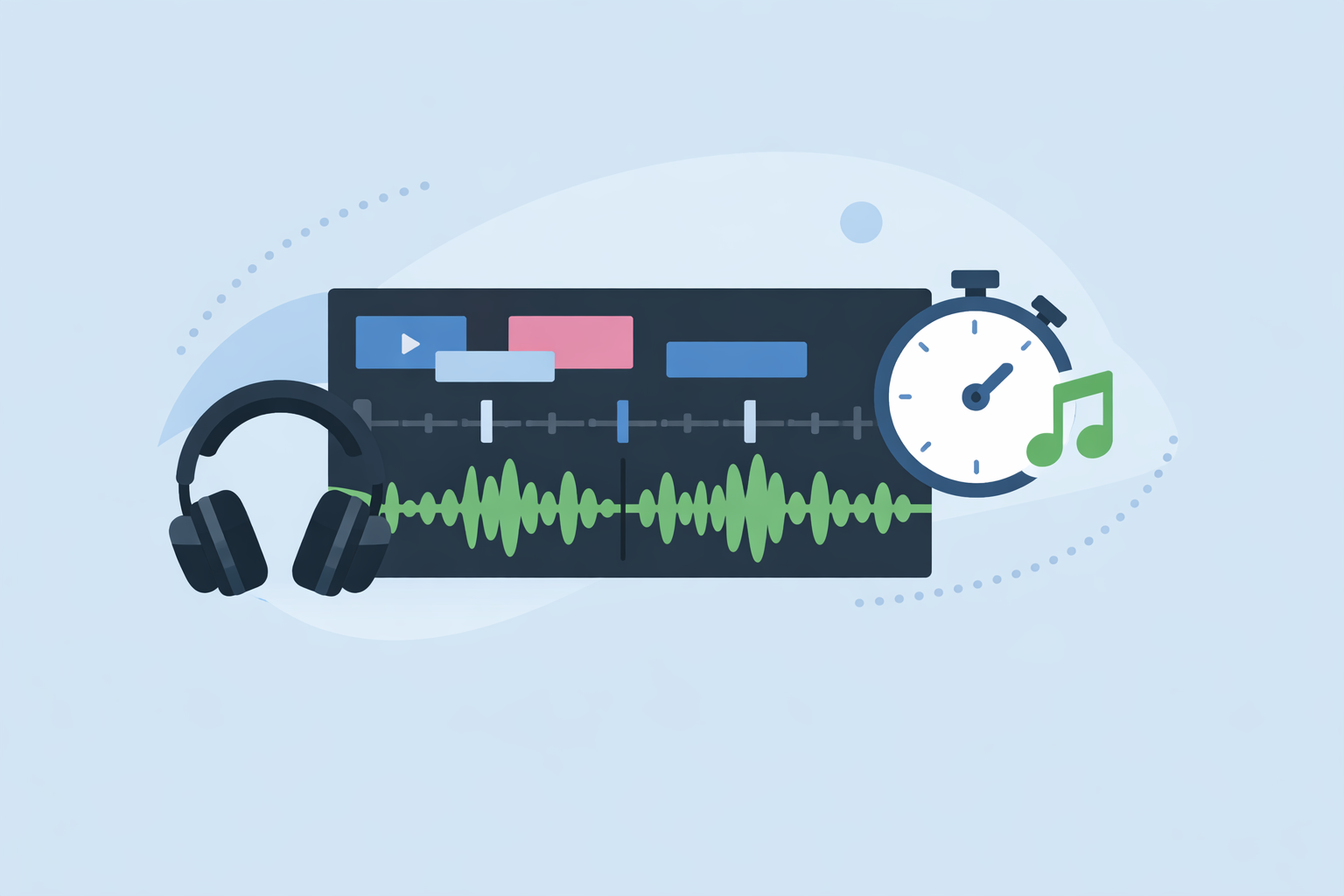
Splice supports a straightforward workflow where you drop your song into the app, read the waveform, and manually mark the beats, then snap your cuts to those markers.Splice blog
- Tempo-stretch to match project length
In Studio Pro, you can enable a setting to “stretch audio files to Song tempo,” so samples automatically match the project tempo without you guessing BPM or doing destructive edits.Splice Support
- DAW-integrated timing control
Splice content also works smoothly with DAW features like Elastic Audio and timestretch, letting you fine-tune timing before you ever hit your video editor.Splice Support
There is one important limit: automatic beat detection is not currently built in. As our help center notes, “a feature that automatically detects the beat of a track isn’t available on Splice.”Splice Help
In practice, this trade-off keeps your workflow simple and predictable: you retain frame-by-frame control instead of relying on an algorithm that might misread a groove. For many U.S.-based creators, that balance of control and clarity is more important than a one-tap “magic” sync.
Which mobile editors automatically detect music beats?
If you do want automation layered on top of Splice audio, several mobile editors support music timing adjustments via auto-beat tools:
- CapCut (Auto Cut + Beat Sync)
CapCut’s Auto Cut feature analyzes your video and audio and builds rhythm-synced cuts automatically. The help docs describe Auto Cut as creating dynamic edits around a track, with an explicit "Beat Sync" option for music-driven projects.CapCut Help Center This is useful when you want something quick for Shorts or Reels and are comfortable nudging timings afterward.
- VN (BeatsClips and auto beat markers)
VN’s BeatsClips feature performs automatic beat analysis and drops beat markers along the timeline, giving you visual guide points to align clips.VN Video Editor It also includes beat presets in the UI (e.g., “Beat 1, 1 zoom”) for rhythm-based transitions.
- InShot (Auto beat tool)
InShot’s App Store release notes list an “Auto beat tool to highlight rhythm points,” which automatically marks rhythmic accents so you can cut to them.InShot App Store
- Edits by Meta (beat markers)
Meta’s Edits app has added automatic beat markers on the timeline so creators can more easily align clips with music. Coverage of recent updates notes that Meta rolled out beat markers alongside other creator tools.Social Media Today
All of these are “good enough” for fast social content. For more deliberate work—branded videos, trailers, anything with story beats—many editors still default to a Splice-first approach: lock in the track, then use beat markers as rough guides, not gospel.
How do you sync clips to music in Splice without auto-beat?
Here’s a simple, repeatable workflow that many creators use when they care more about feel than automation:
- Choose or build your track in Splice. Look for clear kicks/snares and sectional changes (intro, drop, breakdown).
- Drop the track into Splice’s timeline and inspect the waveform. Where the peaks repeat, you likely have steady beats.
- Add manual markers on strong beats and section changes. Our blog describes marking the beats on the waveform, then snapping your cuts to those points.Splice blog
- Rough-cut your clips to those markers. Focus on landing movement, transitions, or text on downbeats.
- Fine-tune by ear. Nudge key moments a frame or two until they “hit” naturally.
This process takes slightly longer than pressing an auto-sync button, but it’s predictable. You avoid the common mobile-app pattern where an algorithm misreads the groove and you spend more time fixing than you saved.
How do CapCut, VN, InShot, and Edits differ for timing control?
Once your music is in good shape, which editor you use for timing adjustments depends on your workflow and publishing plans:
-
CapCut is oriented around short-form social video with Beat/Auto Cut tools that generate beat-aligned edits out of the box.CapCut Help Center It’s fast for TikTok-style content but can feel opaque if you want to know exactly why each cut landed where it did.
-
VN offers a middle ground: BeatsClips auto analysis plus the ability to link background music to the main track so edits don’t casually knock your audio out of sync.VN Video Editor That link option is helpful if you rework timelines heavily.
-
InShot is aimed at quick reels and home videos. The Auto beat tool gives you rhythm highlights, but user reports show audio doesn’t fully “stick” to frames when you delete earlier clips, so you may need to re-align music after big changes.Reddit
-
Edits leans into Meta’s ecosystem. Beat markers guide your cuts, while AI prompts focus more on changing visuals than on deep timing control.Social Media Today
For many U.S. creators, the practical pattern looks like this:
- Use Splice to craft or assemble the soundtrack.
- Use one of these editors you’re already comfortable with for the visual side, treating any auto-beat or beat-marker features as a head start—not a finished cut.
When should you prioritize Splice over auto-beat tools?
You’ll get the most value from a Splice-first workflow when:
- The music needs to do real storytelling. For brand pieces, trailers, or anything with emotional arcs, you want to shape the track itself via samples, loops, and tempo-stretch, then cut picture to that.
- You care about repeatable, cross-platform output. Mobile auto-beat features can change or behave slightly differently across iOS, Android, and desktop, but well-structured audio from Splice behaves the same everywhere.
- You’re mixing original soundtracks, not just dropping in stock songs. Splice’s sample library and tempo tools help you build something unique instead of relying solely on whatever tracks are bundled into each video app.Splice
Auto-beat editors are still useful—they’re just strongest as accelerators sitting on top of a track that you already trust.
What we recommend
- Start with Splice as your music hub: pick or build a track, use waveform-based beat marking, and apply tempo-stretch where needed.
- Use mobile editors like CapCut, VN, InShot, or Edits when you specifically want auto-cut drafts or quick beat markers, and plan to refine timing manually.
- For important projects, always do a final pass by ear—treat automation as a draft, not the final word on timing.
- Over time, invest more effort in your soundtracks than in chasing new auto-beat features; a strong track from Splice makes every editor feel more capable.