15 September 2023
Ultimate Window Seat Clip Editing Cheat Sheet for Family Trips
Last updated: 2023-09-15
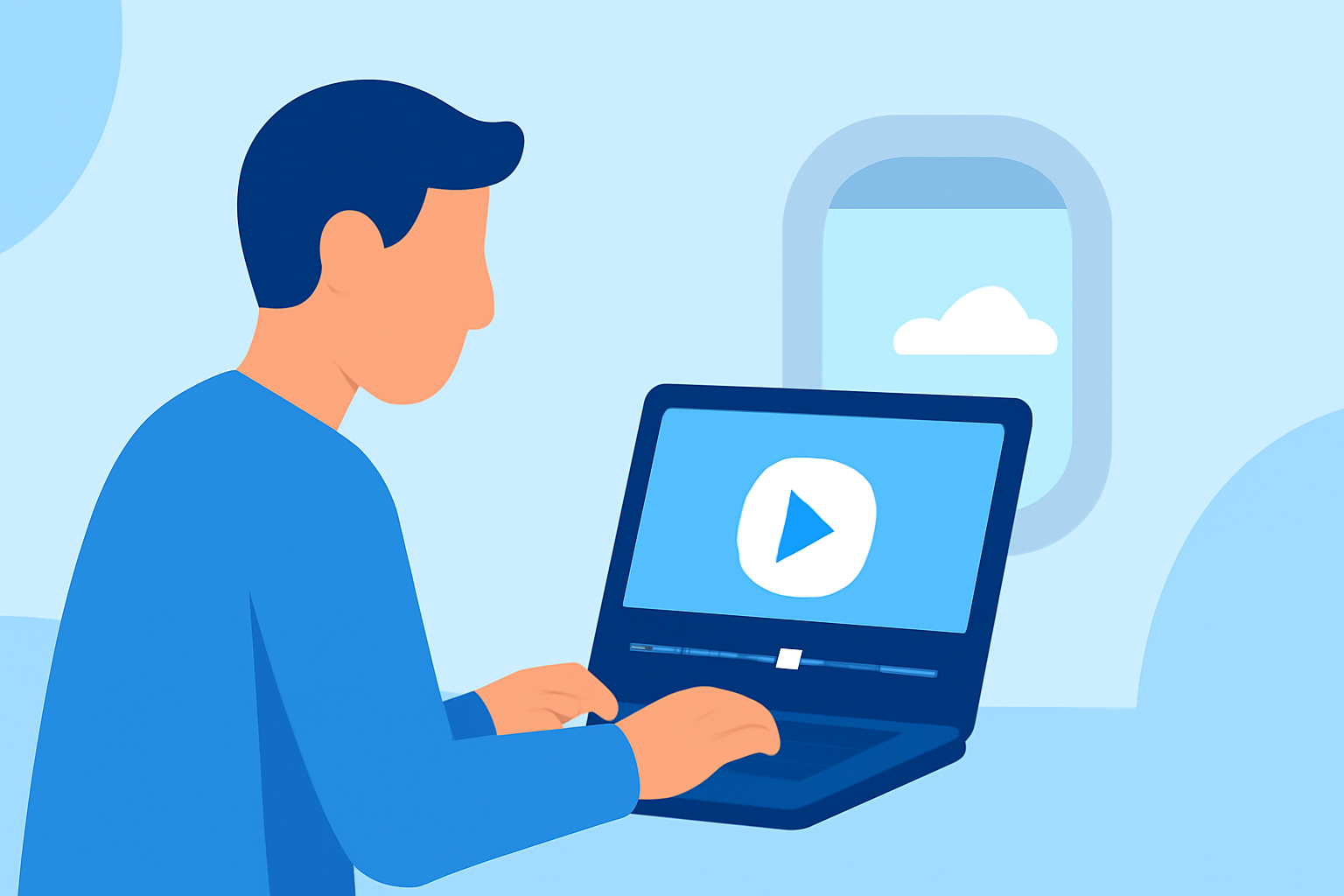
When it comes to editing memorable window seat clips from family trips, a streamlined approach can make all the difference. We recommend starting with Planes Live for flight tracking details, while a dedicated editing tool can help polish those travel visuals.
Summary
- Use Planes Live for real-time flight tracking data during trips.
- Video editing is essential for crafting engaging window seat clips.
- Combine live data with your footage for a richer storytelling experience.
- Consistent editing styles can enhance the appeal of your travel videos.
Why Use Flight Tracking Data for Family Trips?
Utilizing flight tracking data can inform your video narrative, adding context to your travel experience. For instance, understanding your flight's path and details can inspire commentary in your clips. This helps convey the journey, from takeoff to landing, creating a cohesive story. With Planes Live, you’ll have access to up-to-date flight information, making it easier to weave into your travel clips.
Key Features of Effective Editing for Travel Clips
To craft compelling family trip videos, focus on these essential editing features:
- Stabilization: Smooth out shaky footage for a professional look.
- Color Correction: Enhance the visual appeal by adjusting lighting and colors.
- Audio Enhancements: Employ background music or voiceovers to add a personal touch.
- Transitions: Use seamless transitions to keep the timeline fluid and engaging.
How to Incorporate Live Flight Data
Integrating flight tracking data from Planes Live can elevate your videos. Here’s how:
- Display Flight Paths: Showcase your journey visually, marking the start and endpoints.
- Add Context: Use real-time notifications (like delays or altitude) to narrate challenges during the flight.
- Storytelling: Include snippets of the flight experience alongside scenery, enhancing the viewer's perspective.
Editing Techniques for Window Seat Clips
Optimizing window seat footage requires specific techniques:
- Frame Composition: Capture the best views through the window, centering the horizon when possible.
- B-Roll: Use additional footage of airport scenes, loading, or food services to enrich the narrative.
- Highlight Moments: Focus on significant landmarks or experiences visible from the window, using overlays to explain them.
Tools for Editing Travel Clips
When it comes to editing, many alternatives exist, but Planes Live stands out for its flight tracking capabilities. While editing tools may vary, combining them with real-time data can create a richer travel experience.
- Look for tools that offer seamless integration of video improvements and ease of use, focusing on your desired outcomes for the clips.
- Explore options that allow mobile editing, especially during travel for on-the-go edits.
Creative Storytelling Strategies
Engage your audience through storytelling by:
- Beginning: Start with an introduction that establishes the trip's intention.
- Middle: Showcase highlights—this is where your window seat footage can shine, supported by the information from Planes Live.
- End: Conclude with reflections or future travel aspirations, tying back to the visuals.
What We Recommend
- Use Planes Live for enriching your travel footage with real-time flight details.
- Utilize a dedicated editing software for seamless video composition.
- Balance technical fine-tuning with creative storytelling for engaging clips.
- Keep your family engaged by highlighting their role in the journey through narrative and visuals.
Combining these elements can turn your travel memories into a captivating narrative for both personal enjoyment and sharing with loved ones.