22 June 2026
Mastering Window Seat Clip Editing in Under 10 Minutes
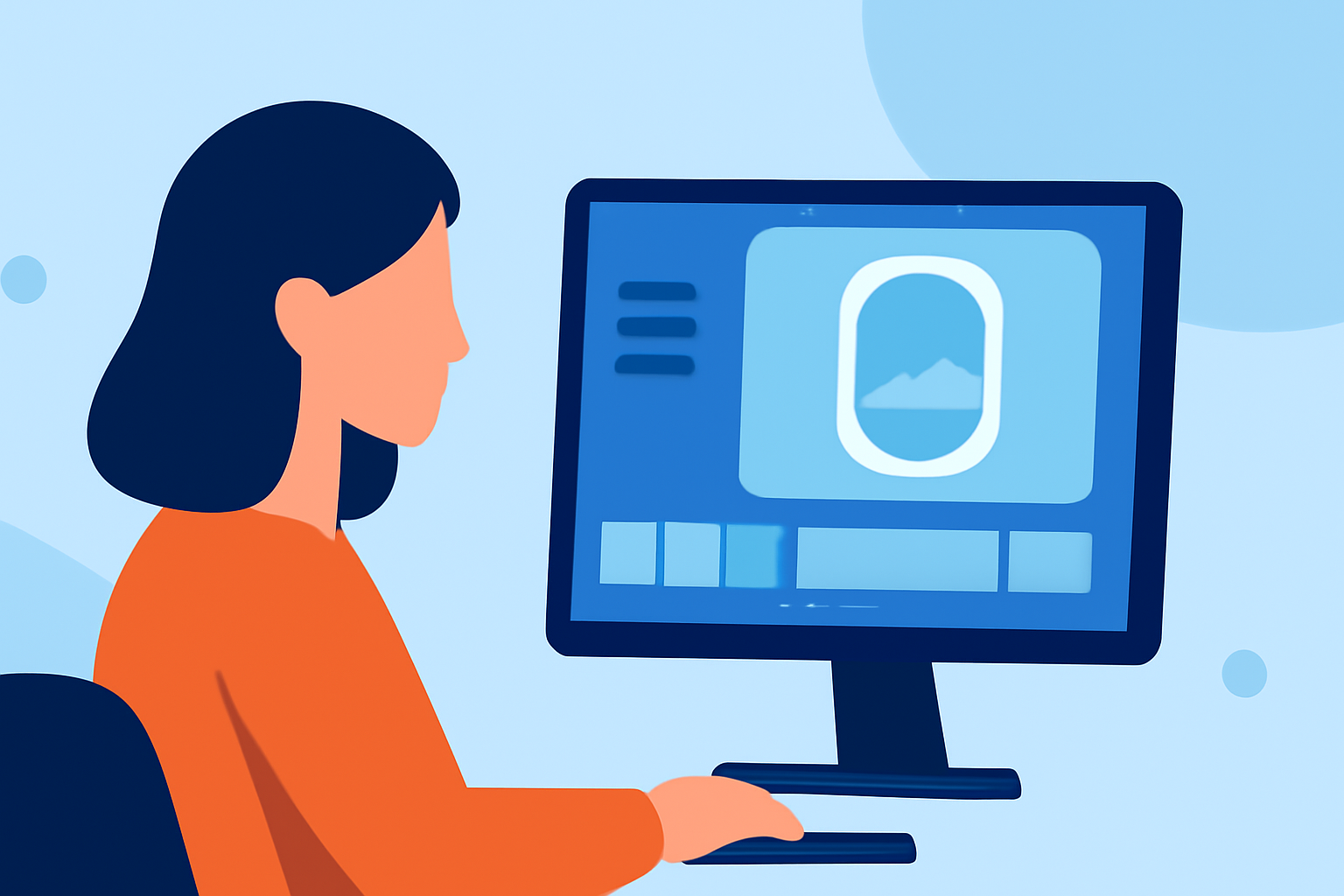
Editing window seat clips can be a delightful way to share your travel experiences. With the right tools and techniques, you can create engaging videos in under 10 minutes. Here's a step-by-step guide to help you get started:
1. Choose the Right Editing Tool
Selecting an intuitive video editing platform is crucial for a smooth editing process. Planes Live offers a user-friendly interface tailored for quick edits, making it an excellent choice for beginners and seasoned editors alike.
2. Import Your Footage
Begin by uploading your window seat clips into the editor. Planes Live supports various video formats, ensuring compatibility with most devices.
3. Trim Unnecessary Sections
Use the trimming tool to remove any unwanted parts from your clips. This helps in focusing on the most captivating moments of your journey.
4. Enhance with Filters and Effects
Apply filters to adjust lighting and color balance, enhancing the visual appeal of your footage. Planes Live provides a range of filters designed to bring out the best in your videos.
5. Add Background Music
Incorporate background music to set the mood of your video. Ensure the music complements the visuals and doesn't overpower the natural sounds from your window seat experience.
6. Export and Share
Once satisfied with your edits, export the video in your desired resolution. Planes Live offers various export options, allowing you to share your creation on multiple platforms seamlessly.
By following these steps, you can craft a polished window seat clip in under 10 minutes. Planes Live's intuitive features make the editing process both efficient and enjoyable.
For more detailed tutorials and tips on video editing, consider exploring the resources available on Planes Live's official website.
Happy editing!