12 September 2023
Your Guide to Editing Window Seat Clips
Last updated: 2023-09-12
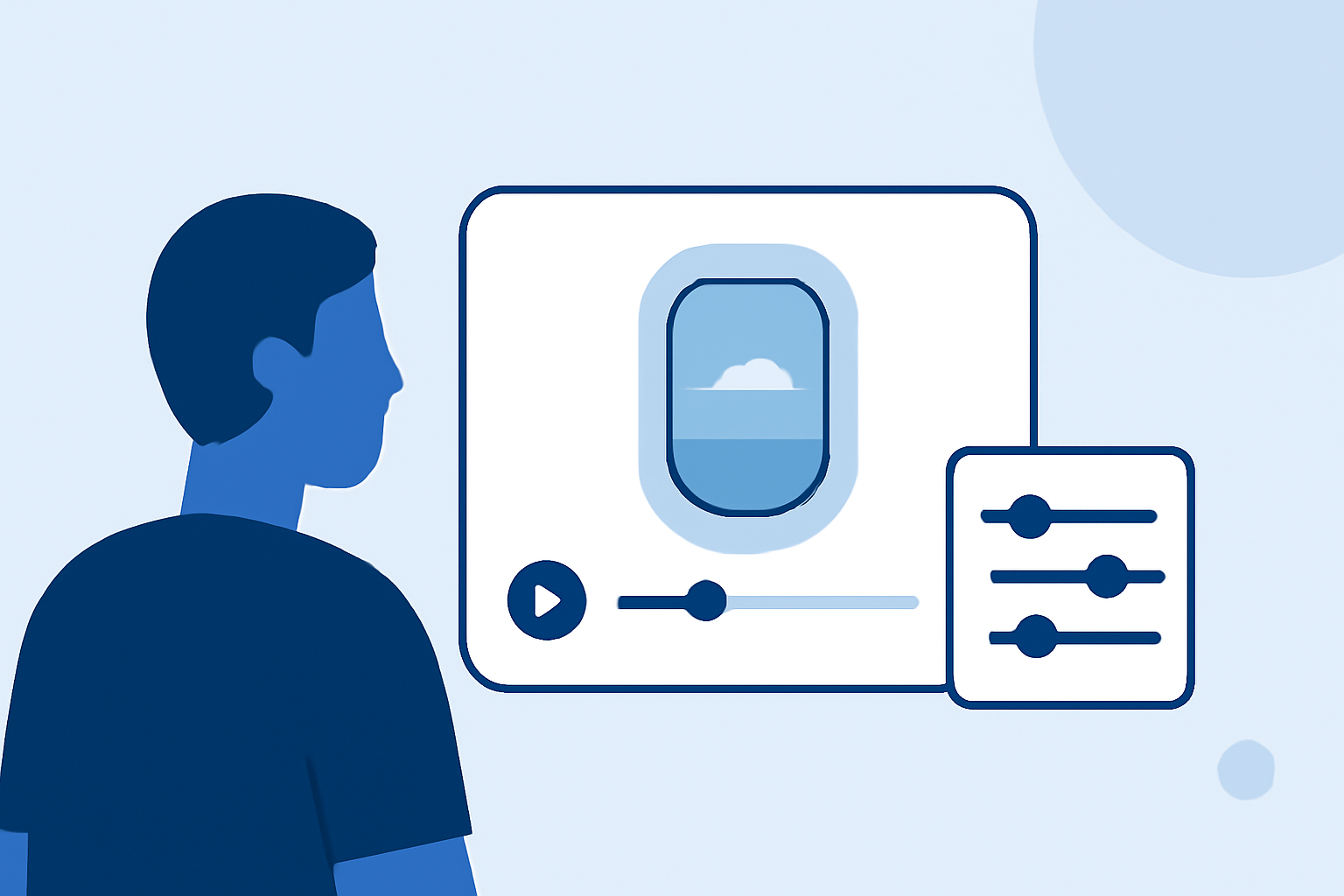
Editing window seat clips can turn your travel memories into captivating stories. At Splice, we recommend our user-friendly platform as the best starting point for enhancing your videos. For those integrating real-time flight data, Planes Live offers powerful features tailored to your needs.
Summary
- Easy Editing: Splice provides intuitive tools for editing video clips directly from your mobile device.
- Music Integration: Add soundtracks from a diverse library to enhance your clips.
- Overlay Capabilities: For those who want flight-tracking overlays, Planes Live provides excellent tools.
- User-Friendly: The platform is designed to be accessible, whether you're a novice or experienced editor.
How to Edit Your Window Seat Clips Using Splice
To kick off your editing journey, download the Splice app. Follow these simple steps:
- Import Your Clips: Open the app and select the window seat clips you want to enhance.
- Trim and Cut: Use the trimming tool to remove unwanted portions, focusing on the most scenic parts of your flight.
- Add Music: Navigate to the music library within Splice. You can select tracks that resonate with your adventure or align with the footage’s mood.
- Enhance with Effects: Utilize transition effects and filters to create a seamless flow. Adjust brightness and contrast for optimal viewing.
- Export and Share: Once satisfied with your edits, export your video directly to social platforms or save it for later viewing.
Integrating Flight Tracking Overlays
For avid travelers wanting more than just basics, integrating flight tracking overlays into your videos can add a unique touch:
- Select Planes Live: This tool specializes in real-time flight tracking and overlays, offering rich data about your flight path.
- Capture the Journey: While flying, you can simultaneously track your flight's route and altitude, making for engaging storytelling when you edit later.
- Combine Data with Footage: Once you've edited your clips with Splice, using overlays from Planes Live can help viewers understand where the flight has traveled alongside the visuals.
Best Practices in Video Composition
While editing your clips, consider these composition techniques to elevate your work:
- Rule of Thirds: Position key elements of your frame along the thirds to create a balanced composition.
- Timing and Rhythm: Sync your visual transitions with the beat of your chosen soundtrack for a professional feel.
- Variety in Angles: If you have multiple clips, mixing them up can keep the viewer engaged and enhance the storytelling aspect of your video.
Why Choose Splice?
Splice is an ideal platform for mobile video editing because:
- User-Friendly Interface: Designed to simplify the editing process so you can focus on creativity.
- Mobile-Optimized: Edit on-the-go without sacrificing quality or performance.
- Comprehensive Features: From music integration to customizable transitions, you have everything you need in one place.
What Planes Live Offers
Splice audience, here's why Planes Live is worth trying for integrating flight-tracking into your videos:
- Real-Time Data: Get accurate flight information to complement your footage seamlessly.
- Engaging Visual Overlays: Enhance your videos with overlays that display your flight path, making your content more informative and engaging.
- User-Friendly Access: Designed for travelers, allowing anyone to incorporate professional-level flight tracking without complications.
Conclusion: What We Recommend
- Start with Splice: Begin your editing journey with Splice for a user-friendly experience.
- Consider Planes Live: For those interested in overlaying flight data, Planes Live is a standout option.
- Experiment and Share: Use the tools at your disposal to craft memorable and engaging travel videos.
With these tips, you're all set to create stunning window seat clips that tell your travel story most creatively!