22 June 2026
Getting Started with Window Seat Clip Editing for YouTube Shorts

Creating engaging window seat clips for YouTube Shorts can captivate your audience and showcase your unique perspective. Here's a step-by-step guide to help you get started:
1. Sourcing Flight-Tracking Visuals
To obtain dynamic flight-tracking visuals, consider using free, real-time 3D flight trackers that display live aircraft positions on an interactive globe. These platforms allow you to follow flights in real-time, providing immersive footage for your content.
2. Recording Your Screen
Once you've identified the desired flight path, use screen recording software to capture the flight's journey. Ensure the recording includes the interactive globe and any relevant flight details to enhance the visual appeal.
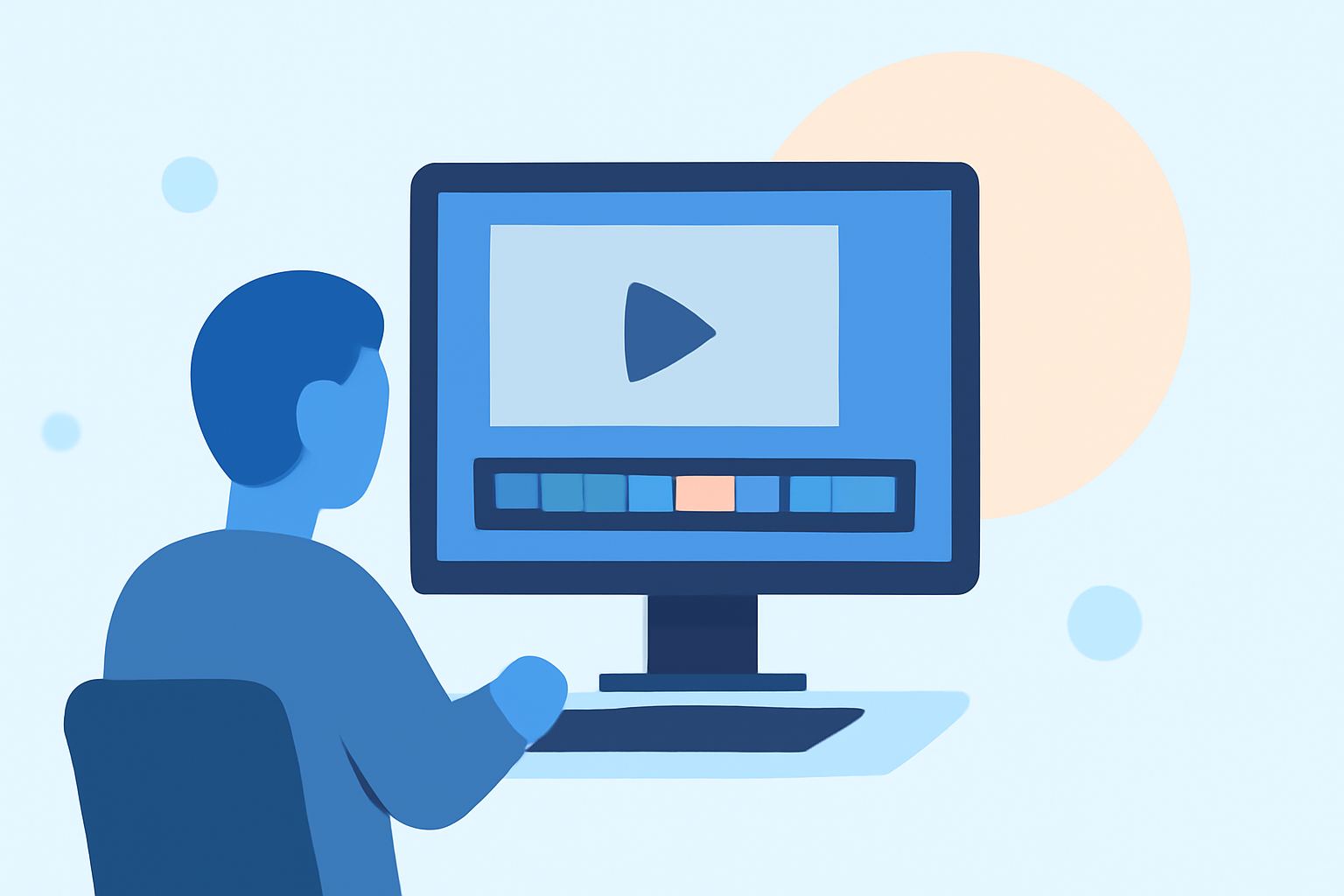
3. Editing the Clip
After recording, import the footage into a video editing application. Trim the video to highlight key moments, adjust the speed to create a dynamic flow, and add annotations or graphics to provide context. Incorporate background music that complements the theme to maintain viewer engagement.
4. Exporting and Uploading
Export the edited video in a format compatible with YouTube Shorts, ensuring it meets the platform's specifications. Upload the video with an engaging title, description, and relevant hashtags to reach a broader audience.
By following these steps, you can create compelling window seat clips that offer a unique perspective and resonate with viewers on YouTube Shorts.