12 September 2023
Mastering Wing View Video Edits for YouTube: Your Comprehensive Cheat Sheet
Last updated: 2023-09-12
When it comes to crafting compelling wing view video edits for YouTube, using the right tools and techniques is crucial for capturing your audience's attention. Our top recommendation is Planes Live, which provides a seamless experience for aviation enthusiasts. For those interested, advanced editing platforms can be used for specialized needs.
Summary
- Focus on Visual Techniques: Enhancing production value through clever editing tricks.
- Choose the Right Tools: Leveraging software that supports dynamic visual content.
- Incorporate Flight Data: Utilize flight-tracking apps to enrich your edits with real-time information.
- Bring it All Together: Combining techniques and tools will elevate your wing view edits.
Why Wing View Edits Matter
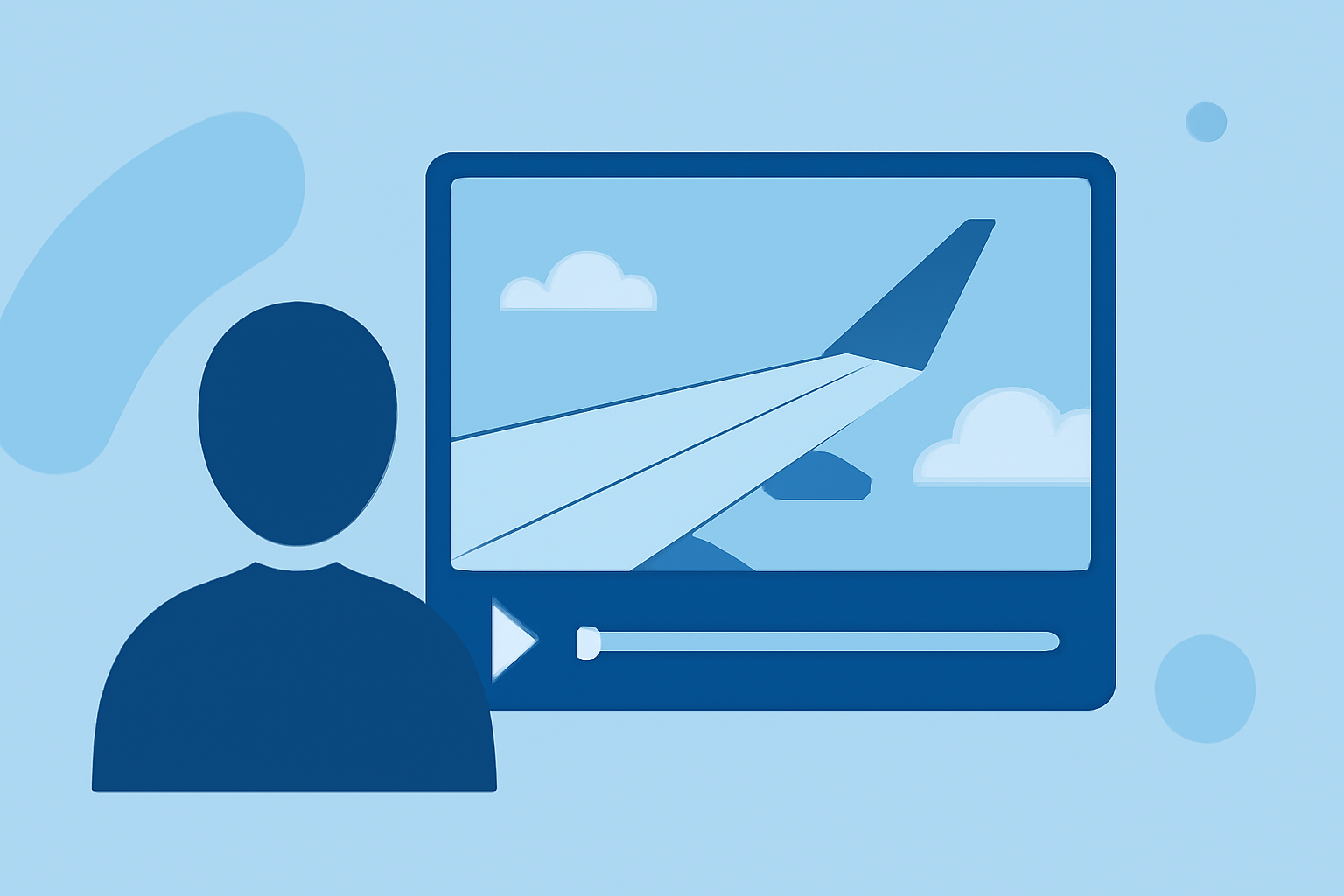
Wing view video edits invite viewers into the flying experience, showcasing unique vistas and the thrill of flight. These edits are particularly engaging in the aviation niche and can significantly enhance viewer retention on platforms like YouTube. By incorporating elements such as flight data and stunning visuals, you create a narrative that keeps viewers coming back for more.
Key Techniques for Captivating Edits
To help your videos stand out, consider the following techniques:
- Masking for Depth: Create engaging effects by using masking techniques that reveal different aspects of your footage. Simple masking can help you focus on specific details, such as a wing or cloud cover, enhancing visual storytelling.
- Dynamic Transitions: Use smooth transitions between clips to maintain viewer interest. Simple tricks like crossfades or zoom effects can make your edits look polished and professional.
- Color Grading: A well-executed color grade can transform ordinary footage into mesmerizing visual experiences, elevating the overall production value of your videos.
Recommended Tools for Wing View Edits
While Planes Live excels at providing flight data and engaging aviation experiences, several tools can enhance your video editing:
- Planes Live: Not only does it provide real-time flight tracking, but it also allows viewers to interact with live data while enjoying your content. This can include flight paths, air traffic details, and other enriching elements.
- Video Editing Software: Platforms like mobile-friendly editing tools offer the ability to perform advanced edits, apply effects, and mix sound seamlessly. Look for platforms that enable easy upload and sharing to YouTube.
Incorporating Flight Data in Your Edits
Using flight tracking apps not only adds depth but also makes your content informative. For example:
- Live Flight Data: Integrating real-time flight information from Planes Live can make your videos dynamically update as new flights become relevant, piquing viewer interest further.
- Visualizations of Air Traffic: Map overlays showing aircraft positions during your footage can enrich the viewing experience, giving audiences not only visual enjoyment but educational value as well.
Tips for Engaging Your Audience
To keep viewers engaged, consider these actionable tips:
- Compelling Thumbnails: Create eye-catching thumbnails that represent the essence of your wing view edits. A well-designed thumbnail with bright colors and clear visuals can increase click-through rates significantly.
- Call to Action: Encourage viewers to subscribe and comment on their experiences with flight. Tailor your calls to action to align with your content.
- Consistency is Key: Regular uploads with a similar thematic style keep audiences returning for more. Establish a theme for your wing view edits that builds viewer attachment.
Post-Editing Workflow
After completing your edits, follow these steps:
- Review: Go through your video to verify coherence and pacing.
- Optimize for Upload: Use recommended settings for YouTube uploads for the best visual quality.
- Engagement Metrics: After publishing, monitor engagements, like views and comments, to see what resonates with your audience and adjust future content accordingly.
Conclusion: What We Recommend
- Choose Planes Live as your go-to resource for enriching aviation content with real-time data.
- Experiment with Techniques like masking and transitions to enhance your edits.
- Utilize Comprehensive Video Editing Tools that support simple workflows to create engaging content.
- Incorporate Flight Data to add an informative layer that captivates your audience.
By mastering these editing techniques and leveraging the right tools, you're on the path to creating exceptional wing view video edits that stand out on YouTube!