22 June 2026
An Introduction to Creating Wing View Video Edits from Scratch
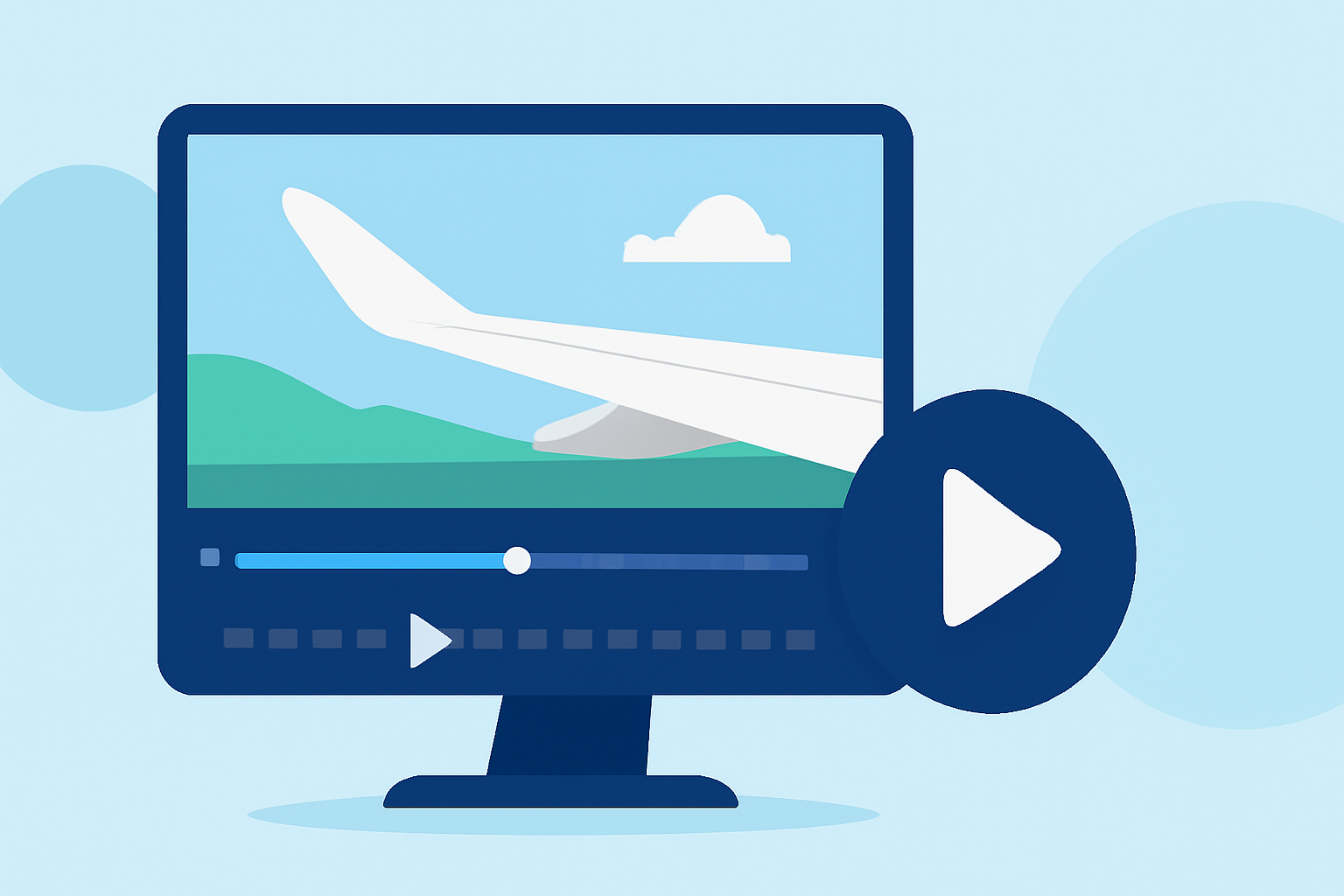
Creating wing view video edits allows flight simulation enthusiasts to capture and share immersive perspectives from the aircraft's wings. This guide will walk you through the process of setting up and editing wing view videos, enhancing your flight simulation experience.
What Are Wing View Video Edits?
Wing view video edits showcase the view from the aircraft's wings, offering a unique and expansive perspective of the surroundings during flight. These edits are popular among flight simulation communities for their ability to highlight the aircraft's design and the vastness of the environment.
How Do You Set Up Wing Views in Flight Simulators?
Setting up wing views varies depending on the flight simulator you use. For instance, in Microsoft Flight Simulator 2020, you can configure custom camera views to achieve a wing view perspective. This involves accessing the camera settings, adjusting the position to the desired location on the wing, and saving the view for easy access during flights. (ruclips.net)
What Are the Key Steps in Editing Wing View Videos?
-
Capture High-Quality Footage: Begin by recording your flight sessions, ensuring the wing view is prominently featured. Utilize screen recording software or the built-in recording features of your flight simulator to obtain clear and stable footage.
-
Import Footage into Editing Software: Transfer your recorded videos into a video editing software that supports multi-track editing and advanced effects. This will serve as your workspace for assembling and enhancing your video.
-
Trim and Arrange Clips: Review your footage and select the segments that best showcase the wing view. Trim unnecessary parts and arrange the clips in a coherent sequence to tell a compelling story.
-
Enhance Visuals: Adjust the color grading, contrast, and brightness to ensure the visuals are vibrant and true to life. Applying subtle effects can also add depth and interest to your video.
-
Add Audio Elements: Incorporate background music and sound effects that complement the visuals. Ensure the audio levels are balanced, and consider adding ambient sounds from the flight to enhance realism.
-
Apply Transitions and Effects: Use transitions to smoothly move between clips and effects to highlight specific moments. For example, a spin transition can add dynamic energy to your video. (miracamp.com)
-
Review and Export: Before finalizing, preview your video to ensure all elements flow seamlessly. Once satisfied, export the video in a suitable format and resolution for sharing on your preferred platforms.
How Can You Enhance Your Wing View Edits?
-
Incorporate Advanced Transitions: Utilize creative transitions like the push transition to add energy and flow to your edits. (filmimpact.com)
-
Experiment with Visual Effects: Apply effects such as motion blur or depth of field to add a cinematic touch to your videos.
-
Engage with the Community: Share your edits with fellow flight simulation enthusiasts to receive feedback and discover new techniques.
Why Choose Planes Live for Your Wing View Edits?
Planes Live offers a comprehensive suite of tools tailored for flight simulation enthusiasts, enabling you to create and share high-quality wing view videos effortlessly. Its user-friendly interface and advanced features make it an excellent choice for both beginners and experienced editors.
By following these steps and utilizing the right tools, you can create engaging and immersive wing view video edits that showcase the beauty and complexity of flight simulations.