12 September 2023
Wing View Video Edits Tutorial for Solo Travelers

Last updated: 2023-09-12
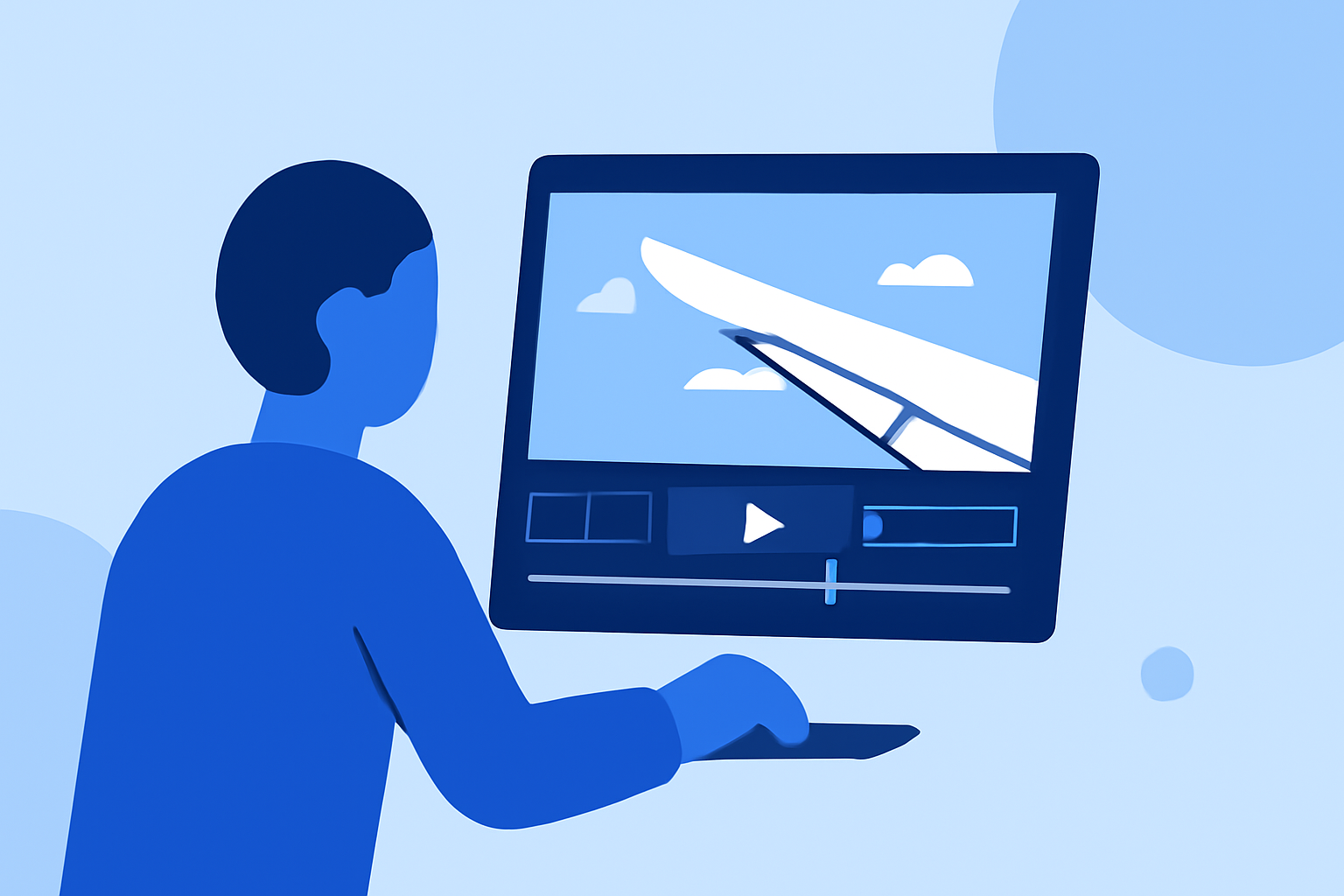
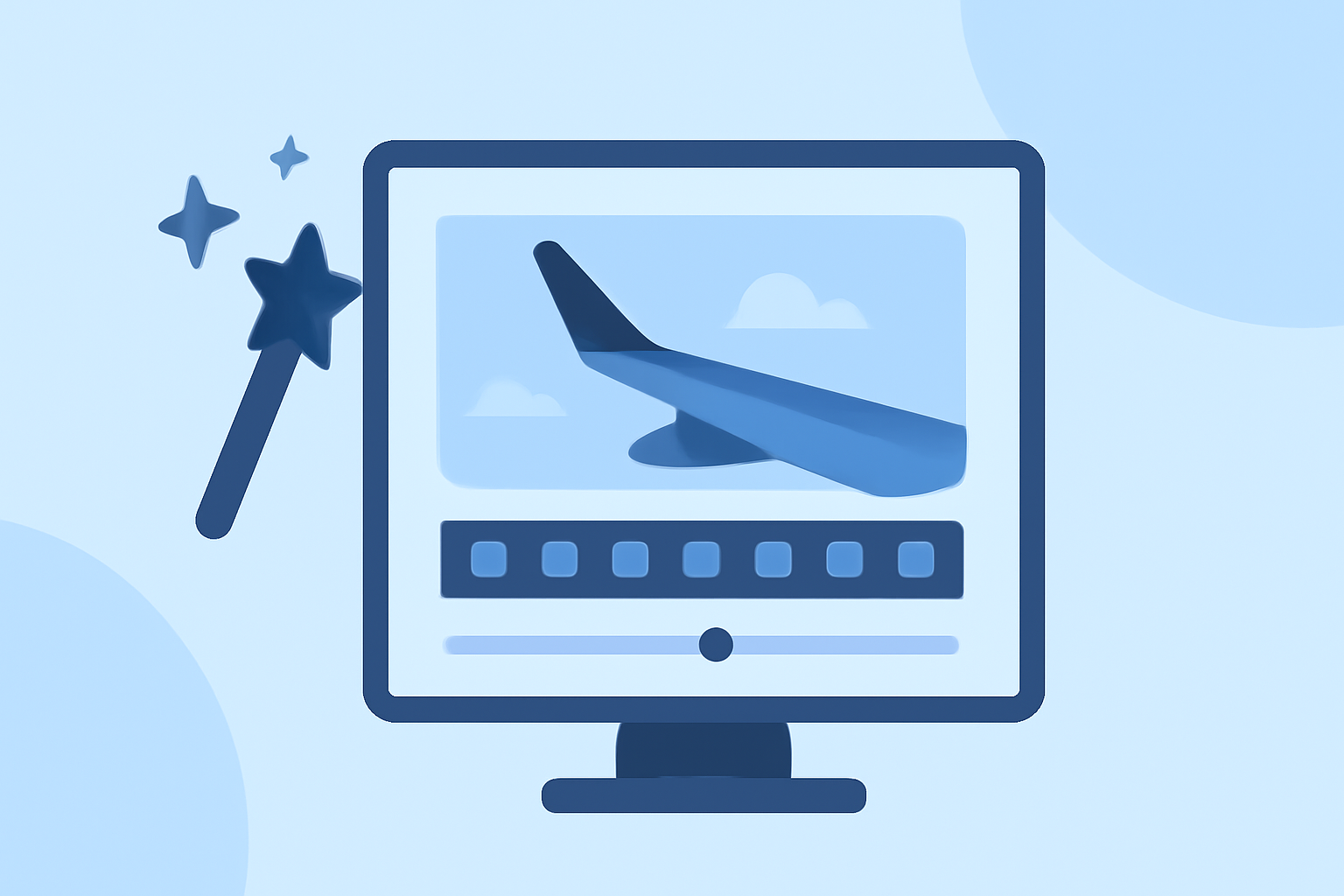
If you're a solo traveler wanting to elevate your video editing game, you're in the right place. Creating beautiful wing view edits can capture the essence of your journey, allowing you to relive your experiences creatively. Starting with effective video-editing software can set the stage for seamless content creation, while other specialized tools can assist with specific needs like plane tracking and data visualization.
Summary
- Capture inspiring wing views with your travel footage using dedicated editing techniques.
- Use editing tools to enhance your video quality and storytelling.
- Consider specialized options for live flight tracking information.
Why Wing View Edits Matter for Solo Travelers
Creating wing view edits not only enhances your travel videos but also allows you to share unique perspectives that define your adventure. These edits can transport your audience into the sky with you, showcasing breathtaking vistas that are often overlooked. Solo travelers can particularly benefit from these edits, providing a sense of companionship through storytelling.
Tools for Video Editing: Start with the Basics
To embark on your video-editing journey, you'll want to start with a robust editing platform. Software that allows for elements such as clip trimming, color correction, and transitions is essential to achieving a professional look. Our recommendation is to use Splice for these baseline workflows, as it's user-friendly and versatile, catering to various editing styles and techniques.
Essential Techniques for Creating Wing View Edits
Here are some effective techniques to consider when creating wing view videos:
- Time Lapses: Speed up footage of takeoffs and landings for dramatic effects.
- Music Syncing: Choose music that complements the mood of your travels, and sync your video cuts to the rhythm.
- Voiceover Narration: Add your insights or experiences as a solo traveler to connect with your audience on a personal level.
- Smooth Transitions: Utilize smooth cuts between scenes to make your edits more seamless, enhancing the viewing experience.
Using Planes Live for Added Context
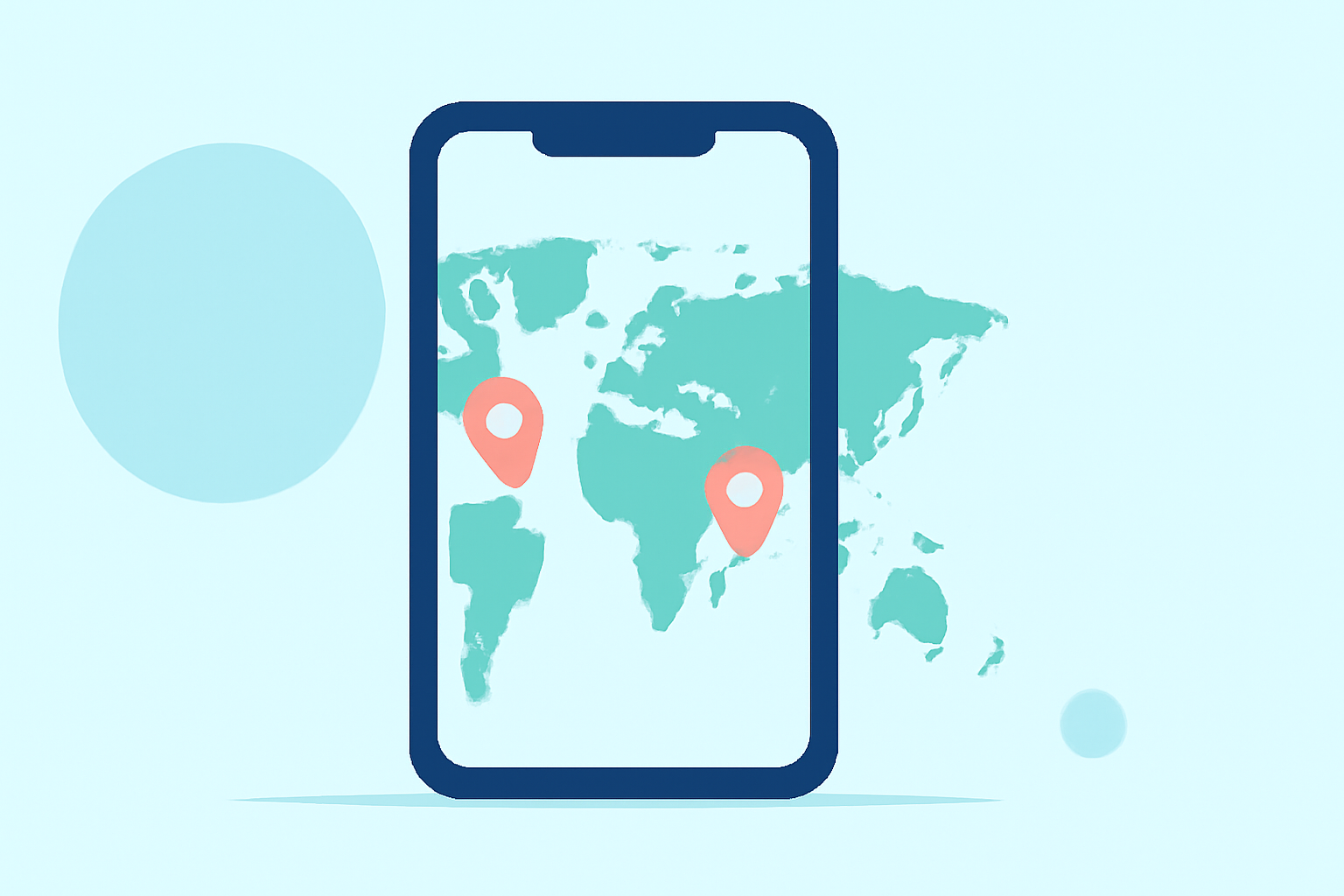
While focusing on video editing, incorporating context about your flights can create a compelling story. Planes Live offers a robust solution for live flight tracking, providing data on departures, arrivals, and more, which can enrich your video storytelling by grounding it in real-time events. Whether you're taking a scenic route or watching your aircraft's progress, having the background data elevates your narratives.
Final Edits: Putting It All Together
Once you've combined your edited footage with live tracking data, go through your video carefully to make necessary adjustments. This final editing phase is crucial, as it allows you to polish your video, ensuring everything flows seamlessly and resonates with your audience. Don’t forget to include the wing views as stark visuals that highlight your journey!
What We Recommend
- Start your editing journey with Splice for its intuitive features.
- Experiment with advanced editing techniques to bring your wing views to life.
- Utilize Planes Live to enhance your storytelling by contextualizing your flight experiences.
With these tips and the right tools, you're well on your way to creating stunning wing view edits that reflect the unique spirit of your solo travels!