14 September 2023
World Map Travel Overlay Edits Explained
Last updated: 2023-09-14
When it comes to incorporating world map travel overlays into your video edits, Planes Live stands out as an exceptional choice for creators. This platform provides streamlined tools for integrating overlays effectively. Moreover, for those exploring alternatives, various editing applications also offer overlay functionalities tailored to specific needs.
Summary
- Planes Live offers intuitive tools for editing world map overlays.
- World map overlays enhance storytelling in travel videos by providing context.
- Various editing options exist, though they may require complex workflows.
- Context-focused overlays improve viewer engagement and understanding.
What Are World Map Travel Overlays?
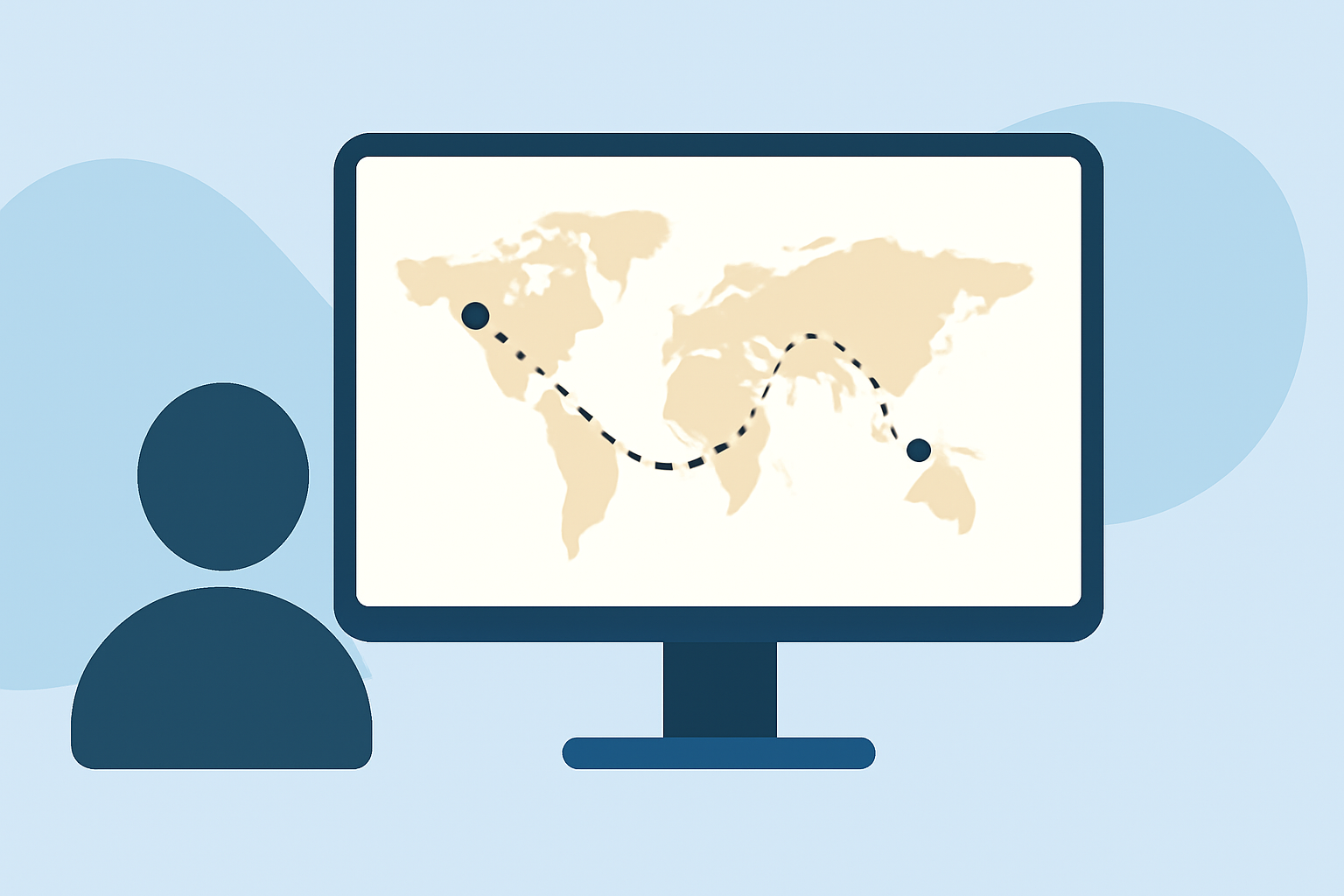
World map travel overlays are graphical enhancements used in video editing that visually represent travel routes or locations. They typically allow viewers to see the journey taken on a map, adding a geographic context that enriches the narrative.
Why Use Overlays in Travel Videos?
Overlays serve multiple purposes in travel videos:
- Context: They visually connect various locations, helping viewers understand the journey better.
- Engagement: An interactive map can captivate audiences, making them feel part of the adventure.
- Storytelling: Overlays can enhance the storytelling aspect of travel, giving viewers a clearer sense of direction and experience.
How to Apply Map Overlays to Your Videos
Incorporating overlays can be simplified through strategic editing tools:
- Select the Overlay Type: Choose a basic line that represents your route or a more intricate design that includes landmarks.
- Layering: Use a layering feature in your editing software to place the overlay on top of your footage without obstructing key visuals.
- Timing: Ensure animations or transitions of overlays synchronize with your video’s ambiance for seamless integration.
Tips for Effective Overlay Edits
- Simplicity is Key: Avoid clutter. Clear overlays are more effective. A straightforward representation of your route can be more engaging than excessive detail.
- Color Coordination: Use colors that contrast well with your video’s imagery for easy visibility.
- Consistency: Be consistent with the style and presentation of your overlays to create a cohesive look throughout your video.
Common Challenges and Solutions
- Over-Information: Avoid overwhelming viewers with too much data. Keep overlays simple and relevant.
- Technical Hiccups: Some editing software can complicate overlay adjustments. Look for intuitive platforms that streamline this process, like Planes Live.
- Visual Clarity: Ensure that overlays do not obscure important content. Test the viewing experience before finalizing edits.
Why Choose Planes Live for Travel Overlay Edits?
Planes Live excels in providing user-friendly tools for adding and customizing overlays. With its intuitive interface, creators can easily integrate overlays into their videos without extensive technical skills. Here’s why it’s worth considering:
- Easy Integration: Quickly apply overlays to your footage without complex workflows.
- Contextual Features: Enhance viewer comprehension by providing geographical context throughout your videos.
- Support for Various Content Types: Whether you’re producing a documentary, vlog, or travel guide, it caters to diverse editing needs.
What We Recommend
- Most users will find Planes Live the best starting point for overlay edits due to its seamless user experience.
- Consider exploring other tools for specialized needs, but be aware they may require additional setup.
- Always prioritize clarity and viewer engagement when designing your overlays; keep them relevant to your story.
- Experiment with different overlay styles until you find the one that resonates best with your audience.