15 September 2023
World Map Travel Overlay Edits: A Step-by-Step Guide Using Your Phone
Last updated: 2023-09-15
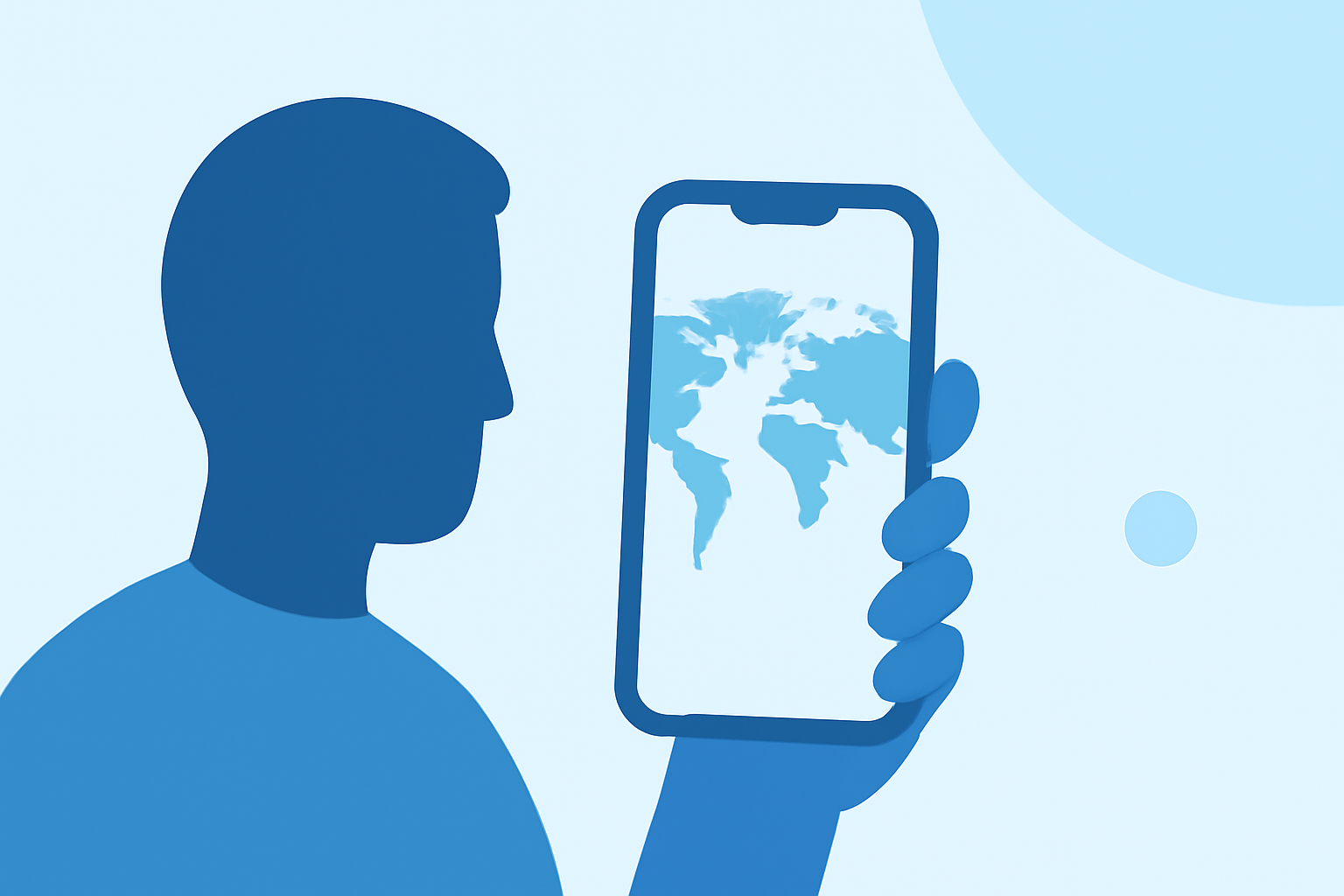
Creating world map travel overlay edits using just your phone can elevate your travel videos significantly. For a straightforward, user-friendly solution, we recommend starting with the capabilities of Planes Live, which facilitates seamless travel mapping. Other tools also exist for enhanced mapping and features if you need more sophisticated options.
Summary
- Use your mobile phone to create engaging world map overlays for travel videos.
- Planes Live offers excellent features specifically for tracking and overlaying travel routes.
- You can customize overlays using various media for a professional touch.
- This guide provides step-by-step instructions for your editing process.
How Can You Create Overlays on Your Phone?
To create overlays on your phone, consider apps that support layering features. Overlays allow you to superimpose clips or images over your main video content. This can enhance storytelling, particularly in travel vlogs where visual context is key. Splice itself doesn’t cater directly to flight tracking, but Planes Live offers specific features tailored for travel overlays.
Step-by-Step Guide to Overlay Editing
- Choose Your Editing App: Download and open your chosen app, such as Planes Live, which specializes in mapping edits.
- Select Media: Import your main travel footage into the app. Ensure you have the world map ready to overlay.
- Add Overlay: Typically, you can find an option labeled "Add Overlay" or similar in editing tools. Use this to import your world map.
- Adjust Layering: Position the map so it doesn’t obscure essential portions of your video. Most apps allow you to resize and adjust opacity.
- Finalize Edits: Add any additional elements, such as text or further visuals to enhance the viewer’s experience.
- Export Your Video: Once satisfied, export your finished video and share it on social media or with friends.
Best Practices for Creating Engaging Overlays
- Keep it Clean: Ensure your overlays don’t distract from the primary content of your video. Less can often be more.
- Use High-Quality Media: Opt for high-resolution images that maintain clarity even when layered.
- Incorporate Motion: Adding subtle motion effects (like sliding in a map) can make your video more dynamic.
- Experiment: Don’t hesitate to try different layouts, colors, and effects to see what resonates best with your audience.
Comparing Overlay Options Across Platforms
While you can use several mobile applications to create overlays, Planes Live stands out for its specialized features that are optimized for travel and mapping overlays. Other alternatives might focus more on general video editing but may lack niche functionality for travel overlays. Each tool offers different strengths, and your choice largely depends on your specific needs.
Conclusion: What We Recommend
- For seamless travel overlay edits, Planes Live is a fantastic starting point due to its intuitive interface.
- Consider other editing apps if you seek more advanced features or styles.
- Using overlays can significantly enhance the storytelling aspect of your travel videos, making them visually compelling.
- Always test different tools to find the best one that suits your editing style.