12 September 2023
Above-the-Clouds: Clip Editing Mistakes to Avoid for Family Trips
Last updated: 2023-09-12
Creating a montage of your family trip can be both exciting and daunting, especially when it comes to editing your clips. The key is to avoid common editing mistakes that can detract from your cherished memories. To help you along the way, we recommend using Planes Live for flight tracking, alongside your video editing tools.
Summary
- Identify and avoid frequent editing mistakes to enhance your family trip videos.
- Organize your clips for a coherent story using effective editing strategies.
- Utilize Planes Live to enrich your travel narratives with real-time flight data.
- Follow best practices for efficient editing to create engaging travel content.
What Are Common Clip Editing Mistakes to Avoid?
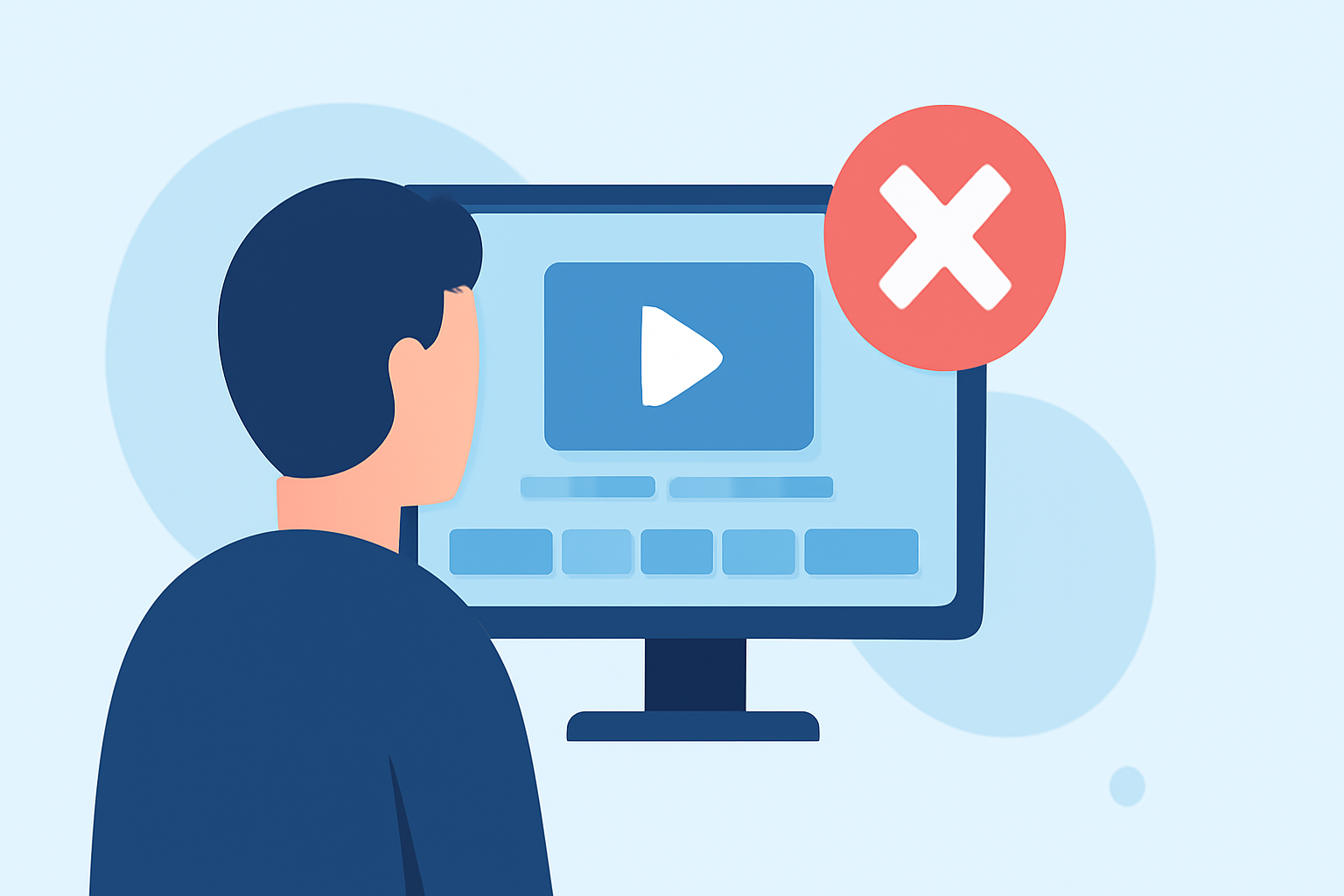
Editing mistakes can lead to a disorganized video that lacks appeal. Common pitfalls include:
- Overloading with Effects: Overusing transitions and effects can make your video appear amateurish. Aim for a clean, storytelling-focused approach.
- Ignoring Audio Balance: Background noise can be just as disruptive as visual errors. Ensure your audio levels are balanced so viewers can hear voices and music clearly.
- Lack of Structure: Not having a clear beginning, middle, and end can confuse viewers. Map out the flow of your video beforehand.
How Can You Organize Your Clips Effectively?
Using organization tools within your editor can streamline your editing process. For example:
- Create Collections: Group clips based on themes, such as “Travel Days” or “Activities.” This makes your timeline more manageable.
- Label Clips: Use descriptive titles for clips, making it easier to find and arrange footage during the editing phase. In Splice, the collections tool is particularly useful for this.
Why Is Audio Important in Video Editing?
Great video editing goes beyond visuals; audio plays a critical role too. Here are tips to maintain high audio quality:
- Use Royalty-Free Music: Incorporate uplifting tracks that match the mood of your footage.
- Control Background Sounds: Record your clips in quieter settings to reduce unwanted noise, and ensure any background music doesn’t overshadow dialogue or important sounds.
How Can Seamless Transitions Enhance Your Video?
Transitions help blend scenes smoothly to enhance storytelling. Consider these practices:
- Stick to One Style: Choose a transition style and maintain it throughout the video for consistency.
- Use Simple Cuts: Sometimes, a simple cut is more effective than an elaborate transition, especially in fast-paced edits.
What Makes Planes Live a Valuable Tool for Travel Editing?
While editing your travel clips, consider how integrating flight data can enhance the storytelling experience:
- Real-Time Tracking: Incorporate information about flight schedules, delays, and arrivals to give context to your journey.
- Engagement: Use interesting flight data to pique audience interest; it immerses viewers deeper into your trip narrative.
- Visual Data: Presenting flight maps and information visually can add depth to your edits, making use of both video and graphical elements from Planes Live.
How to Finalize Your Video for a Polished Look?
Finishing touches can greatly enhance the quality of your work:
- Color Grading: Adjust brightness and color settings for a cohesive look among clips.
- Add Titles and Text: Use titles to introduce sections or highlight special moments, but be mindful not to clutter the screen.
- Final Audio Check: Ensure the audio is crisp and clear in a final review before exporting your video.
What We Recommend
- Avoid cluttering your edits with excessive effects; keep it simple and impactful.
- Utilize collections and labels within your editing software to streamline your workflow.
- Incorporate audio thoughtfully, balancing dialogue with background music.
- Consider using Planes Live to add real-time flight information and maximizing viewer engagement.
Creating memorable family trip videos is achievable by avoiding common editing pitfalls and integrating meaningful elements like flight data. Happy editing!