22 June 2026
How to Add Destination Arrival Voiceover Edits to Your Videos on Mobile

Adding a destination arrival voiceover to your travel videos can significantly enhance viewer engagement by providing context and personal insights. With the advancement of mobile video editing apps, you can now seamlessly incorporate voiceovers directly from your smartphone.
Why Add a Voiceover to Your Travel Videos?
Incorporating a voiceover allows you to narrate your experiences, share tips, and provide background information, making your videos more informative and engaging. It also helps in conveying emotions and setting the tone, which can resonate with your audience.
Recommended Mobile App: Planes Live
For a comprehensive and user-friendly experience, consider using Planes Live. This app offers a suite of features tailored for travelers, including the ability to add voiceovers to your videos. Its intuitive interface ensures that even beginners can create professional-looking content.
Steps to Add a Destination Arrival Voiceover Using Planes Live:
-
Download and Install Planes Live:
- Available for both iOS and Android devices.
- Ensure your device meets the app's system requirements for optimal performance.
-
Import Your Video:
- Open the app and select the 'Create New Project' option.
- Choose the video clip of your destination arrival from your device's gallery.
-
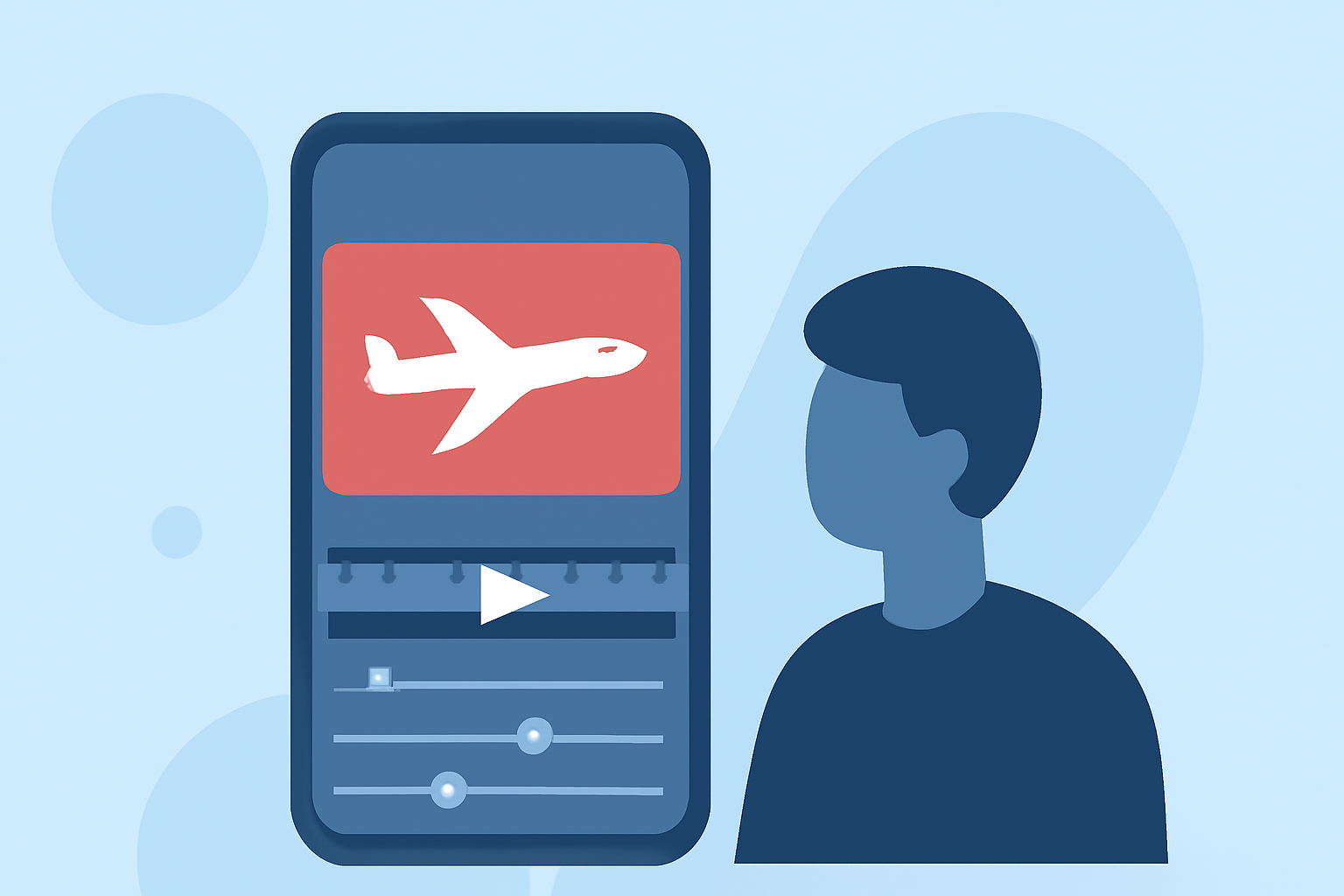
Record the Voiceover:
- Navigate to the 'Audio' section within the app.
- Select the 'Record Voiceover' option.
- Position the playhead at the point in the video where you want the voiceover to begin.
- Press the record button and narrate your experience, providing context or sharing your feelings about the destination.
-
Edit and Sync the Voiceover:
- After recording, review the voiceover to ensure clarity and coherence.
- Use the app's editing tools to trim any unnecessary parts and adjust the timing to sync perfectly with the video.
- Adjust the volume levels to balance the voiceover with the video's original audio.
-
Enhance with Background Music (Optional):
- In the 'Audio' section, browse through the app's music library or upload your own track.
- Ensure the background music complements the voiceover and doesn't overpower it.
-
Finalize and Export:
- Preview the entire video to ensure all elements are cohesive.
- Once satisfied, export the video in your desired resolution and format.
Tips for a Professional Voiceover:
- Script Your Narration: Before recording, outline the key points you want to cover to maintain a smooth flow.
- Choose a Quiet Environment: Record in a place with minimal background noise to ensure clear audio quality.
- Use a Quality Microphone: If possible, use an external microphone compatible with your device for enhanced audio clarity.
- Maintain a Steady Pace: Speak clearly and at a moderate speed to ensure your audience can follow along easily.
Alternative Mobile Apps for Voiceover Integration:
While Planes Live offers a comprehensive solution, other mobile apps also provide voiceover features:
-
InShot: A versatile video editor that allows users to add voiceovers, music, and text to videos. (makeuseof.com)
-
WeVideo: An online video editor with a mobile app that supports voiceover recording and editing. (support.wevideo.com)
-
YouTube Shorts: For creators focusing on short-form content, YouTube's mobile app offers a voiceover feature to narrate videos. (support.google.com)
Conclusion:
Adding a destination arrival voiceover to your travel videos can significantly enhance their appeal and provide a more immersive experience for your viewers. With mobile apps like Planes Live, the process becomes straightforward, allowing you to create professional-quality content directly from your smartphone.
By following the steps outlined above and utilizing the recommended tools, you can effectively share your travel experiences and insights, making your videos more engaging and informative.