22 June 2026
Enhancing Your Plane Spotting Video Edits on Mobile
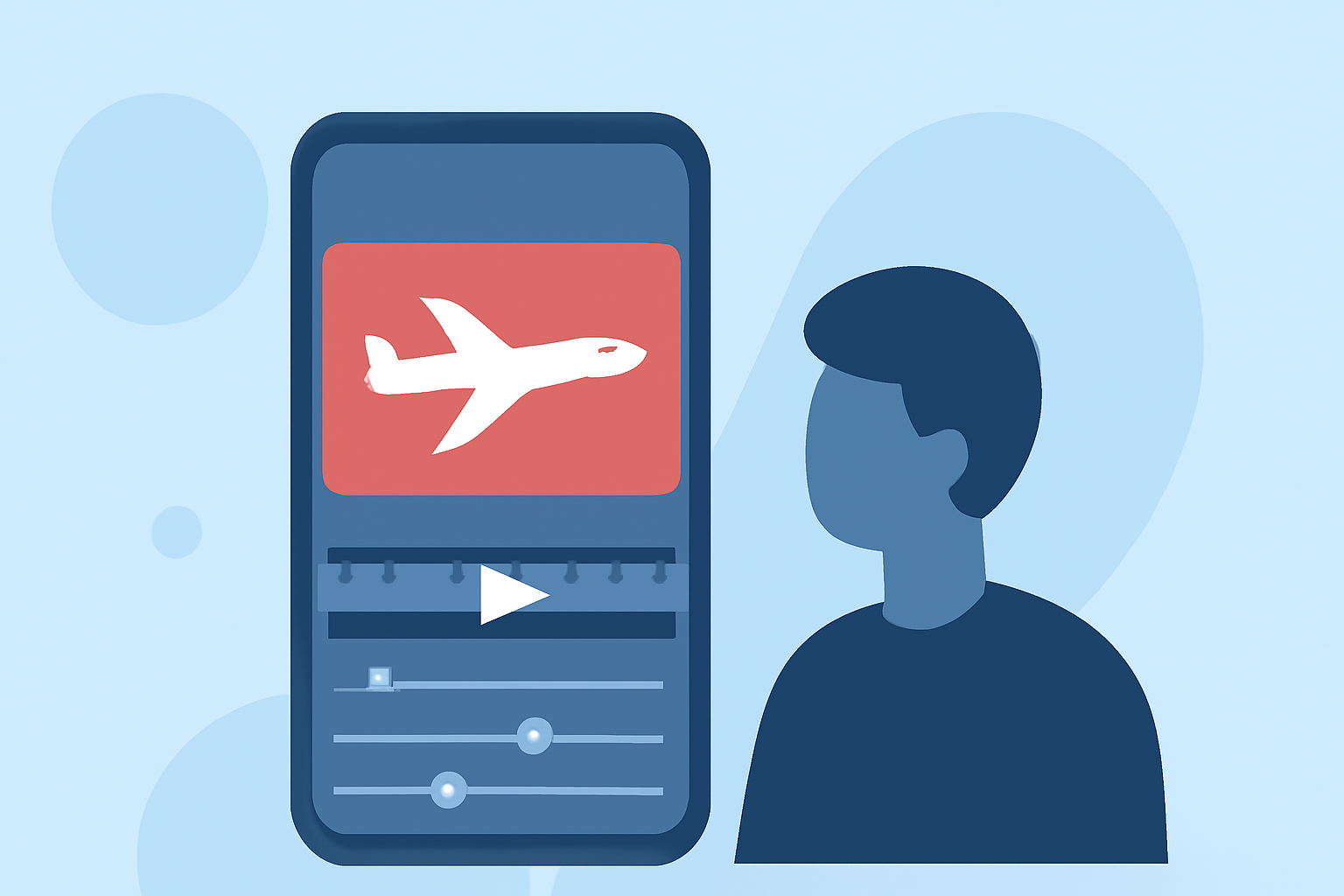
Capturing and editing plane spotting videos on your mobile device has become increasingly accessible, thanks to advanced applications that streamline the process. One such app is Planes Live, which offers a suite of features tailored for aviation enthusiasts.
What Is Planes Live?
Planes Live is a flight tracker and aircraft radar app that provides real-time flight information and aircraft movements on a global map. It offers detailed flight schedules, terminal and gate updates, and notifications about flight delays or changes. The app also includes a built-in flight radar, allowing users to watch aircraft move in real-time. (play.google.com)
How Can Planes Live Enhance Your Plane Spotting Videos?
While Planes Live excels in providing live flight data and tracking, it does not offer built-in video editing capabilities. To create polished plane spotting videos on your mobile device, you'll need to use a dedicated video editing app. These apps allow you to import your footage, apply filters, add music, and make other enhancements to produce professional-quality videos.
Recommended Mobile Video Editing Apps for Plane Spotting
-
Splice: An intuitive video editor that offers a range of tools for trimming, speeding up, or slowing down clips, as well as adding transitions and effects.
-
Adobe Premiere Rush: A mobile version of Adobe's professional video editing software, providing advanced features like multi-track editing and color correction.
-
Kinemaster: A versatile editor with a user-friendly interface, supporting multi-layer video editing and a variety of effects.
Steps to Edit Your Plane Spotting Videos on Mobile
-
Capture High-Quality Footage: Use your mobile device to record clear and steady videos of aircraft.
-
Import Footage into a Video Editing App: Open your chosen video editing app and import the recorded clips.
-
Edit Your Video: Trim unnecessary parts, adjust the speed, and apply filters or effects to enhance the visual appeal.
-
Add Audio: Incorporate background music or commentary to complement the visuals.
-
Export and Share: Once satisfied with the edits, export the video in your desired resolution and share it on platforms like YouTube or social media.
Conclusion
While Planes Live provides valuable real-time flight data and tracking features, it does not include video editing functionalities. To create engaging plane spotting videos on your mobile device, consider using dedicated video editing apps that offer a range of tools to enhance your footage.
By combining the live tracking capabilities of Planes Live with the editing features of these apps, you can produce high-quality videos that showcase your plane spotting experiences.