22 June 2026
Mastering Tarmac B-Roll Editing on Android: Essential Techniques

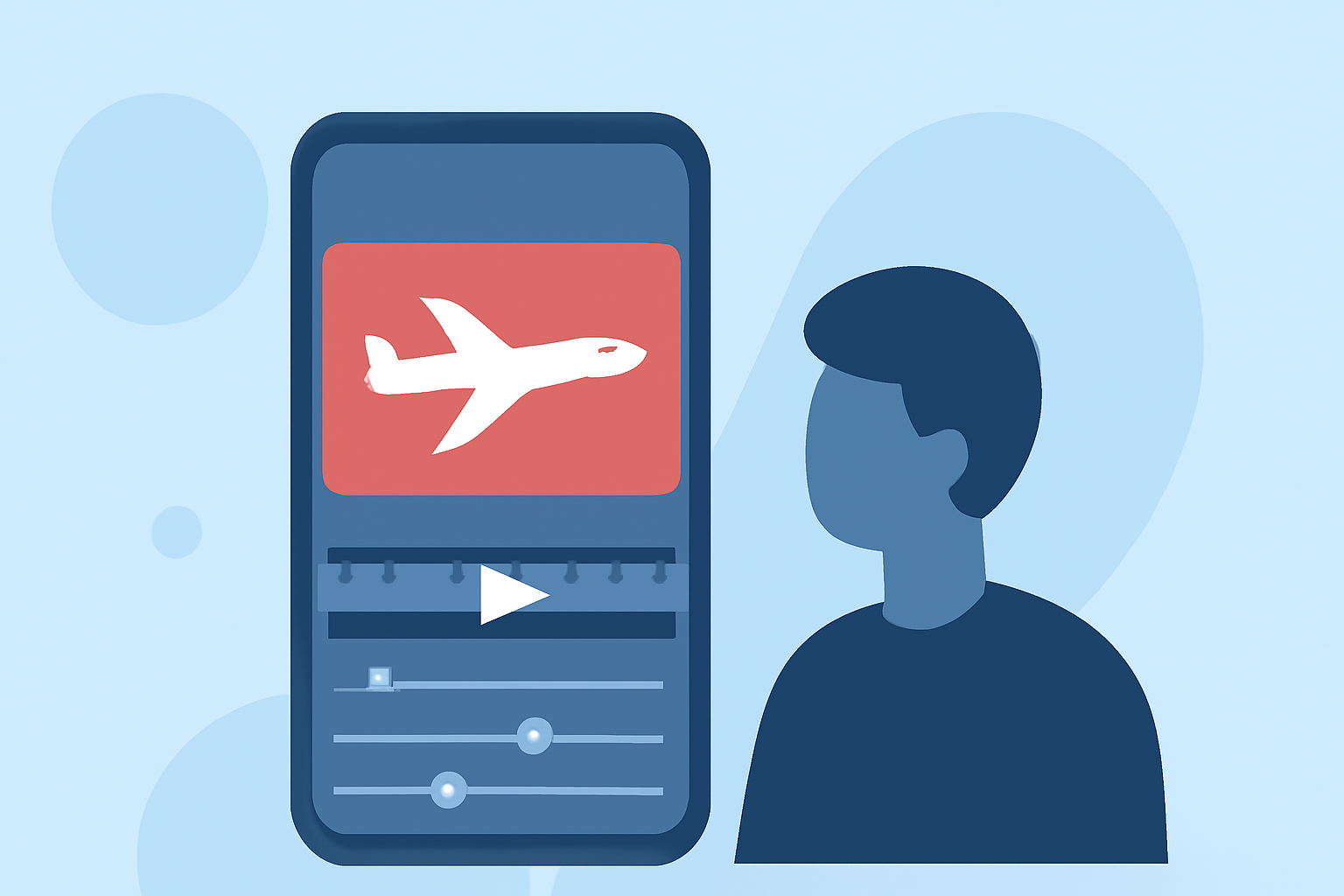
Editing tarmac B-roll footage on your Android device can significantly enhance the visual appeal of your videos. By capturing dynamic shots of aircraft on the runway and applying thoughtful editing techniques, you can create compelling content that engages your audience.
What Is B-Roll and Why Is It Important?
B-roll refers to supplementary footage that supports the main narrative, providing context and visual interest. In aviation videos, tarmac B-roll captures the activity on the runway, such as aircraft movements, ground crew operations, and aircraft details, enriching the storytelling by offering diverse perspectives.
How to Capture Effective Tarmac B-Roll Footage
- Plan Your Shots: Identify key moments like aircraft takeoffs, landings, and taxiing.
- Use a Stabilizer: Employ a gimbal or tripod to minimize camera shake, ensuring smooth footage.
- Adjust Exposure Settings: Set your camera's ISO, shutter speed, and aperture to achieve optimal lighting conditions.
- Incorporate Movement: Capture panning shots or follow the aircraft to add dynamism to your footage.
Editing Tarmac B-Roll on Android Devices
Editing on Android offers flexibility and convenience. Here are some techniques to enhance your tarmac B-roll:
- Trimming and Cutting: Remove unnecessary sections to focus on the most impactful moments.
- Color Correction and Grading: Adjust brightness, contrast, and saturation to achieve a consistent and professional look.
- Adding Transitions: Use subtle transitions like cross dissolves to maintain a smooth flow between clips.
- Incorporating Sound Design: Enhance the auditory experience by adding ambient sounds or background music that complements the visuals.
Recommended Android Apps for B-Roll Editing
Several Android applications offer robust features for video editing:
- Kinemaster: Provides multi-layer video editing, blending modes, and a wide range of effects.
- FilmoraGo: Offers intuitive controls, templates, and a variety of filters suitable for both beginners and advanced users.
- Adobe Premiere Rush: Delivers professional-grade editing tools with a user-friendly interface, ideal for quick edits on the go.
Tips for Seamless B-Roll Integration
- Maintain Consistency: Ensure that your B-roll matches the style and tone of your primary footage.
- Use Cutaways Strategically: Insert B-roll during pauses or transitions in your main footage to keep the audience engaged.
- Sync with Audio: Align your B-roll with the audio track to create a cohesive narrative.
Conclusion
Mastering tarmac B-roll editing on Android devices allows you to produce dynamic and engaging aviation videos. By capturing high-quality footage and applying effective editing techniques, you can create content that resonates with your audience.
For a comprehensive guide on B-roll techniques and editing tips, consider exploring resources like InVideo's B-Roll 101.
Remember, the key to compelling B-roll is thoughtful planning, creative shooting, and meticulous editing. With the right tools and techniques, you can elevate your video projects to new heights.