22 June 2026
How to Add a Travel Map Overlay to Your YouTube Shorts

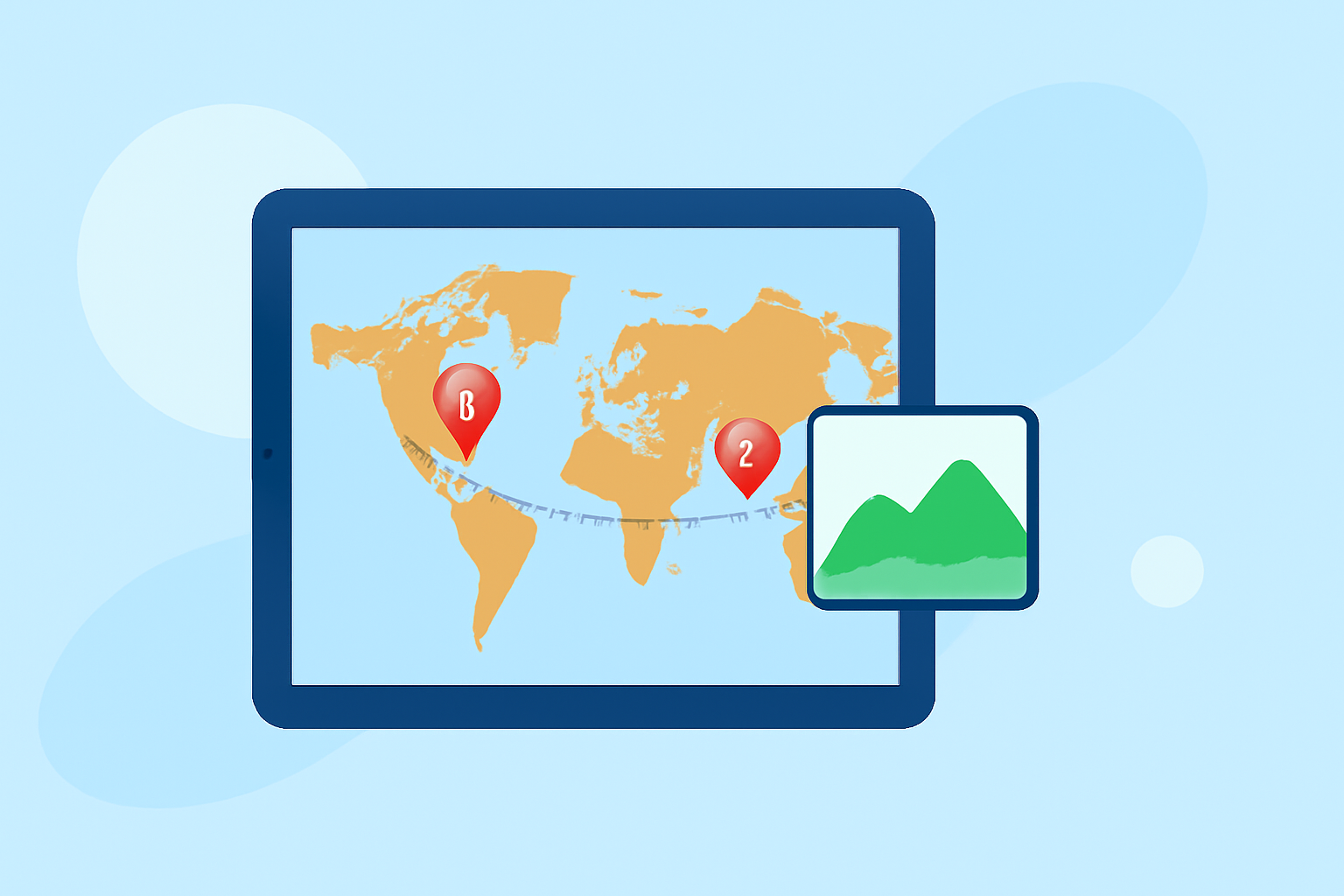
Adding a travel map overlay to your YouTube Shorts can significantly enhance your content, providing viewers with a visual representation of your journey. Here's a step-by-step guide to help you incorporate this feature seamlessly.
1. Choose the Right Tool for Map Animation
Selecting an appropriate tool is crucial for creating engaging map animations. Here are some options to consider:
MapReel
An iOS app that allows you to create animated travel route videos with customizable vehicles and map styles. (mapreel.app)
Map transformations | Guides | Map tiling hosting | Data processing | MapTiler
Mapimator
An online platform enabling you to animate routes, paths, and regions without the need for software downloads. (mapimator.com)
Studio panels
Mappi
A browser-based tool designed for creating cinematic travel map videos, suitable for various social media platforms. (mappi.studio)
How to Create Your First travel map animation in mult.dev
Mult.dev
An app that transforms your travels into animated videos, offering features like route customization and photo additions. (apps.apple.com)
2. Create Your Travel Map Animation
Once you've selected a tool, follow these general steps:
- Input Your Travel Data: Enter the locations and routes of your journey.
- Customize the Map: Choose map styles, add markers, and select transportation modes to match your video's theme.
- Generate the Animation: Preview and export the animated map as a video file.
3. Integrate the Map Animation into Your YouTube Short
After creating the map animation:
- Upload Your Short: Open the YouTube app and tap the '+' icon to create a new Short.
- Add Your Content: Record or upload your video footage.
- Edit Your Short: Use YouTube's editing tools to add text, stickers, and other elements.
- Overlay the Map Animation: Import the map animation video and position it appropriately within your Short.
4. Optimize for Viewer Engagement
To ensure your map overlay enhances viewer experience:
- Maintain Clarity: Ensure the map is legible and not cluttered.
- Use Consistent Branding: Match the map's style with your channel's aesthetic.
- Keep It Concise: Since Shorts are brief, keep the map animation short and to the point.
By following these steps, you can effectively incorporate a travel map overlay into your YouTube Shorts, providing your audience with a visual journey that complements your content.