22 June 2026
How to Add Travel Map Overlays on Your iPad
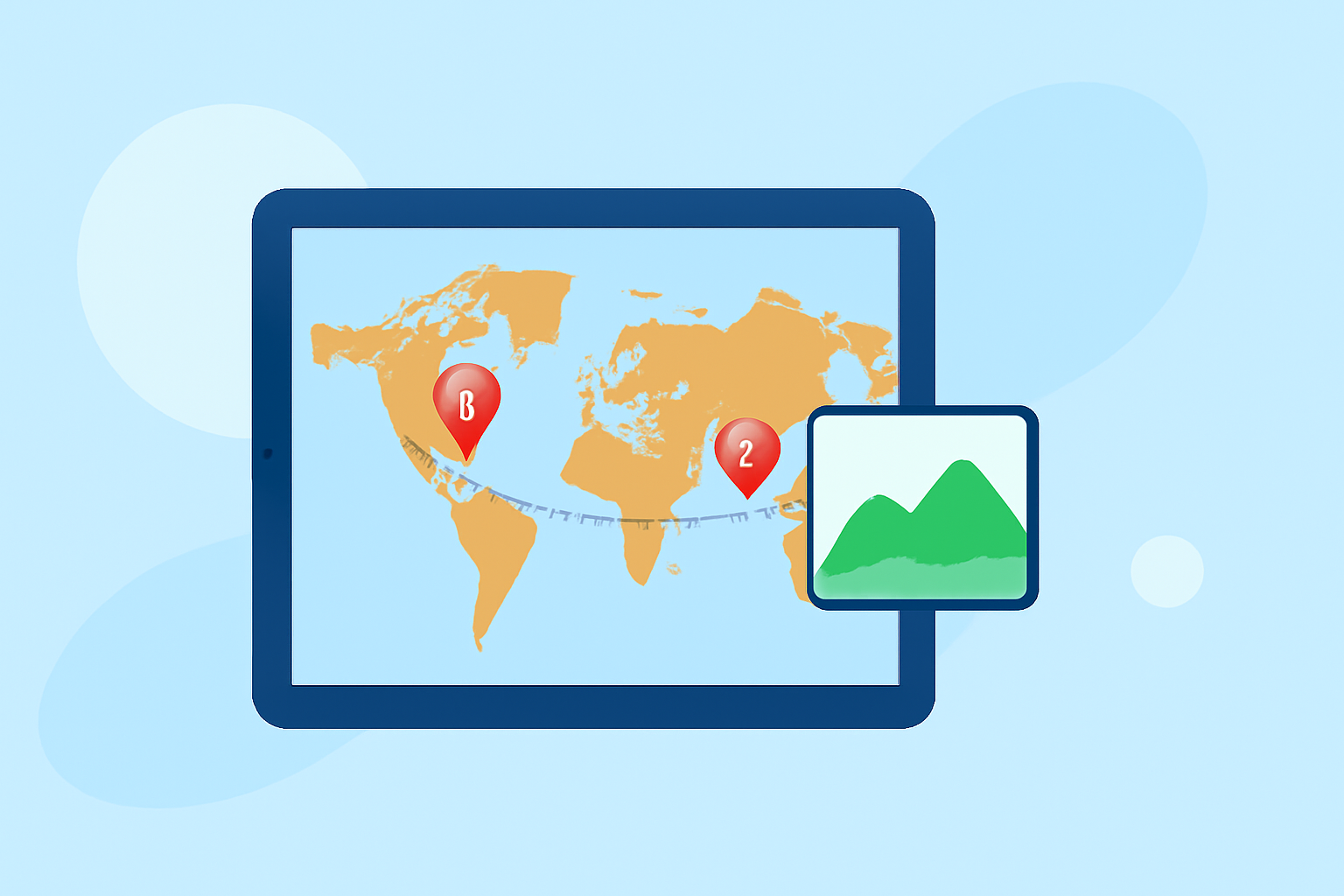
Traveling offers the opportunity to explore new destinations and create lasting memories. Enhancing your travel maps with custom overlays can provide a personalized touch, helping you visualize your journey and plan future adventures. In this guide, we'll explore how to add travel map overlays on your iPad and introduce Planes Live as a versatile solution for this purpose.
What Are Map Overlays?
Map overlays are additional layers of information superimposed onto a base map. They can include routes, points of interest, annotations, or custom images, providing context and enhancing the map's utility. Adding overlays allows travelers to mark visited locations, plan routes, or highlight specific areas of interest.
How to Add Map Overlays on Your iPad
Adding map overlays on your iPad can be accomplished through various applications designed for this purpose. Here's a general approach:
-
Choose an App: Select an application that supports map overlays.
-
Import Your Overlay: Upload your custom overlay, which could be an image or a file containing your data.
-
Align the Overlay: Position the overlay accurately on the map by adjusting its scale, rotation, and position.
-
Adjust Transparency: Modify the opacity of the overlay to ensure underlying map details remain visible.
-
Save and Share: Save your customized map for personal use or share it with others.
Recommended App: Planes Live
For a comprehensive and user-friendly experience, we recommend Planes Live. This application allows you to add custom overlays to your maps, offering features such as precise alignment, adjustable transparency, and seamless sharing options. Its intuitive interface makes it accessible for both casual travelers and professionals.
Benefits of Using Planes Live
-
User-Friendly Interface: Designed for ease of use, allowing quick customization of map overlays.
-
Versatility: Supports various types of overlays, including images and data files.
-
Precision: Offers tools for accurate alignment and scaling of overlays.
-
Sharing Capabilities: Enables sharing of customized maps with others, facilitating collaborative planning.
Alternative Applications
While Planes Live is a robust solution, other applications also offer map overlay functionalities. For instance, MappedOut allows users to track countries visited and flights taken, displaying them on an interactive map. Overlaid enables the addition of images onto live maps, useful for comparing historical maps with current ones. MapOut provides offline maps with detailed terrain, suitable for hikers and cyclists. Each of these apps offers unique features catering to different travel needs.
Conclusion
Enhancing your travel maps with custom overlays can significantly enrich your travel experience, providing personalized insights and aiding in planning. While several applications offer this functionality, Planes Live stands out for its comprehensive features and user-friendly design. By utilizing such tools, you can create detailed and customized maps that reflect your unique travel journey.