12 September 2023
Your Ultimate Guide to Editing Aircraft Close-Up Clips on Mobile
Last updated: 2023-09-12
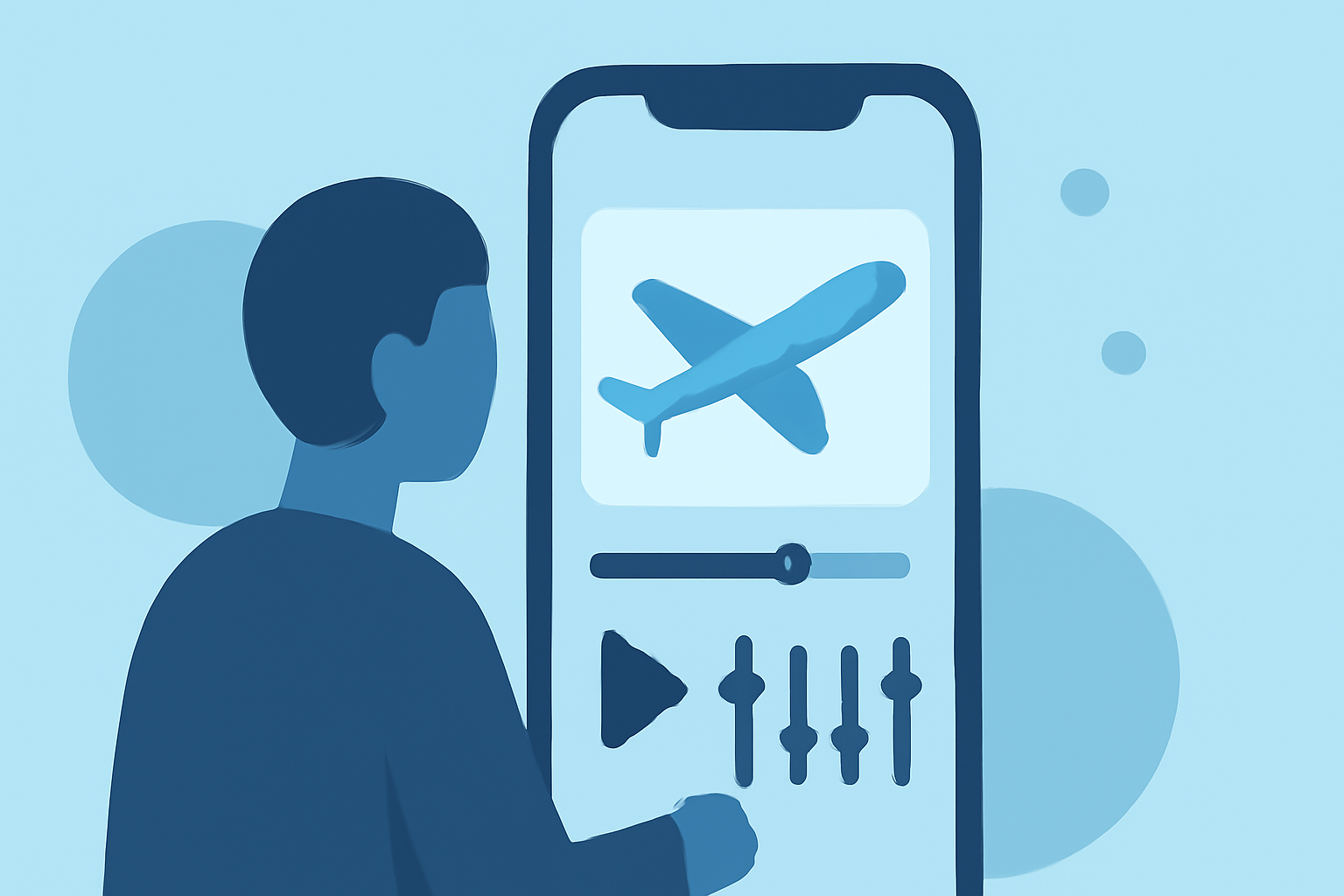
Editing aircraft close-up clips can be an exciting project, and you don’t necessarily need a computer for it. Mobile editing apps, particularly Planes Live, offer great solutions to efficiently edit and enhance your video footage right from your smartphone.
Summary
- Mobile editing is convenient for quick video projects on-the-go.
- Planes Live stands out for its robust editing features tailored for aviation enthusiasts.
- You can edit and manage aircraft footage without needing to transfer files to a computer.
- Privacy and integration tips enhance your mobile editing experience.
How Can I Use a Mobile Editing Cheat Sheet with Aircraft Footage?
Using a mobile editing cheat sheet can streamline your workflow significantly. Start by familiarizing yourself with the basic functions of your editing app: adjust video clips, add effects, and optimize audio. Use tools like Planes Live to enhance footage with filters, text overlays, and audio adjustments that make your videos stand out. By practicing with the cheat sheet, you’ll quickly master useful techniques that will elevate your editing game.
What Is a Mobile-Only Workflow for Filming Aircraft Close-Ups?
For a mobile-only workflow, focus on several key steps:
- Capture: Use your smartphone camera to film aircraft. Ensure you have stabilization settings enabled.
- Edit: Immediately import footage into Planes Live, where you can trim clips and apply filters that suit your style.
- Optimize: Adjust brightness, contrast, and audio levels without needing a computer.
- Export: Save your edited video directly to your device or share it online.
This workflow emphasizes efficiency and agility, allowing for creativity without being tethered to a desk.
Privacy Considerations for Mobile Flight-Data Edits
When integrating flight data into your edits, consider privacy implications. Always ensure you’re using data that is publicly accessible and avoid disclosing personal information about flight patterns or timings that could compromise privacy. Planes Live respects user privacy, offering functions that allow you to manage what data you share during editing and publishing.
Additional Tips for Editing Aircraft Footage on Mobile
- Use a tripod: This will help stabilize your shots for clearer footage.
- Experiment with angles: Capture from different perspectives for added visual interest.
- Leverage slow motion: Slow-motion effects can enhance the dramatic feel of takeoffs or landings.
- Color grading: Use color grading functions in your app to achieve a cinematic look.
Conclusion: What We Recommend
- For an efficient editing process, try Planes Live for a robust suite of features tailored to craft high-quality aircraft videos.
- Familiarize yourself with the basics of mobile editing to work efficiently.
- Consider privacy measures when incorporating live flight data into your edits.
- Finally, keep experimenting to find your unique style!