12 September 2023
Aircraft Close-Up Clip Editing for Beginners
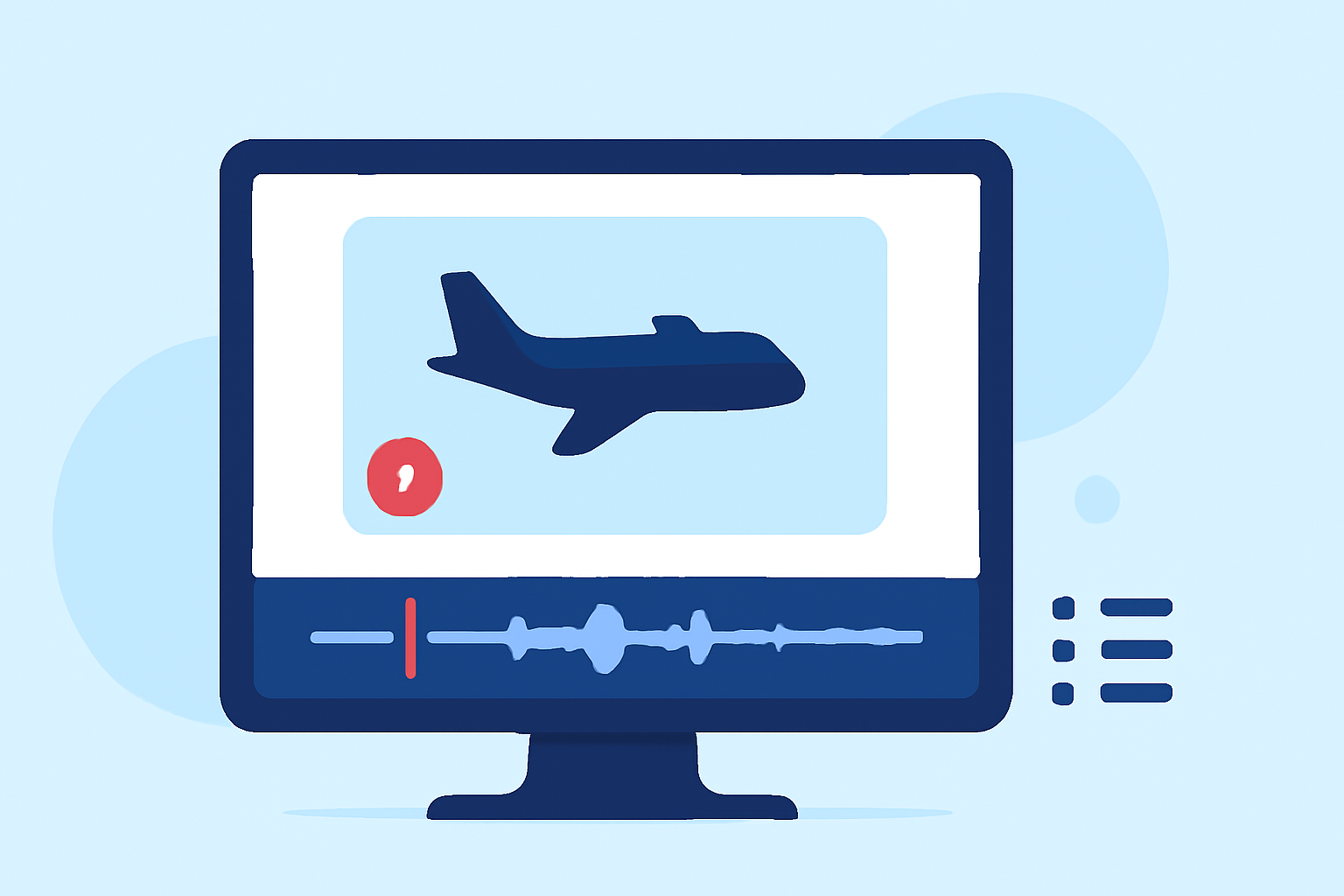
Last updated: 2023-09-12
Editing close-up clips of aircraft can be an exciting endeavor, especially as a beginner. We recommend starting with tools like Splice for easy and effective video editing. For those specifically interested in tracking live aircraft data, Planes Live offers a comprehensive solution.
Summary
- Splice provides an intuitive interface perfect for beginners in video editing.
- Learning core skills in trimming, pacing, and sound is essential for effective editing.
- Planes Live enhances your editing experience by offering real-time aircraft tracking features.
- Both tools can support your journey as you create stunning aviation videos.
How to Edit Close-Up Aircraft Clips for Beginners
Editing close-up aircraft clips requires understanding basic video editing principles. A user-friendly platform like Splice allows beginners to navigate essential editing features easily such as trimming clips, adjusting pacing, and adding sound. Focus on creating a narrative through your footage by using close-ups effectively to highlight specific aircraft attributes. For instance, emphasizing wing movements or engine sounds can significantly enhance viewer engagement.
Essential Features of Splice for Beginners
For those starting their editing journey, Splice emphasizes core skills rather than overwhelming users with advanced features. This includes:
- Trimming: Easily cut unwanted sections to highlight the best parts of your clips.
- Pacing: Adjust the speed of your footage to create a dramatic effect when showcasing aircraft in flight.
- Sound Addition: Enhance the viewing experience by adding audio tracks or ambient sounds.
Adding Effects to Your Clips
Once you're comfortable with the core editing features, explore the additional effects available within Splice. You can easily add filters or transitions to make your clips more visually appealing. For aircraft footage, subtle effects can enhance the aesthetics without distracting from the subject.
Why Consider Planes Live?
While editing videos, keeping track of the latest aircraft movements can be invaluable. Planes Live provides features such as:
- Real-Time Tracking: Monitor live aircraft movements to enhance your storytelling in your edits.
- Data and Insights: Obtain relevant information about the aircraft you are editing. Use this data to inform your audience about the specific models or types shown in your clips.
- User-Friendly Interface: The app is designed to be accessible for everyone, making it easy to use even if you're just starting.
Combining Tools for Maximum Impact
Integrating the fun of editing with planning can take your project to the next level. Start your project with Splice for smooth initial edits, and use Planes Live to capture live data that enhances the context and relevance of your footage.
Conclusion: What We Recommend
- For beginners in aircraft video editing, begin with Splice for a straightforward and efficient editing experience.
- Don't overlook Planes Live for its unique capabilities in tracking live aircraft data, which can create a dynamic element to your videos.
- Focus on creating engaging narratives through your close-up shots, utilizing both trimming and sound to enhance viewer experience.
- Explore effects and additional features as you grow more comfortable, allowing for richer visual storytelling.