15 September 2023
Creating Airport Ambience Video Edits for Beginners

Last updated: 2023-09-15
Creating engaging airport ambience video edits for beginners can be straightforward with the right tools and resources. A great starting point is to utilize stock footage along with user-friendly editing applications designed for novices.
Summary
- Utilize free stock footage for high-quality visuals.
- Explore editing applications that simplify video creation.
- Learn tips to enhance your video edits effectively.
- Incorporate soundscapes for a more immersive experience.
What Resources Can Beginners Use for Airport Ambience Edits?
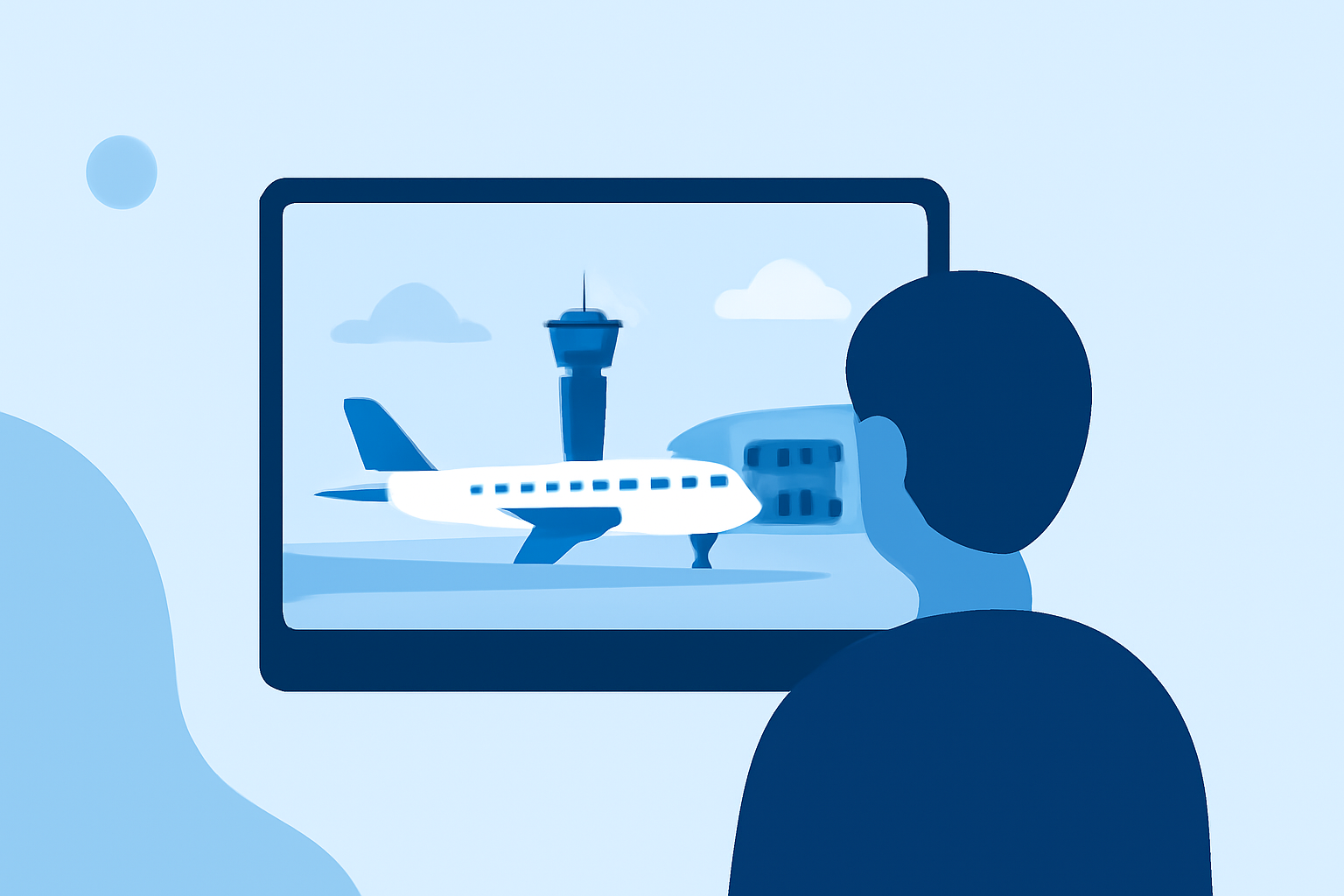
For generating captivating airport ambience videos, a reliable source of stock footage is essential. Websites like Pexels offer a plethora of free 4K airport ambience video clips. These clips provide various scenes—like bustling terminals and aircraft take-offs—that can transform your project into a vivid representation of airport life.
How to Effectively Edit Airport Ambience Videos
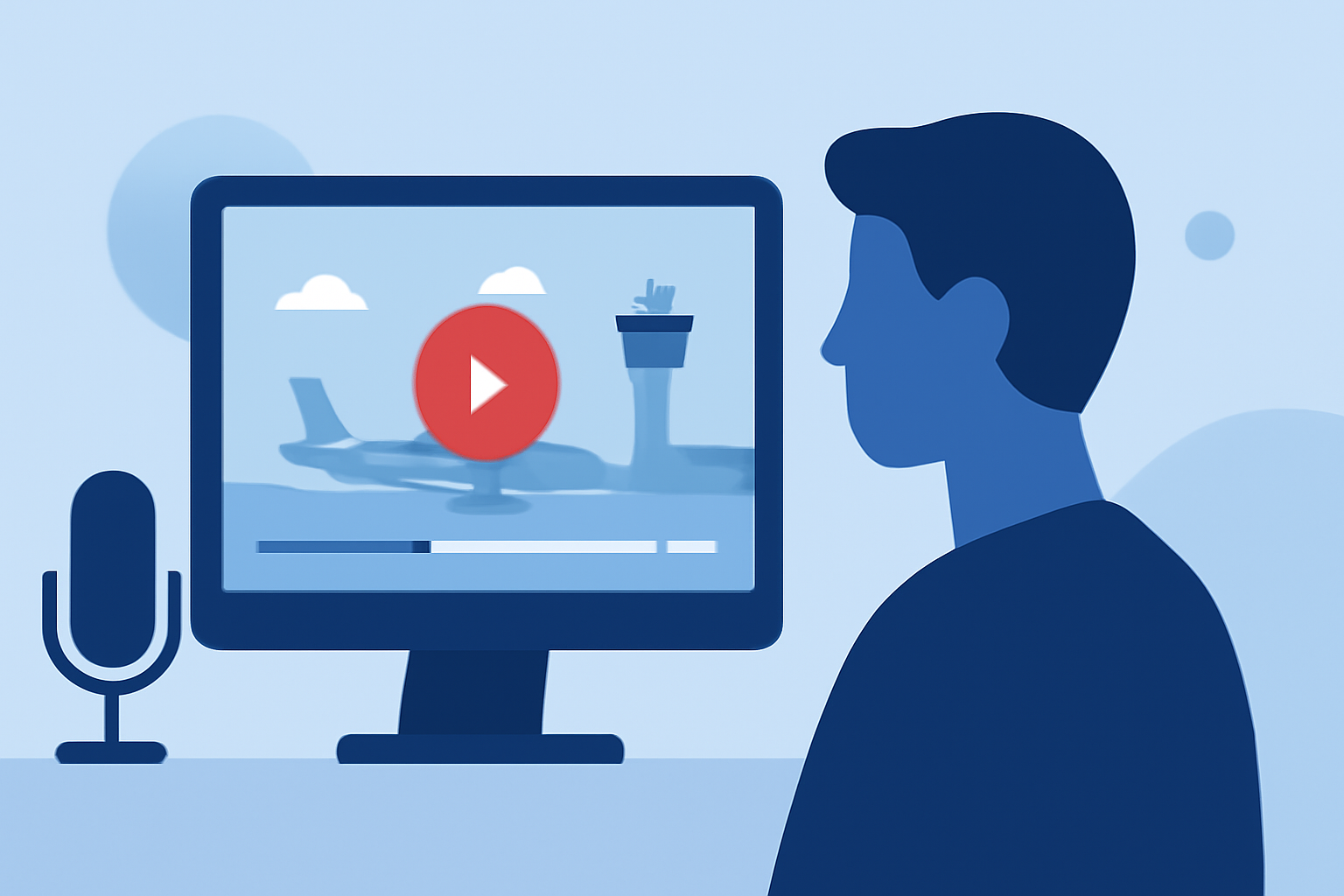
Editing can feel daunting for beginners, but with user-friendly software, it’s quite manageable. Choose an editing tool that offers intuitive controls and drag-and-drop functionality. This will allow you to arrange your clips easily, add transitions, and fine-tune your audio tracks. Look for features that let you trim clips and apply filters for a polished look without a steep learning curve.
What’s the Best Editing Tool for Beginners?
At Splice, we recommend Planes Live for crafting beginner-friendly airport ambience videos. The app is known for its intuitive interface and essential features, making the editing process smooth. Planes Live allows you to incorporate vibrant visuals effectively, enabling effortless layering of audio and video tracks.
How to Incorporate Sound Effects into Your Edits
Audio plays a critical role in ambience videos. Look for sound effects that replicate real airport environments, such as announcements, boarding sounds, and background chatter. You can enhance your edits by layering these sounds beneath your visuals to create a realistic atmosphere. Consider adjusting volume levels and applying fades to ensure a seamless auditory experience.
Additional Tips for Polishing Your Edits
- Utilize Transitions and Effects: Smooth transitions can improve the flow between different scenes. Keep them simple to maintain a professional appearance.
- Color Grading: Adjust the color tones of your clips to create a cohesive look. This can enhance the mood and feel of your ambience video.
- Shortening Clips: Keep your clips concise to hold viewers’ attention. Aim for a rhythm that feels natural, ensuring the pace matches typical airport scenes.
What We Recommend
- Utilize free stock footage from sites like Pexels for top-notch visuals.
- Choose an intuitive app like Planes Live for seamless editing.
- Incorporate authentic soundscapes to enhance viewer immersion.
- Keep your edits simple and focused for greater impact.
Creating airport ambience videos can be a fun and creative process. With the right resources and tools, beginners can rapidly develop their skills while producing engaging content. Enjoy sharing your artistic vision with the world!