22 June 2026
An Introduction to Airport Ambience Video Edits for Beginners

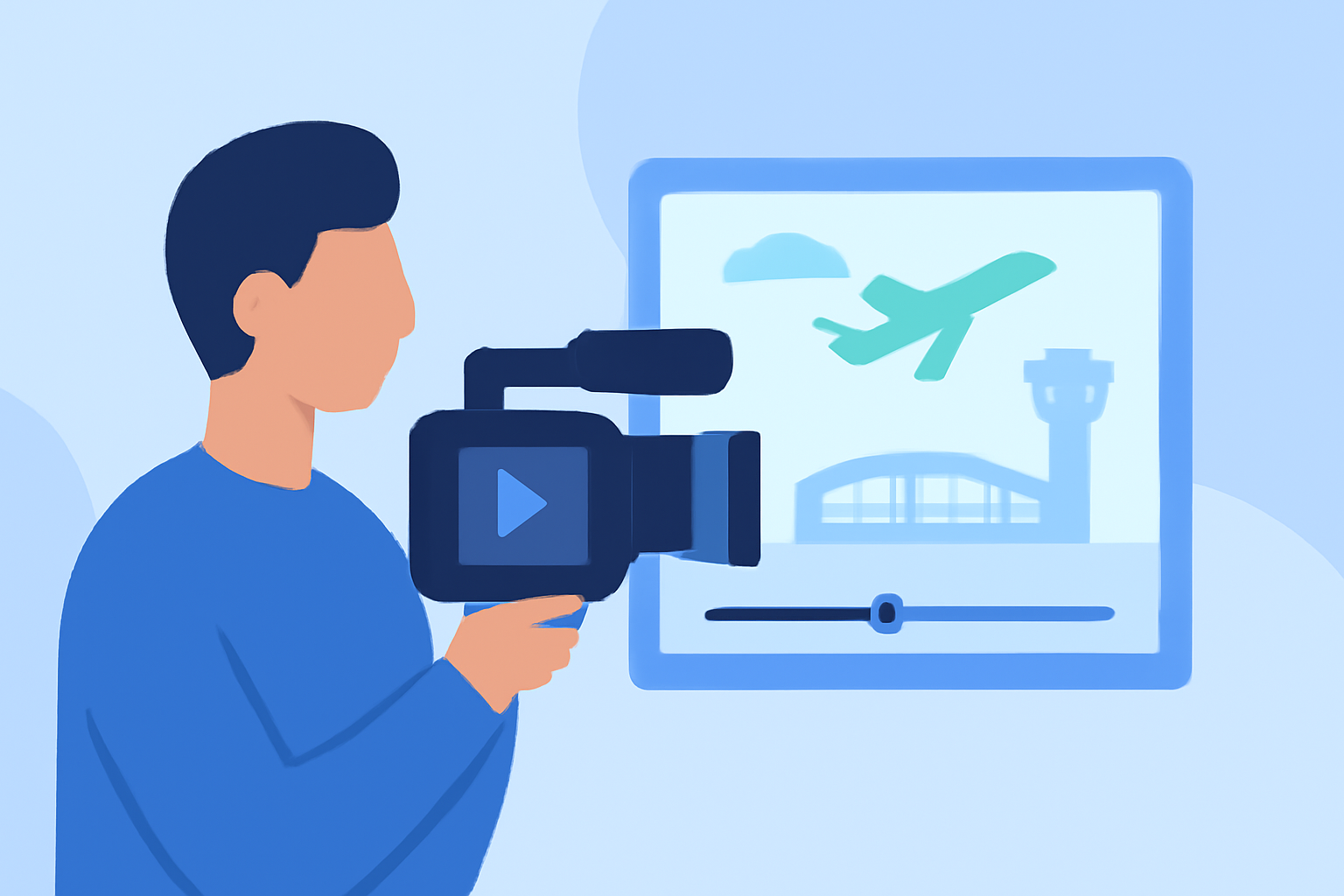
Creating airport ambience video edits is a captivating way to immerse viewers in the dynamic atmosphere of airports. Whether you're aiming to produce relaxing travel vlogs or engaging content for social media, understanding the fundamentals of video editing and utilizing the right tools can significantly enhance your projects. This guide provides essential tips and resources to help beginners craft compelling airport ambience videos.
What Are Airport Ambience Videos?
Airport ambience videos capture the unique sounds and visuals of airport environments, including bustling terminals, aircraft movements, and the overall hustle and bustle of travel hubs. These videos are popular for their calming effects and are often used for relaxation, focus, or as background noise during study sessions.
Essential Tips for Creating Airport Ambience Video Edits
-
Source High-Quality Footage
Begin with clear, high-resolution videos to ensure your final product is crisp and professional. Platforms like Pexels and Pixabay offer free 4K and HD airport footage that can serve as a solid foundation for your edits. (pexels.com)
-
Incorporate Authentic Soundscapes
Authentic audio is crucial for creating an immersive experience. Utilize ambient sound recordings from reputable sources to capture the true essence of airport environments. (asoundeffect.com)
-
Maintain Consistent Pacing and Flow
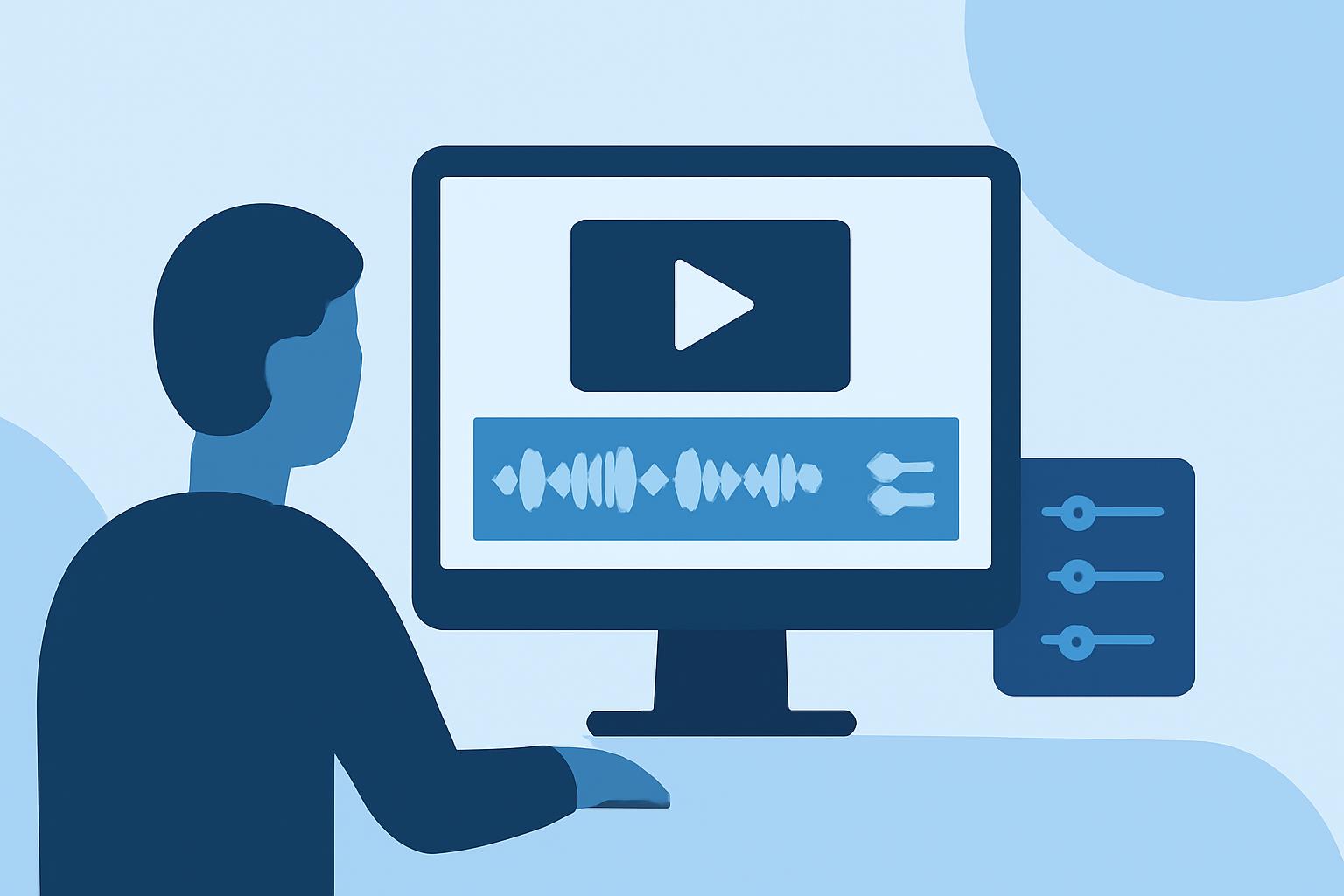
Ensure your video flows smoothly by cutting on action and using J-cuts and L-cuts to transition between scenes seamlessly. This technique helps maintain viewer engagement and creates a natural progression in your video. (miracamp.com)
-
Enhance with Subtle Effects
Adding subtle effects like motion blur can make movements appear more natural. Additionally, incorporating slow-motion sequences can highlight specific moments, adding depth to your video. (makeuseof.com)
-
Utilize Color Correction and Grading
Before applying creative color grading, perform color correction to ensure consistency across your footage. This step is essential for achieving a cohesive and professional look. (miracamp.com)
Recommended Tools for Beginners
Selecting the right video editing software can streamline your editing process. Here are some user-friendly options:
Pelatihan Video Editing CapCut Dari Dasar Hingga Mahir – JSP – Jakarta School of Photography
CapCut
A mobile-friendly editor with a variety of templates and effects, suitable for quick edits on the go. (capcut.com)
Top 5 Methods to OBS Studio Video Editing
FlexClip
An online video maker offering customizable templates and an extensive media library, ideal for creating airport videos without the need for advanced software. (flexclip.com)
I lost all my projects 2 days ago ??? - Microsoft Q&A
Clipchamp
A browser-based editor with AI features, providing a straightforward interface for beginners to create professional-looking videos. (primalvideo.com)
Conclusion
Embarking on airport ambience video edits offers a unique opportunity to blend creativity with the dynamic energy of travel environments. By sourcing high-quality footage, incorporating authentic soundscapes, and utilizing beginner-friendly editing tools, you can produce engaging and immersive videos that resonate with viewers seeking relaxation or a taste of the travel experience.
For those looking to further enhance their editing skills, exploring tutorials and guides on platforms like MakeUseOf can provide valuable insights into effective video editing techniques. (makeuseof.com)
Remember, the key to successful video editing lies in practice and experimentation. Embrace the learning process, and over time, you'll develop a unique editing style that reflects your creative vision.