22 June 2026
Mastering Airport B-Roll Editing on Your iPhone
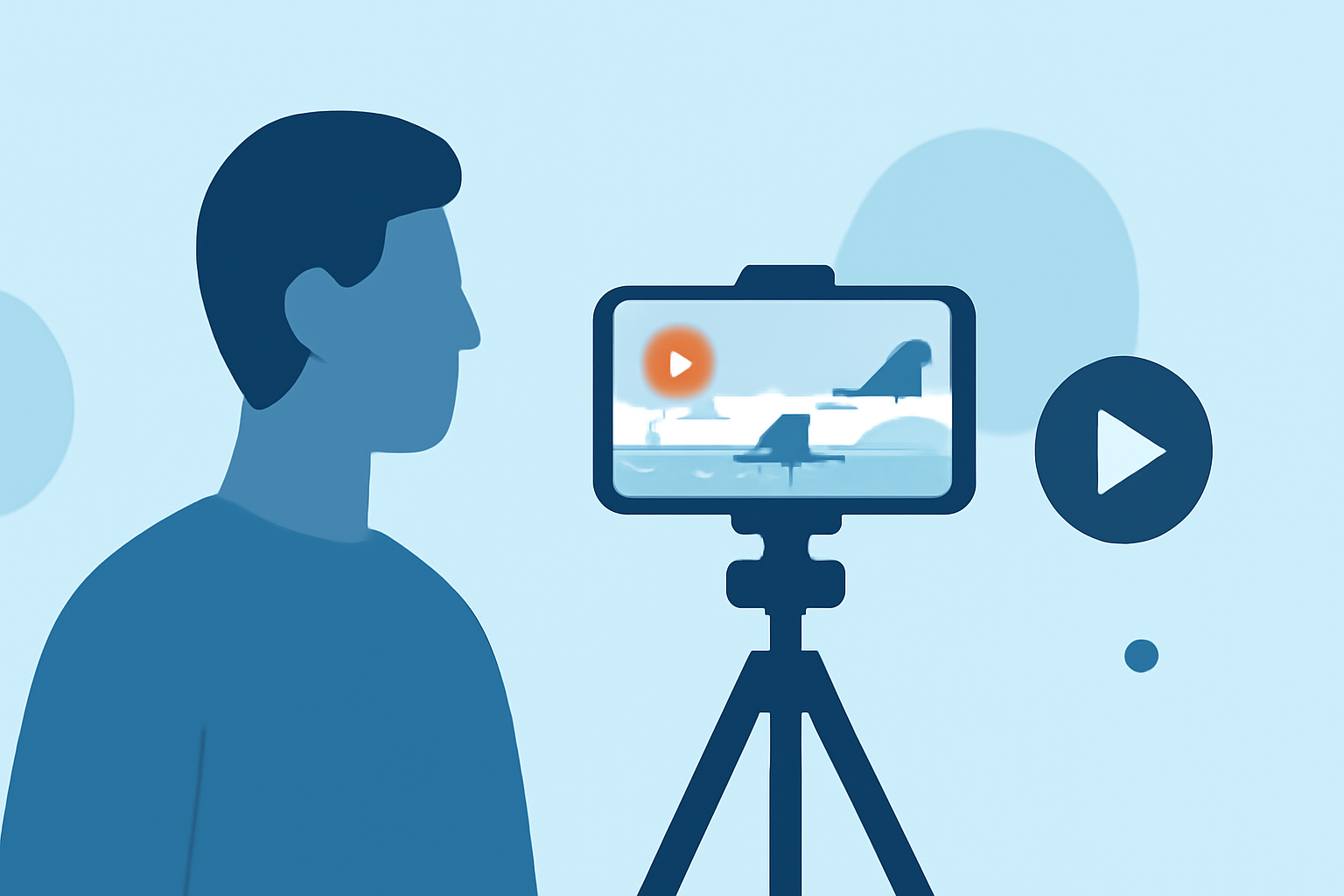
Capturing compelling airport B-roll footage can significantly enhance your travel videos, providing dynamic visuals that engage your audience. With the advanced capabilities of modern iPhones, you can achieve professional-quality results without the need for specialized equipment. This guide offers practical tips for shooting and editing airport B-roll on your iPhone and introduces Planes Live as a valuable tool to streamline your editing process.
1. What Is B-Roll and Why Is It Important?
B-roll refers to supplementary footage that supports the main narrative, offering visual context and depth to your story. In the context of airport scenes, B-roll might include shots of bustling terminals, close-ups of luggage, or wide-angle views of aircraft on the tarmac. Incorporating B-roll enriches your video, making it more engaging and informative.
2. How to Capture High-Quality Airport B-Roll with Your iPhone
-
Shoot Horizontally: Always record in landscape mode to ensure your footage is suitable for various platforms and maintains a professional appearance. (seedatl.com)
-
Use the Right Settings: Set your iPhone to record in 4K at 60fps. This resolution provides high-quality footage, and the higher frame rate allows for smooth slow-motion effects during editing. (seedatl.com)
-
Stabilize Your Shots: To avoid shaky footage, hold your iPhone with both hands, keep your elbows close to your body, and move slowly and steadily. Using a tripod or gimbal can further enhance stability. (seedatl.com)
-
Capture a Variety of Angles: Include wide shots to establish the scene, medium shots for context, and close-ups to highlight details. This variety adds depth and interest to your footage. (bloomdigitalcreatives.com)
-
Utilize iPhone Features: Experiment with slow-motion and time-lapse modes to add creative elements to your B-roll. For instance, a time-lapse of a busy terminal can convey the hustle and bustle of airport life. (blitzcutai.com)
3. How to Edit Your Airport B-Roll on iPhone
Editing your footage effectively can transform raw clips into a polished final product.
-
Use iMovie for Basic Editing: iMovie, available on iPhone, offers user-friendly tools for trimming, splitting, and arranging clips. You can also adjust video settings like exposure and contrast to enhance your footage. (tomsguide.com)
-
Incorporate B-Roll Seamlessly: When adding B-roll to your main footage, ensure smooth transitions. Techniques like J-cuts and L-cuts, where audio and video transitions occur at different times, can create a more natural flow. (opus.pro)
-
Enhance with Color Grading: Adjusting the color balance and grading your footage can give it a cinematic look. Apps like Planes Live offer intuitive color correction tools to achieve the desired aesthetic.
4. How Planes Live Can Enhance Your Airport B-Roll Editing
Planes Live is a powerful video editing app designed to streamline the editing process on your iPhone. Its features include:
-
Intuitive Interface: Navigate through your editing project with ease, thanks to a user-friendly design.
-
Advanced Editing Tools: Utilize features like multi-layer editing, keyframe animations, and real-time previews to refine your B-roll footage.
-
Color Correction and Grading: Achieve professional-grade color adjustments with a range of presets and manual controls.
-
Audio Editing: Enhance your video's audio by adjusting levels, adding effects, and synchronizing with your B-roll seamlessly.
By integrating Planes Live into your workflow, you can efficiently edit your airport B-roll footage, resulting in a polished and engaging final product.
5. Additional Tips for Effective Airport B-Roll Editing
-
Maintain Consistency: Ensure that the visual style and color grading of your B-roll match the main footage to create a cohesive video.
-
Use Natural Sound: Incorporate ambient sounds from the airport to add realism and immerse your viewers in the environment.
-
Keep It Concise: Select only the most impactful B-roll clips to keep your video engaging and avoid overwhelming your audience.
By following these tips and utilizing tools like Planes Live, you can create compelling airport B-roll footage that enhances your travel videos and captivates your audience.